

Switch from boxing to cannon mode
Switch to cannon gameplay by choosing the Level 50 tile from Home / Choose a Weapon. Press Switch Game Mode after selecting it.
Requires the Windows app and the Bytonian Mods browser extension for Chrome or Edge. Browser setup guide

Mode labels and stage numbers
A mode's level label identifies its tile on the selection screen; it does not set your current stage to that number. Choose Level 50 for cannon mode, then aim and fire normally.
Available game actions
Switch Game ModePremium
Switch to another game mode from the Home selection screen. The Level 50 choice opens cannon gameplay.
Open Home / Choose a Weapon, choose the mode in this control, then press Switch Game Mode.
Select a mode from the Home selection screen. Its label does not set your current stage number.
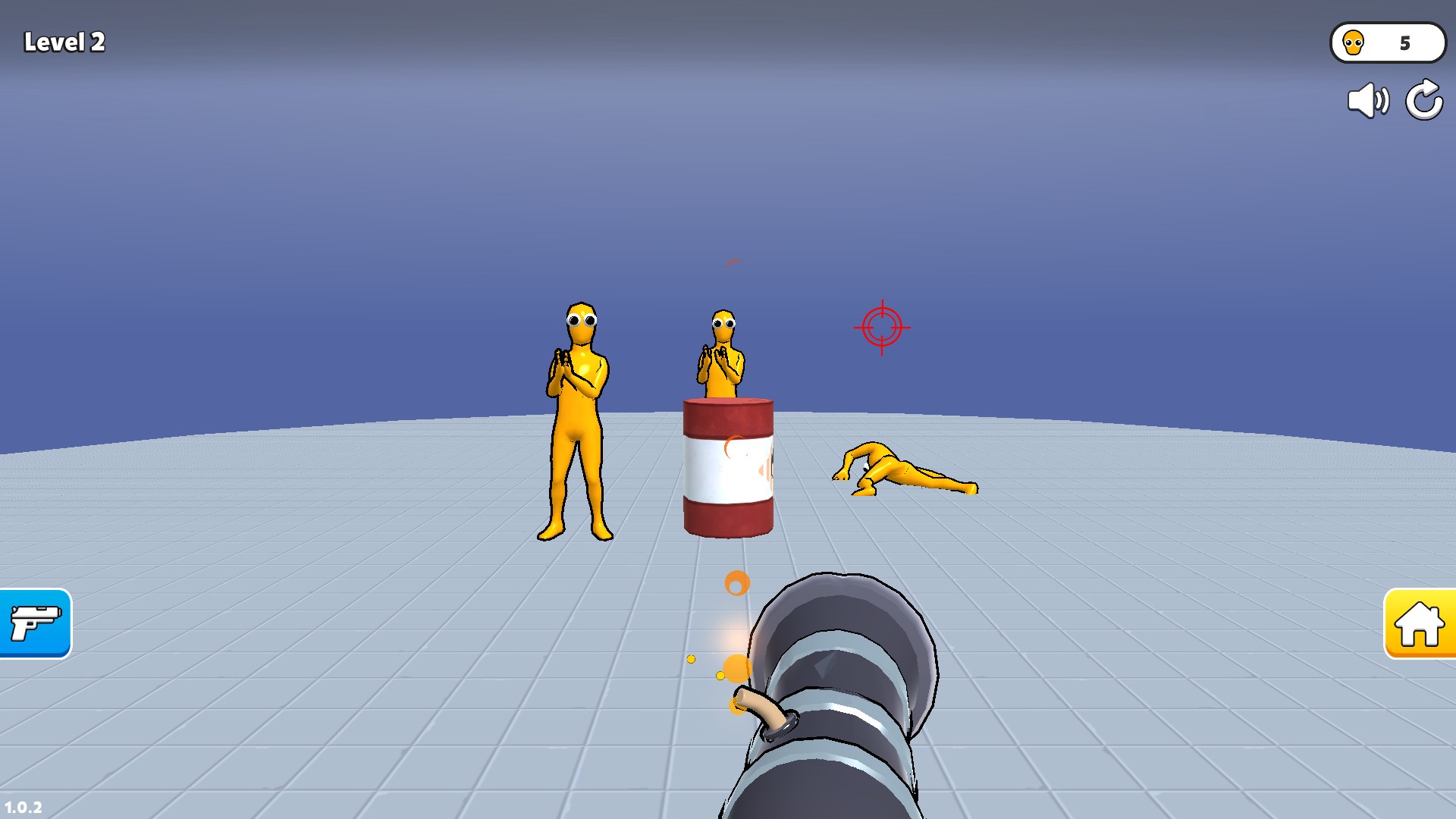
Switch to cannon mode
Open the Home selection screen and choose the Level 50 mode to try its cannon. The mode choice does not change your current level number.
More ways to customise Fun Ragdoll Challenge! Mini Games Collection!
- Fun Ragdoll Challenge! Mini Games Collection! resources
Equip a boxing variant; choice 1 adds a green sleeve and a yellow bracelet.
Using these features
Choose the feature in the Windows app after connecting your game. Check its requirements before making a change.
Setup for Fun Ragdoll Challenge! Mini Games Collection! →