

Resources
1 optionEquip a boxing variant; choice 1 adds a green sleeve and a yellow bracelet.
View resources →Choose a new boxing glove look while you aim at ragdolls, or switch to cannon mode from Home / Choose a Weapon. The glove change affects appearance; the mode selector opens another way to hit the targets.
Requires the Windows app and the Bytonian Mods browser extension for Chrome or Edge. Browser setup guide

Start with free mods
Download Bytonian Mods for Windows and try these free features. Choose one to see how it works and any requirements.
Equip a different boxing glove variant. Choice 1 gives the glove a green sleeve and yellow bracelet.
While boxing, choose a variant from 0 to 5. Choose 1 for the green sleeve and yellow bracelet.
Use while boxing to change the equipped glove appearance.
Give your glove a different look with Weapon Variants, or open another game mode from the Home selection screen with Mode Selector.
Start the game with Bytonian Mods connected and open the control you want. Use Weapon Variants during boxing. For Mode Selector, first open Home / Choose a Weapon, choose a mode in the mod and press Switch Game Mode.
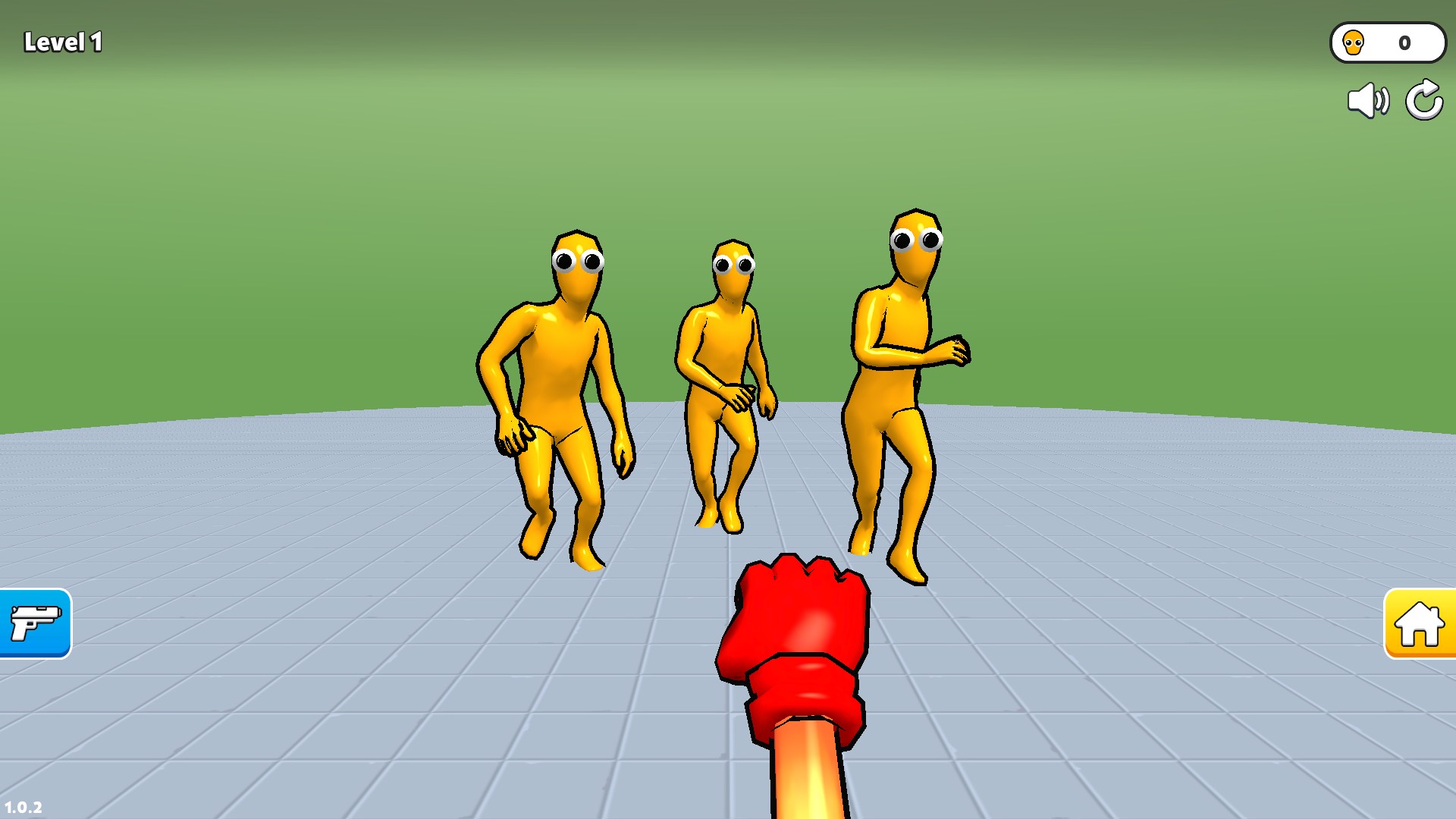
Ragdoll boxing in Fun Ragdoll Challenge
Aim the red glove at the yellow ragdolls and send them tumbling.
Equip a boxing variant; choice 1 adds a green sleeve and a yellow bracelet.
View resources →Choose a mode from the Home screen; the Level 50 choice opens cannon gameplay.
View game actions →Download the Windows app and follow the setup prompts.
Set up the browser extension in Chrome or Edge, then open the supported YouTube Playable. Follow the connection guide if the game is already running.
Review the available options in the app and choose the ones that suit how you play.