

Prepare credits and power-ups for FootChinko
Set your credits balance or ready a power-up charge, apply the change and return to the match.
Requires the Windows app and the Bytonian Mods browser extension for Chrome or Edge. Browser setup guide

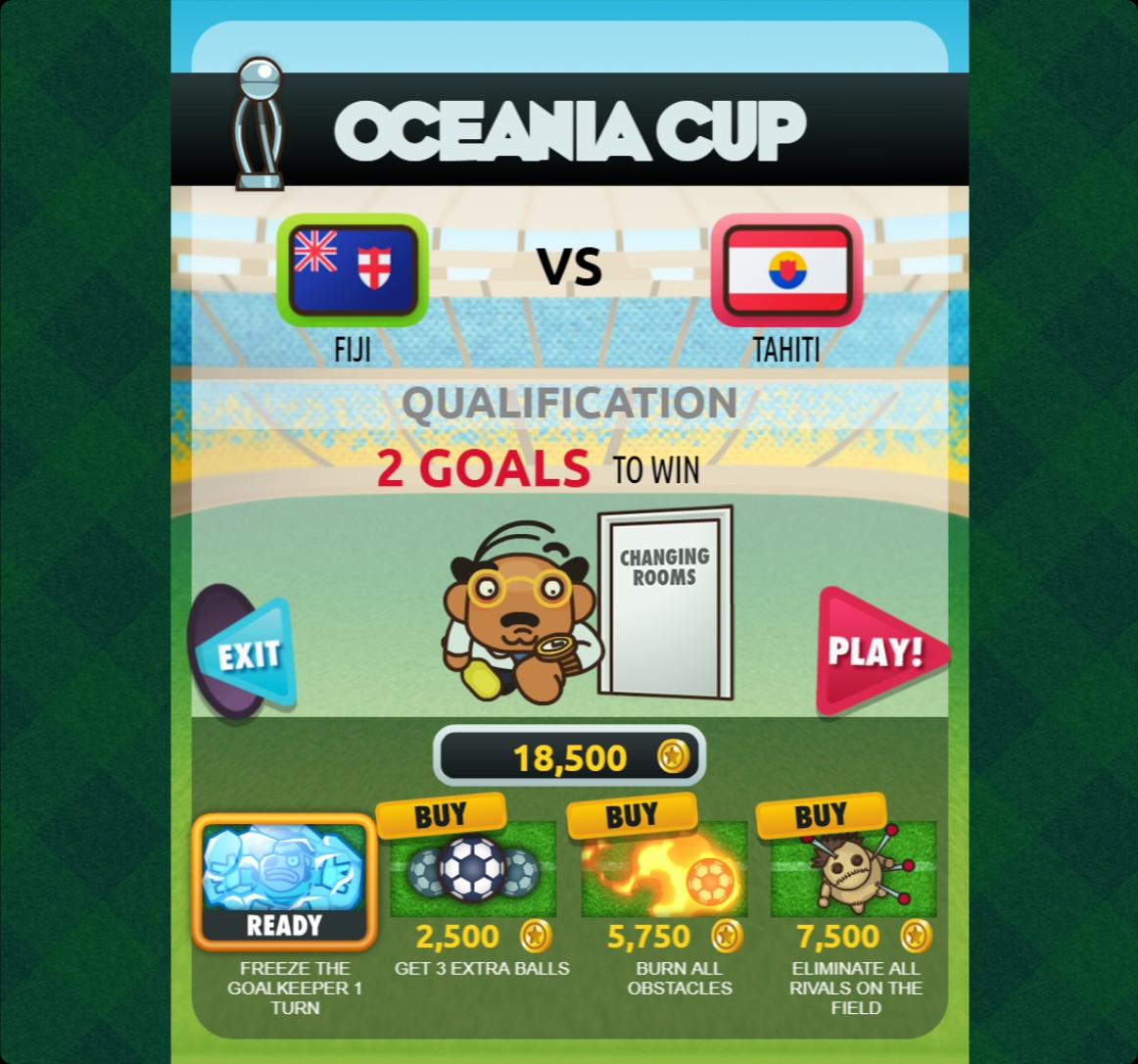
Buy power-ups with your chosen credits
Set your credits and shop for power-ups before a match. A goalkeeper-freeze purchase leaves 18,500 credits and the charge ready to use.
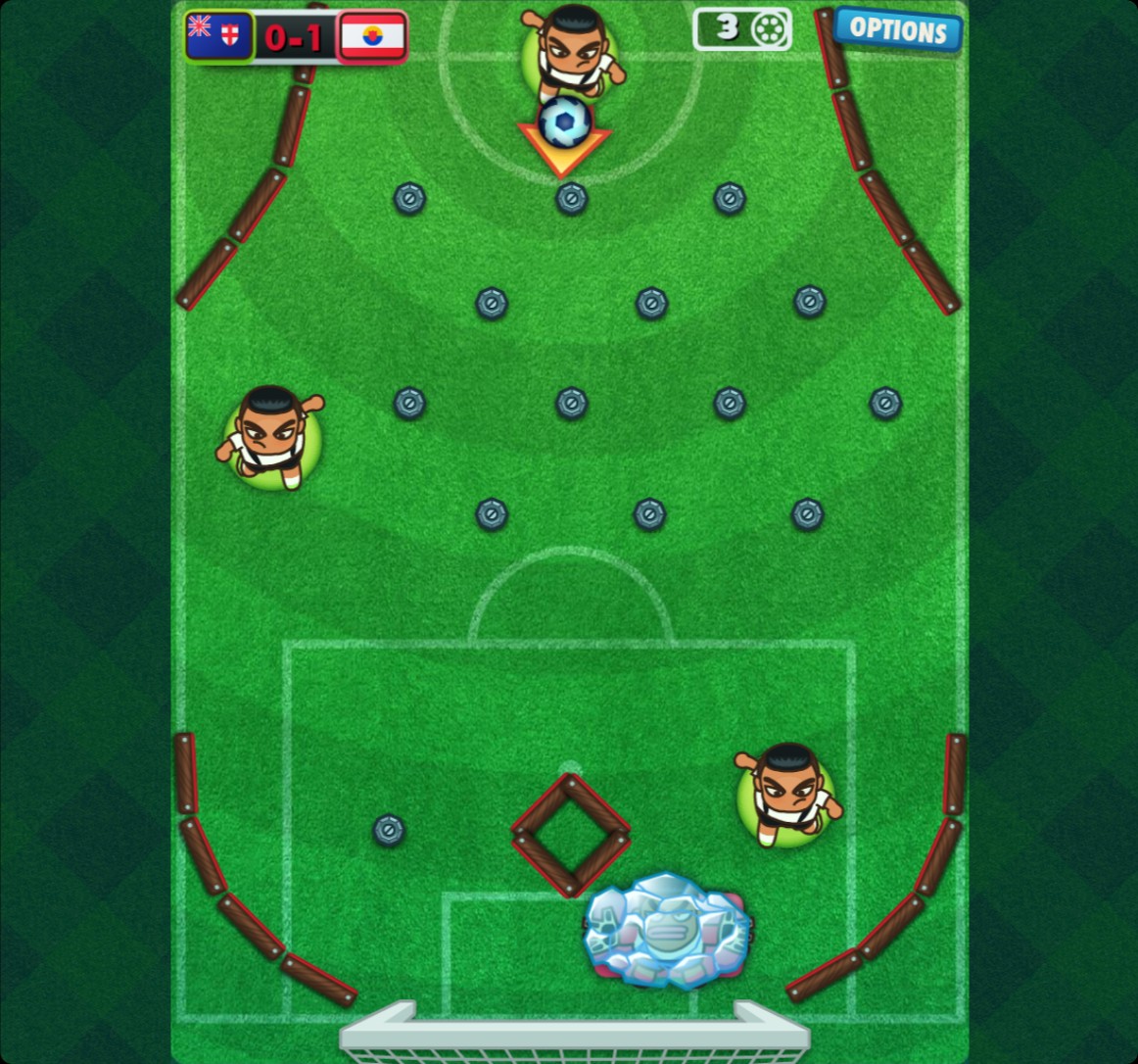
Freeze the goalkeeper for a turn
Ready a freeze charge, then activate it before your shot to hold the goalkeeper in an ice block for one turn.
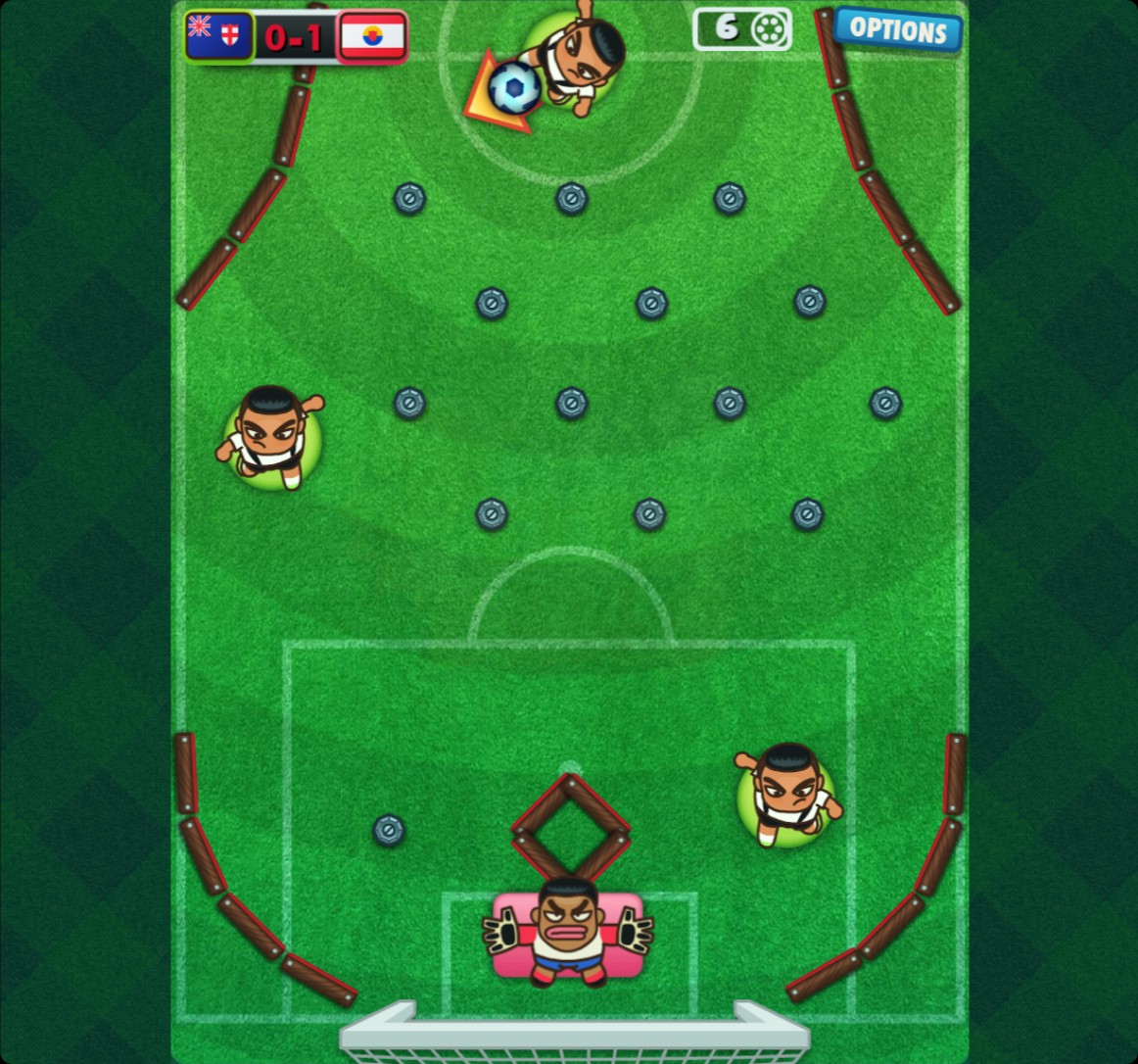
Add three extra balls
Ready an extra-balls charge and activate it before a shot. This match goes from three balls to six, giving you more attempts to reach the goal target.
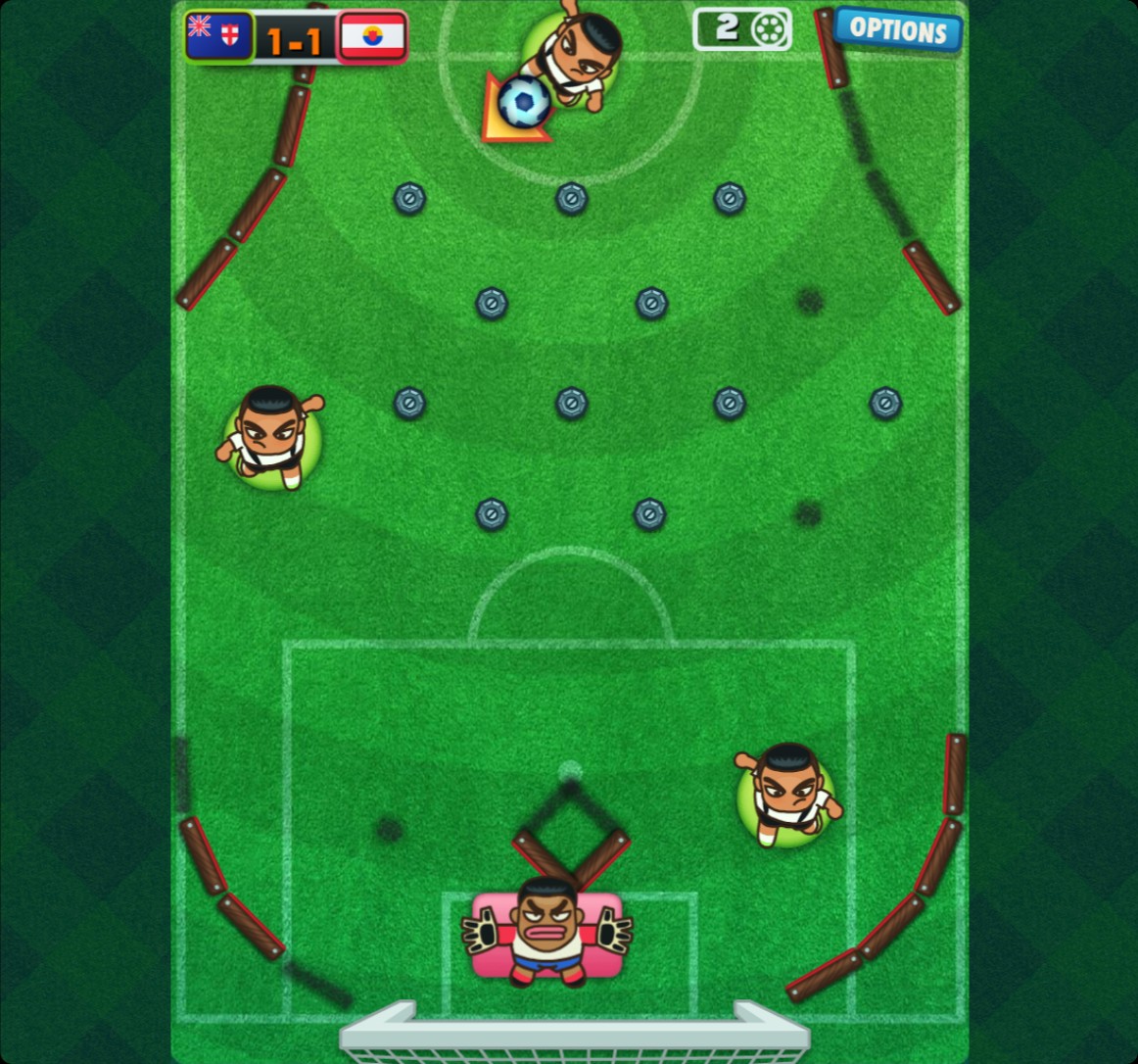
Burn a path through obstacles
Ready a fireball charge and activate it before your shot. Burnable obstacles leave scorched gaps as the ball passes through.
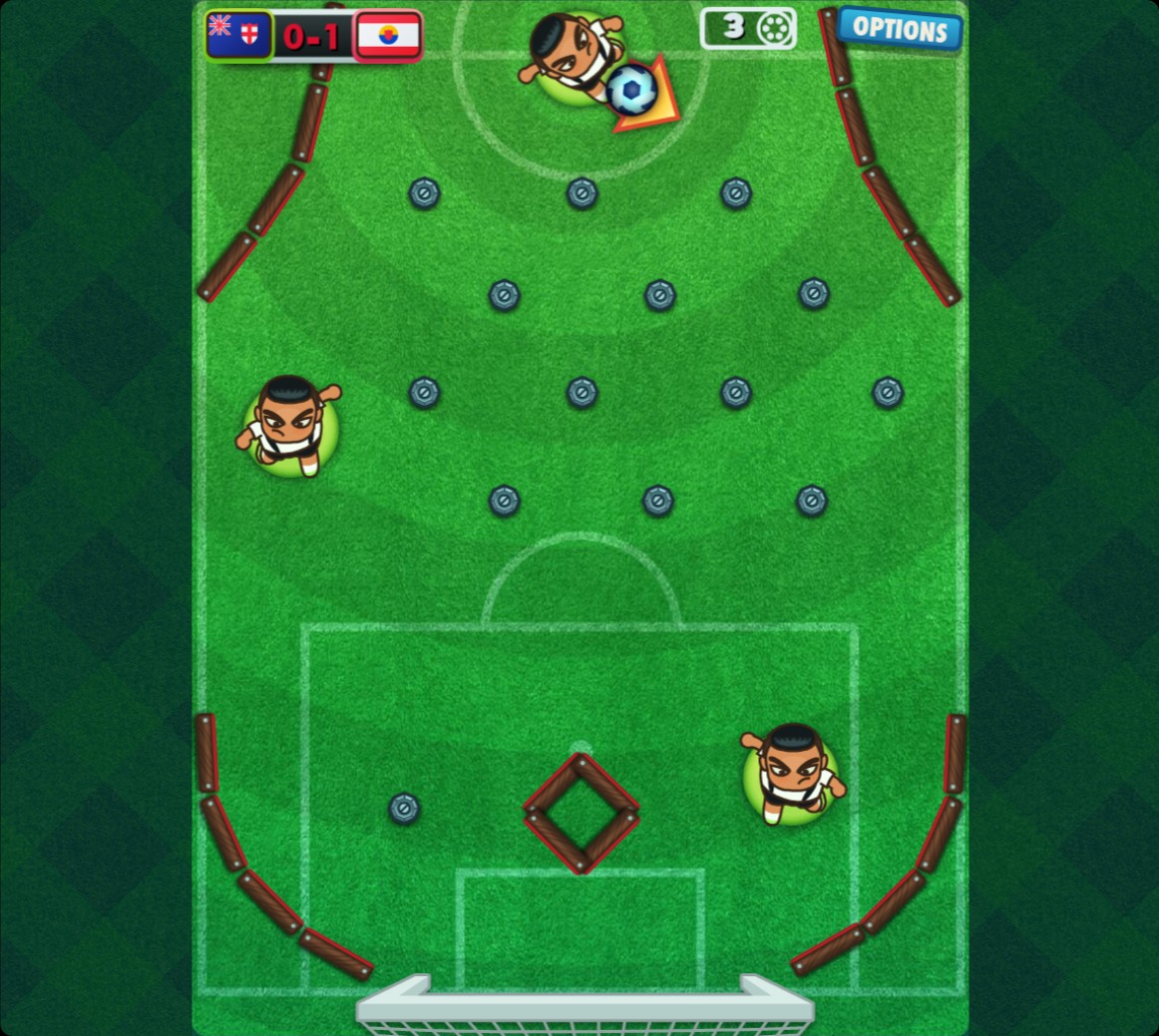
Clear the goalkeeper with voodoo
Ready a voodoo charge and activate it before your shot. The goalkeeper disappears, opening the goal area while normal play continues.
Set credits for the shop
Choose your credits balance and apply it. After the game reloads, enter a match's preparation screen and buy the power-ups you want.
Add three balls or freeze the keeper
Ready Three Extra Balls, then activate its match button to add three attempts. Ready Goalkeeper Freeze and activate it before a shot to hold the keeper in ice for one turn.
Clear obstacles and affected rivals
Activate Fireball before your shot to burn eligible obstacles along its path. Activate Voodoo to remove affected rivals, including the goalkeeper. Other players and objects can remain on the field.
Use charges through normal play
The charge controls prepare consumable power-ups. Activate the matching button in the match when you want its effect; each use spends the charge.
Available customisation options
CreditsFree
Set your credits balance to buy power-ups before a match.
Choose a balance and apply it. After the reload, enter the pre-match shop and buy a power-up.
Goalkeeper freezePremium
Ready a charge that freezes the goalkeeper for one turn.
Apply the charge, enter a match and activate the freeze button before your shot. Activation consumes the charge.
Three extra ballsPremium
Ready a charge that adds three balls to the current round.
Apply the charge, enter a match and activate the extra-balls button to gain three attempts. Activation consumes the charge.
FireballPremium
Ready a fireball charge to burn eligible obstacles along your shot.
Apply the charge and activate the fireball button before a shot. Activation consumes the charge.
VoodooPremium
Ready a voodoo charge to remove affected rivals such as the goalkeeper.
Apply the charge, enter a match and activate the voodoo button before your shot. Activation consumes the charge.
Questions about customisation options
- Do I need to buy a charge I prepared with a control?
- A prepared charge is ready for normal match activation. Credits also lets you buy power-ups through the pre-match shop.
- Does the fireball burn every object?
- It burns eligible obstacles that the shot touches. Players and other objects follow their normal game behavior.
- How long does goalkeeper freeze last?
- It lasts for one turn. Activate it before the shot where you want the keeper held still.
Using these features
Connect your game, then open Customise in the Windows app. Choose an option, check its available values and follow its instructions. Each option lists its own requirements and limits.
Setup for FootChinko →