

Customise
5 optionsUse the normal shop and match buttons to spend credits and activate the power-ups you prepare.
View all customisation options →Set credits for the pre-match shop, add extra balls or freeze the keeper for a shot. Then aim through the obstacles and work toward the match's goal target.
Requires the Windows app and the Bytonian Mods browser extension for Chrome or Edge. Browser setup guide

Start with free mods
Download Bytonian Mods for Windows and try these free features. Choose one to see how it works and any requirements.
Set your credits balance to buy power-ups before a match.
Choose a balance and apply it. After the reload, enter the pre-match shop and buy a power-up.
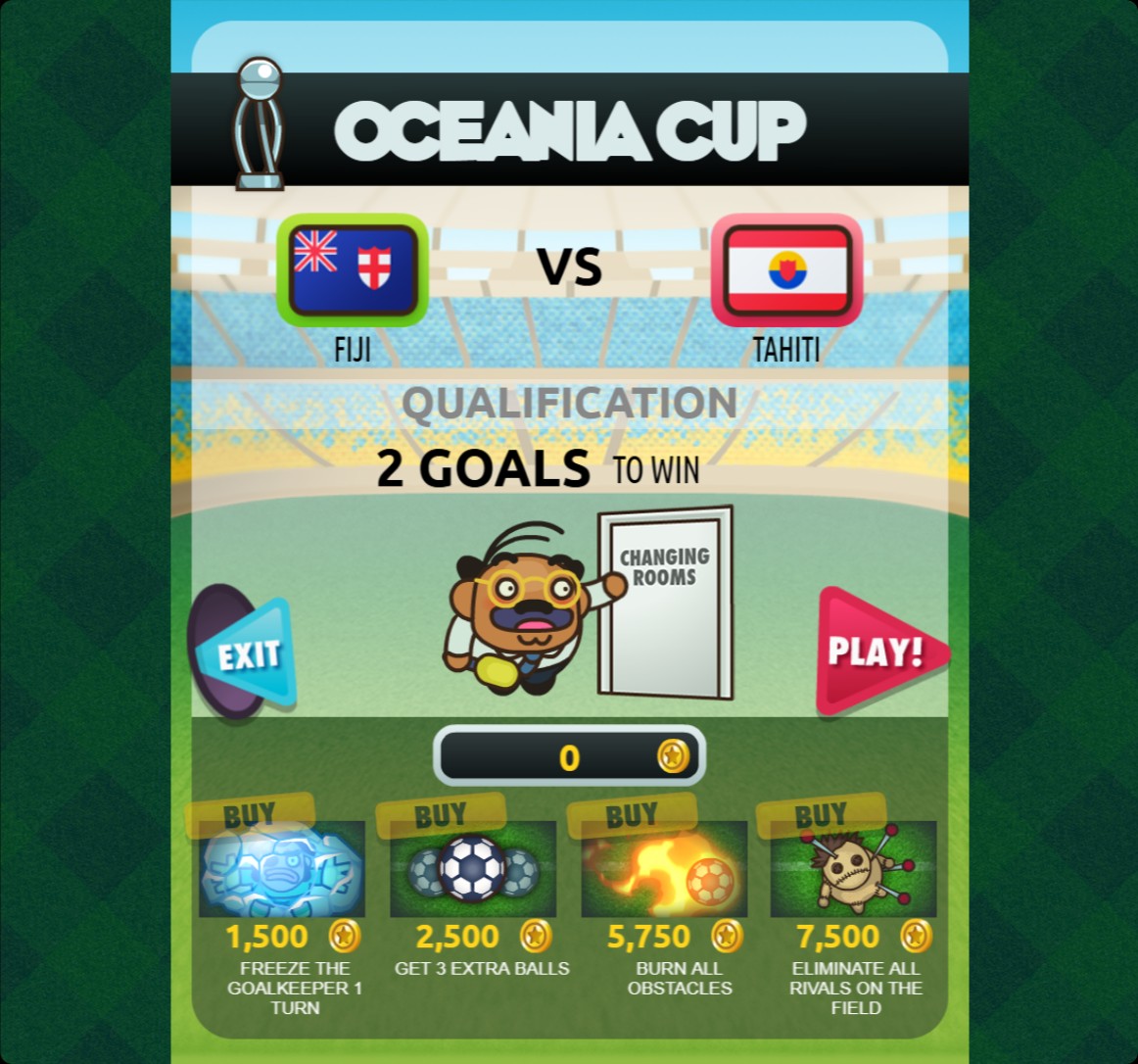
Prepare for the Oceania Cup
Choose your team, check the goal target and prepare power-ups before taking the field.
Choose your team and work toward the match's goal target. Set credits for the pre-match shop, or ready a power-up charge and activate it using the normal match button.
Three Extra Balls adds three attempts to the current round. Goalkeeper Freeze holds the keeper for one turn, while Fireball burns eligible obstacles as the shot travels. Voodoo removes affected rivals such as the goalkeeper.
Use the normal shop and match buttons to spend credits and activate the power-ups you prepare.
View all customisation options →Download the Windows app and follow the setup prompts.
Set up the browser extension in Chrome or Edge, then open the supported YouTube Playable. Follow the connection guide if the game is already running.
Open Customise in Bytonian Mods, choose an option and follow its instructions. Check the available values and any limits before making your change.