
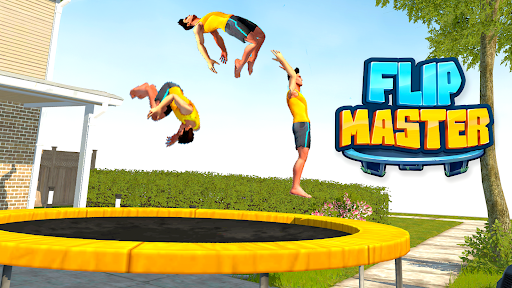
Put your coins into character training
Choose a coin balance that gives you room to train your character, then spend it through Flip Master's ordinary training menu.
Requires the Windows app and the Bytonian Mods browser extension for Chrome or Edge. Browser setup guide

Read, choose and train
Read the current balance on the Coins card, enter the whole-number amount you want and set it. Open the character screen and choose Train to see the available upgrades.
Jump Power training raises your character's training level. The training menu shows each upgrade's price and countdown, so you can choose what to work on next.
Available resources
CoinsPremium
Choose your coin balance and put it toward character training.
Enter a single-player round, read your balance, choose a whole-number amount within the card's range and set it. Open the character screen and select Train to spend your coins.
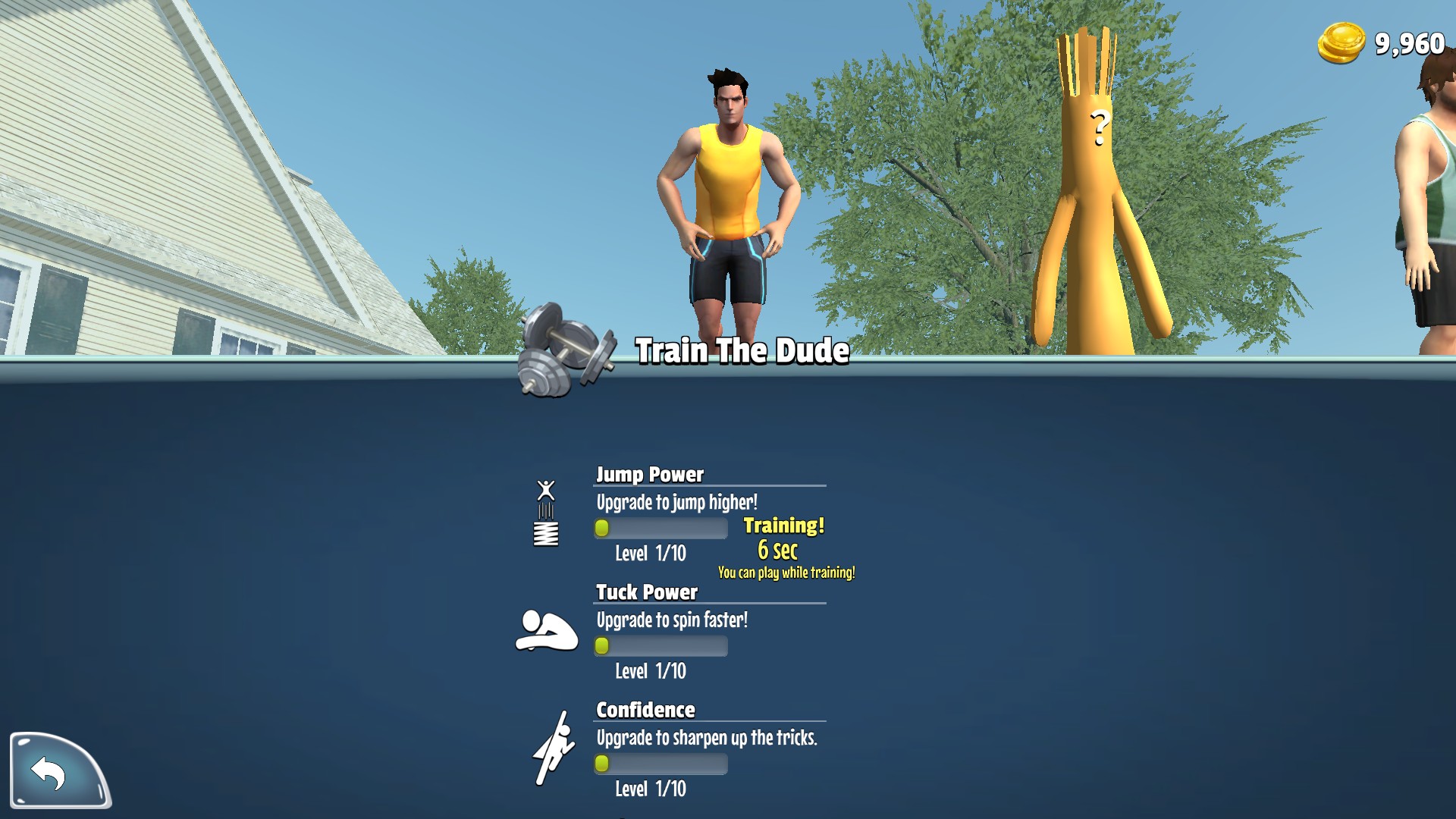
Put your coins into training
Choose your coin balance, then spend it on character training. Jump Power training is underway here, with 9,960 coins left for your next upgrades.
More ways to customise Flip Master
- Flip Master game actions
Retry a round, start a Freeplay attempt or guide a flip at half speed.
Using these features
Choose the feature in the Windows app after connecting your game. Check its requirements before making a change.
Setup for Flip Master →