
Give the next flip another chance
Reset an attempt, switch into Freeplay or slow the action briefly. These single-player controls help you choose how to approach your next bounce.
Requires the Windows app and the Bytonian Mods browser extension for Chrome or Edge. Browser setup guide
Start fresh with Retry or Freeplay
Retry round restarts your current single-player round and returns you to the trampoline. Use it when you want another attempt at a flip sequence.
Freeplay starts a fresh practice attempt. Keep your character over the trampoline and stay in control of the landing: a missed attempt can still end the round.
Give yourself more time in the air
Slow motion burst briefly runs the action at half speed, giving you more time to guide your rotation. Normal speed returns automatically.
Begin at normal speed and wait for the burst to finish before using it again. The slower pace gives you time to adjust, while your landings still matter.
Available game actions
FreeplayPremium
Start a fresh Freeplay attempt and focus on your bounce and rotation.
Enter a single-player round, then press Freeplay to begin a new practice attempt.
A missed attempt can still end the round, so keep your character over the trampoline.
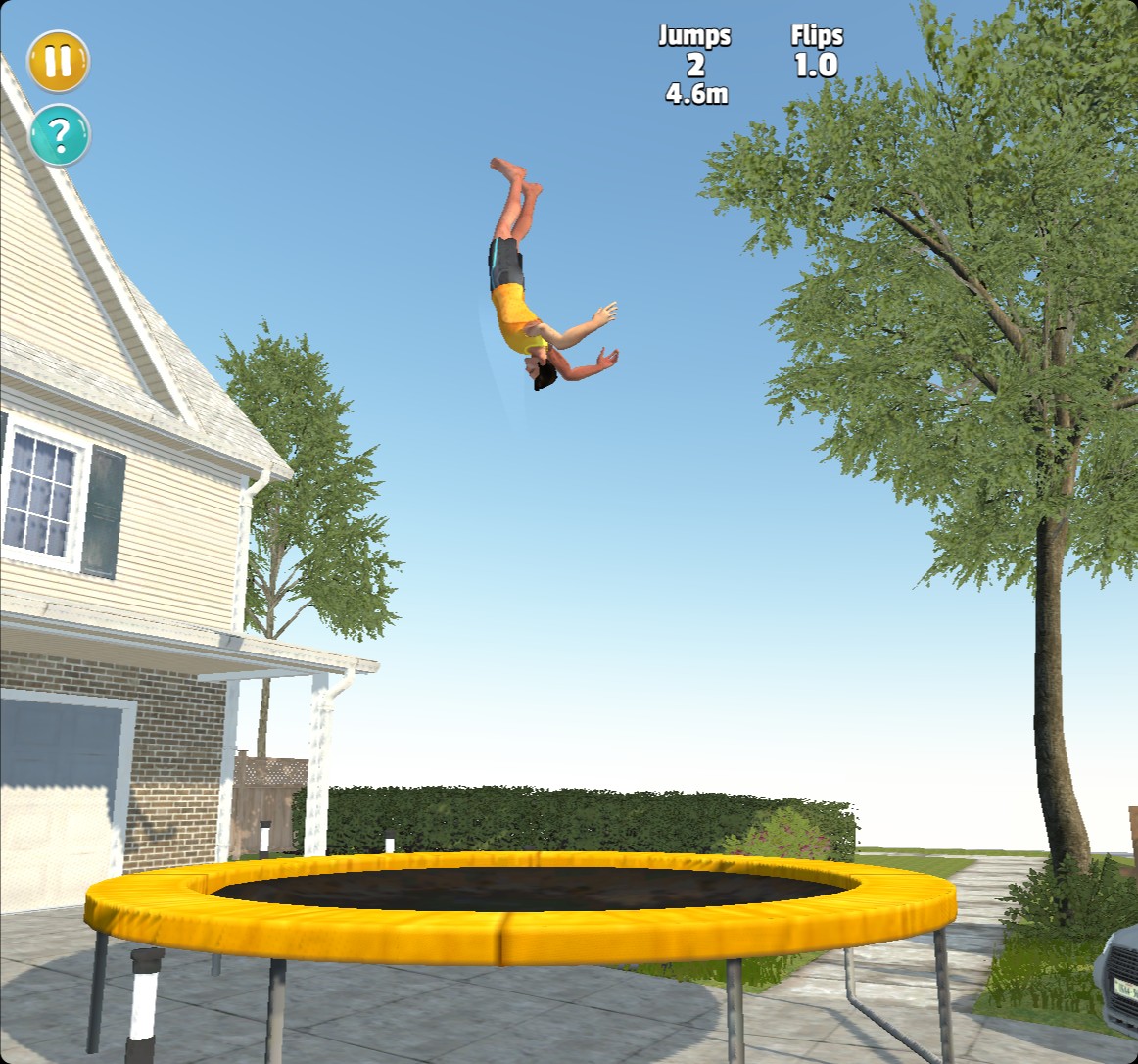
Practice your flips in Freeplay
Start a fresh Freeplay attempt and focus on your bounce and rotation. Keep your character over the trampoline as you line up the next landing.
Retry roundFree
Restart your single-player round and take another shot at your flip sequence.
Open a single-player round, then press Retry round whenever you want a fresh attempt.
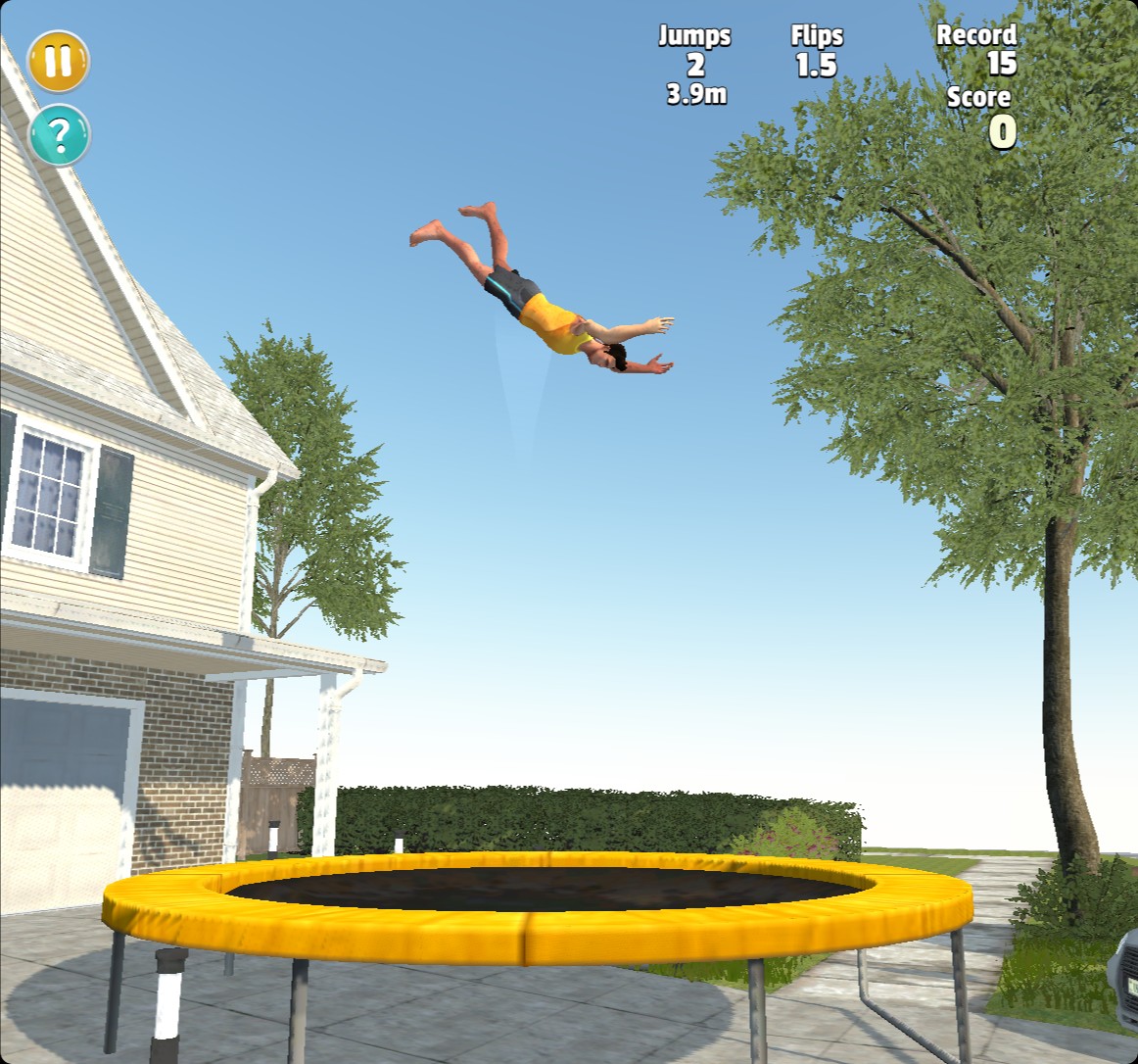
Back on the trampoline
Start a fresh single-player attempt with Retry round, then take another shot at your flip sequence.
Slow motion burstPremium
Use a short half-speed burst to give yourself more time to guide the next flip. Normal speed returns automatically.
Use during a single-player round at normal speed, then let the burst finish before using it again.
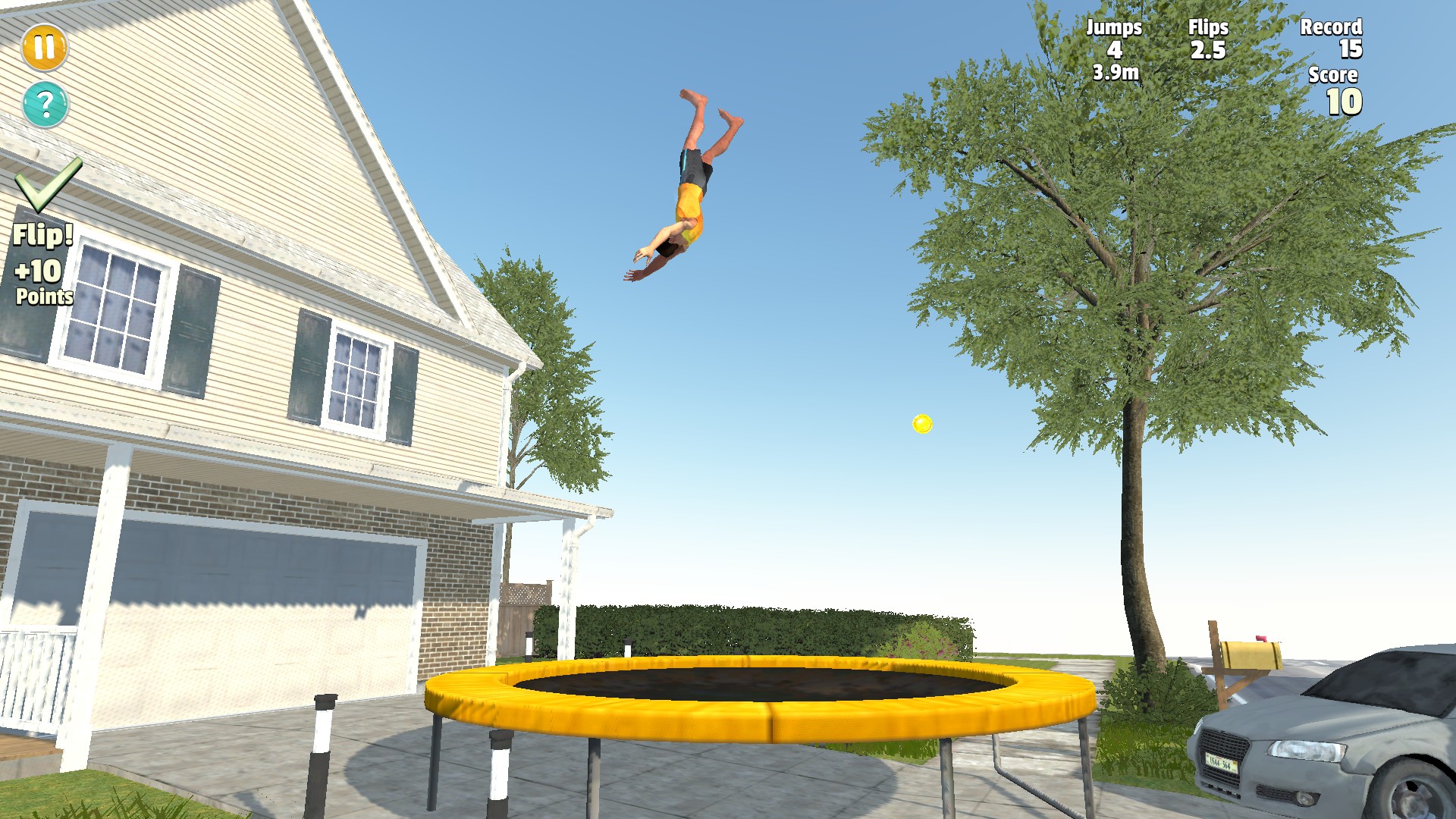
Find your landing in slow motion
Use a short half-speed burst to give yourself more time to guide the next flip. Normal speed returns automatically.
More ways to customise Flip Master
- Flip Master resources
Set your coins and choose the character training that suits your next attempt.
Using these features
Choose the feature in the Windows app after connecting your game. Check its requirements before making a change.
Setup for Flip Master →