

Flick Checkers customization
Choose coins for individual shop purchases or make all 19 paid cosmetics available at once. Board themes, disc styles and effects can be equipped from their shop tabs.
Requires the Windows app and the Bytonian Mods browser extension for Chrome or Edge. Browser setup guide

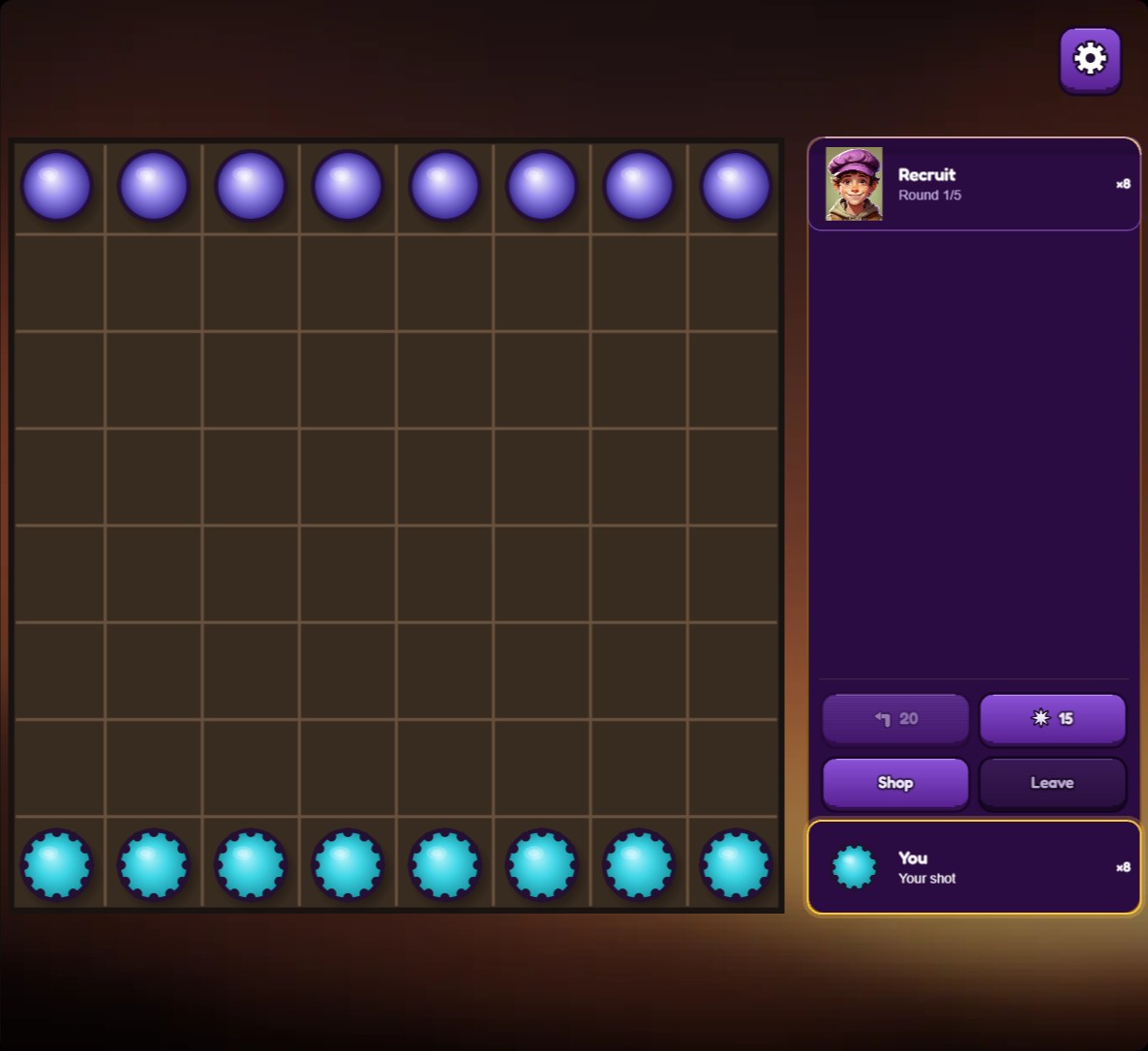
Mix board and disc styles
Equip a board theme and disc palette for your next match. This Classic game against Recruit uses Sunset Dunes and Tide.
Buy the styles you want
Coin Balance accepts a whole amount from 0 to 999,999. Apply the amount, open Shop and buy a board, disc style or effect at its displayed price.
Unlock the full collection
Unlock All Cosmetics makes the nine boards, seven disc styles and three effects available together. Open each shop tab and equip the styles you want.
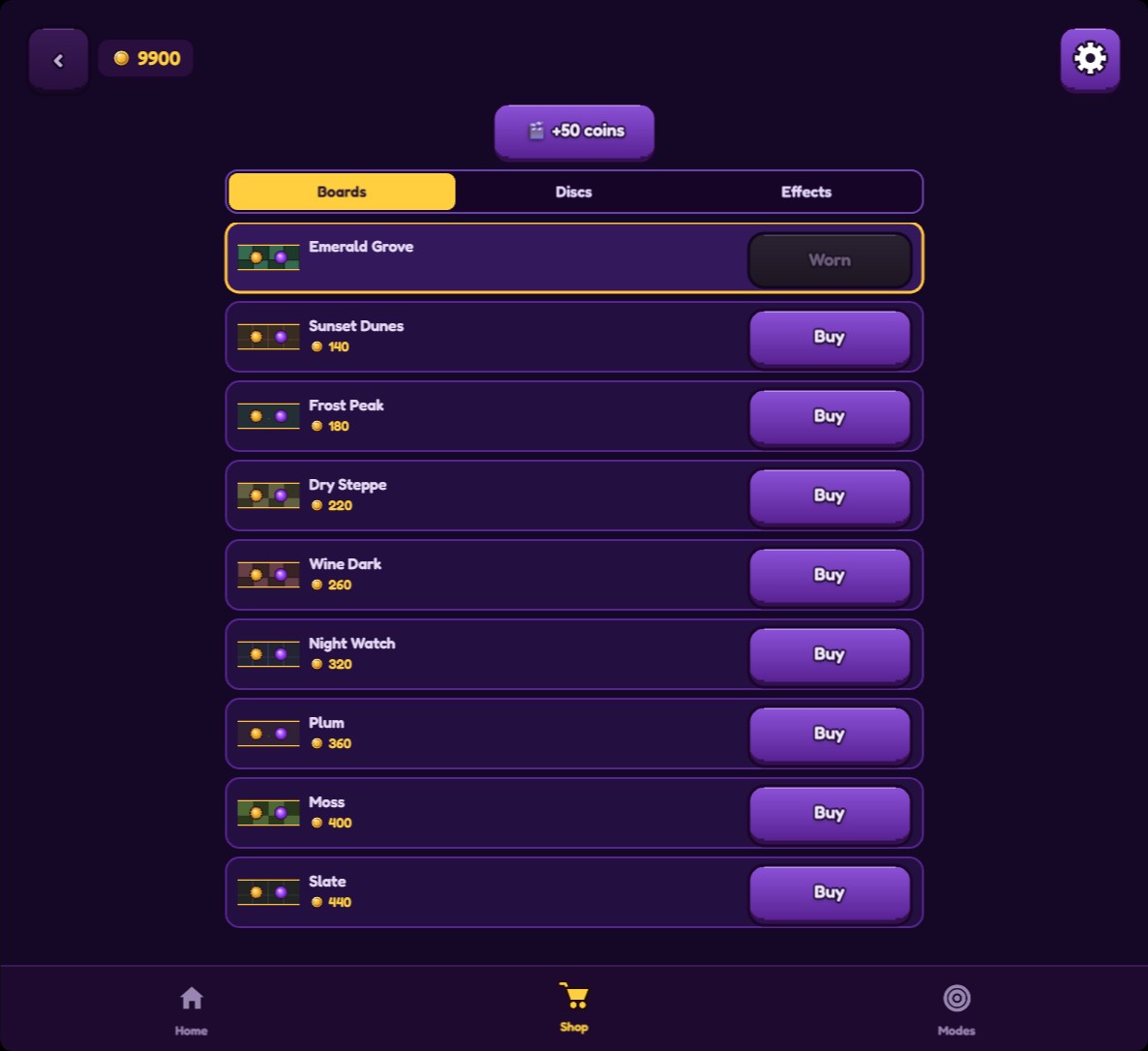
Buy a board theme
Set a coin budget and buy styles through the shop. Emerald Grove is equipped here, with 9,900 coins left after its 100-coin purchase.
Available customisation options
Coin BalanceFree
Set the coins available for normal board, disc and effect purchases.
Choose a whole coin amount, apply it, then open Shop and buy a style from its tab.
Normal shop purchases spend their displayed coin prices.
Unlock All CosmeticsPremium
Unlock the nine shop boards, seven disc styles and three effects.
Apply the unlock, open Shop and equip your choices from the Boards, Discs and Effects tabs.
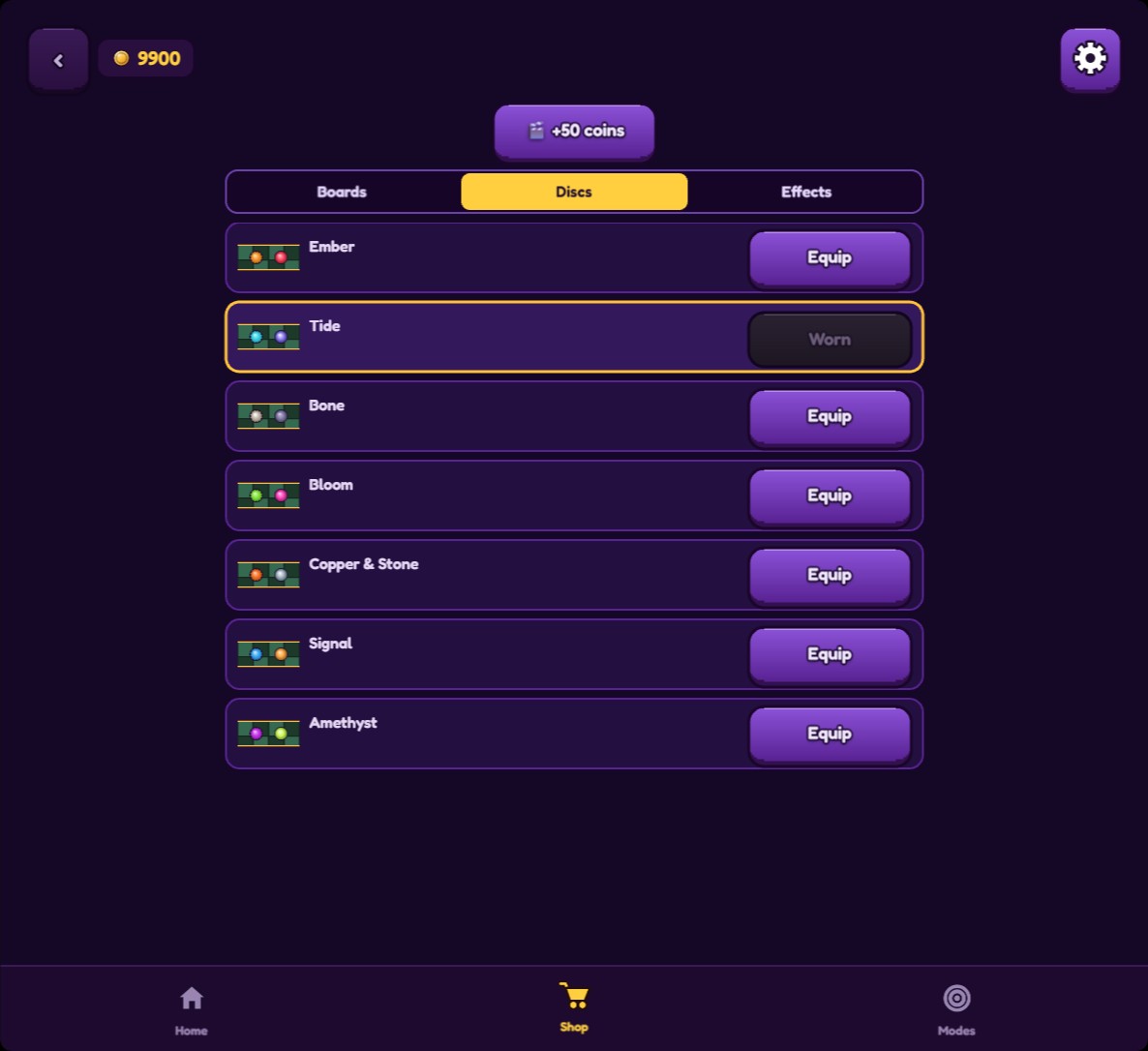
Equip your disc style
Unlock the cosmetic collection and equip the styles you want in the shop. Tide is worn here, with the other disc styles ready to equip and 9,900 coins still on hand.
Questions about customisation options
- Do normal purchases still cost coins?
- Yes. Coin Balance changes the amount available, while ordinary shop purchases keep their displayed prices.
- Does unlocking cosmetics change the active style?
- Open Shop after applying the unlock and equip a board, disc style or effect from its tab.
Using these features
Connect your game, then open Customise in the Windows app. Choose an option, check its available values and follow its instructions. Each option lists its own requirements and limits.
Setup for Flick Checkers →