
Customise
2 optionsSet a purchase budget or open the full cosmetic selection.
View customisation options →Flick your discs into the other side and try to clear the board. Flick Checkers combines physical shots with bot rivals, same-device matches and a shop full of board themes, disc colors and effects.
Requires the Windows app and the Bytonian Mods browser extension for Chrome or Edge. Browser setup guide
Start with free mods
Download Bytonian Mods for Windows and try these free features. Choose one to see how it works and any requirements.
Set the coins available for normal board, disc and effect purchases.
Choose a whole coin amount, apply it, then open Shop and buy a style from its tab.
Normal shop purchases spend their displayed coin prices.
Buy individual styles with a coin budget, or unlock all nine shop boards, seven disc styles and three effects together. Equip your choices in the shop before returning to a match.
Open Flick Checkers with Bytonian Mods connected, choose Customization and apply the control you want. Open Shop, choose Boards, Discs or Effects, then buy or equip a style.
Set a purchase budget or open the full cosmetic selection.
View customisation options →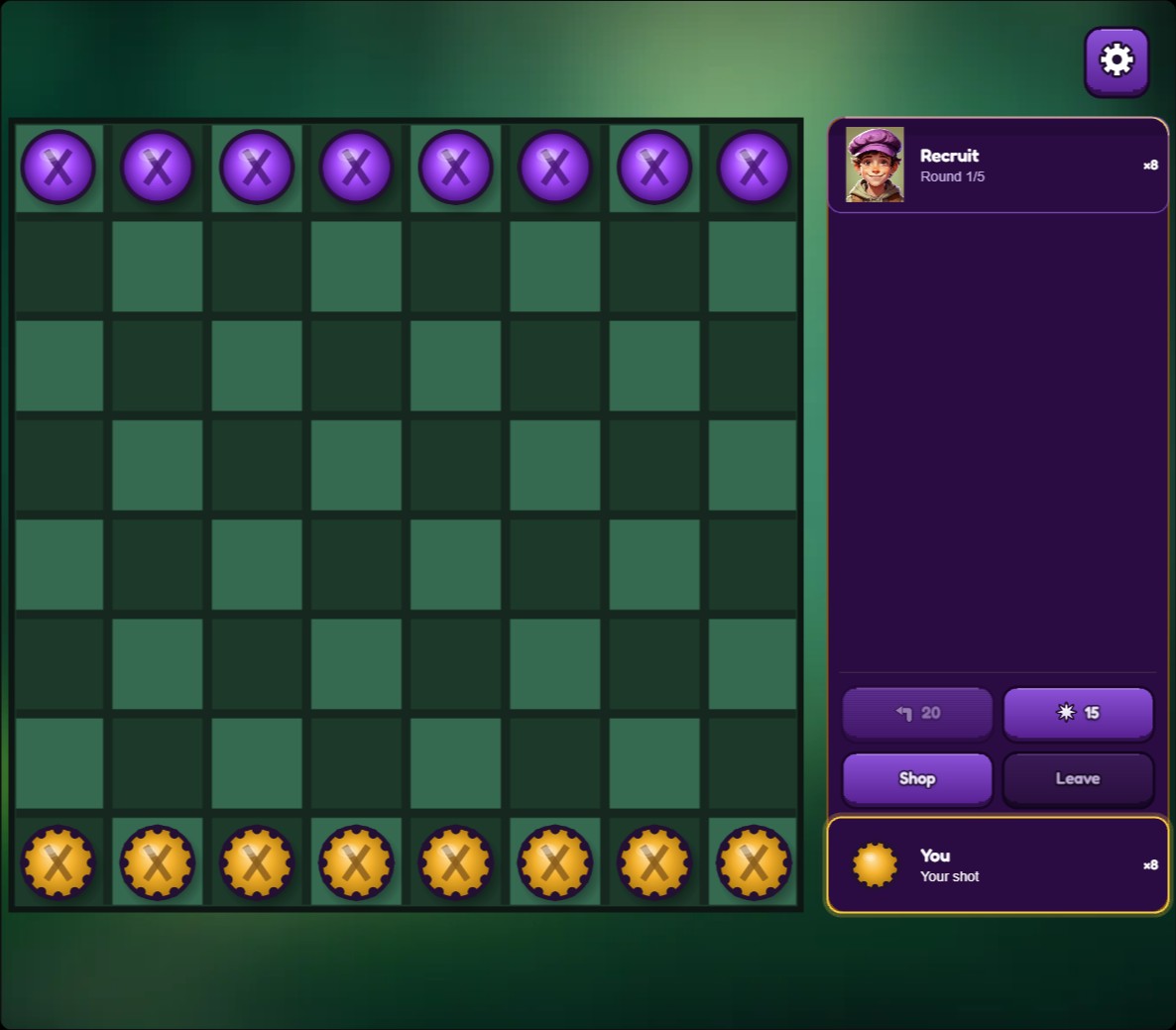
Play on a new board
Equip a board theme from the shop and bring it into a match. Emerald Grove gives this Classic game against Recruit a green backdrop.
Download the Windows app and follow the setup prompts.
Set up the browser extension in Chrome or Edge, then open the supported YouTube Playable. Follow the connection guide if the game is already running.
Open Customise in Bytonian Mods, choose an option and follow its instructions. Check the available values and any limits before making your change.