
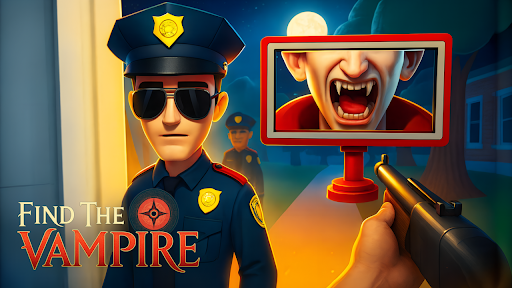
Choose your starting level
Choose a hunt from levels 1 to 20 with Choose Starting Level. Set the level number, activate the control, then press Start to inspect the residents in that scene.
Requires the Windows app and the Bytonian Mods browser extension for Chrome or Edge. Browser setup guide
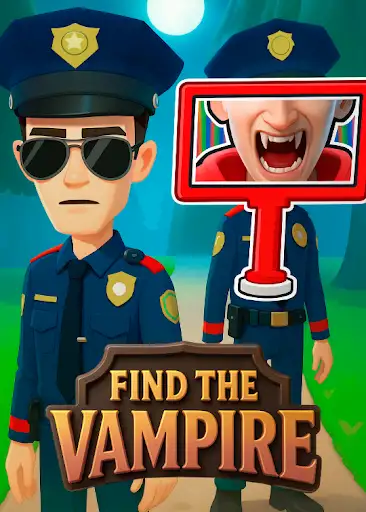
Select a level
Choose a level from 1 to 20; the default is 6. Start the selected level and use the scanner normally to inspect the residents.
Available progression systems
Choose starting levelPremium
Choose the level where you start.
Set the level number, activate, then press Start.
Chooses the starting level; you still inspect the residents and play the stage.
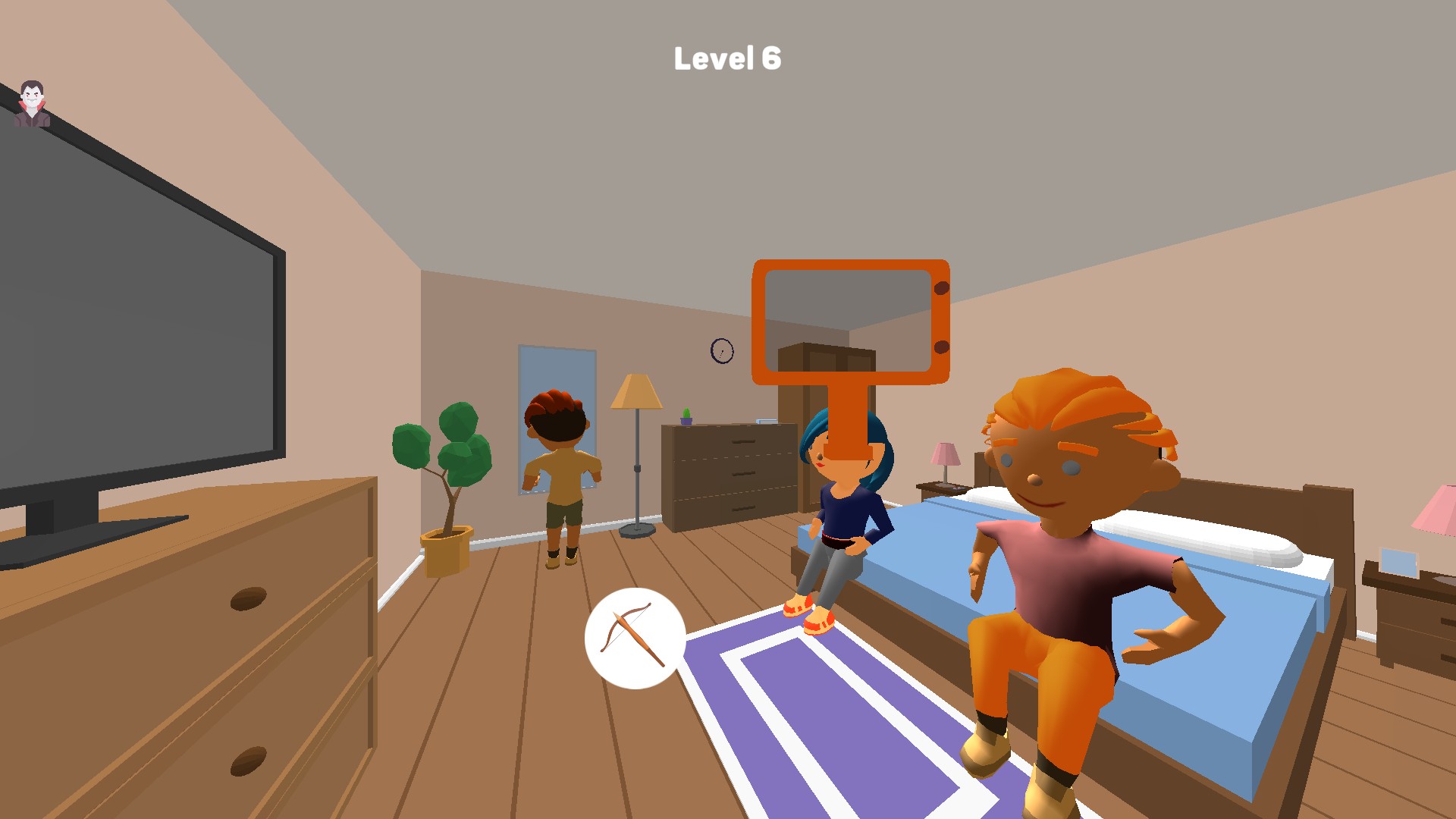
Begin from your selected level
Choose Level 6 to start its bedroom puzzle, then use the scanner to inspect the residents.
More ways to customise Find the Vampire
- Find the Vampire game actions
Restart the current Find the Vampire scene for free or use Complete Level to reach its completion screen.
Using these features
Choose the feature in the Windows app after connecting your game. Check its requirements before making a change.
Setup for Find the Vampire →