
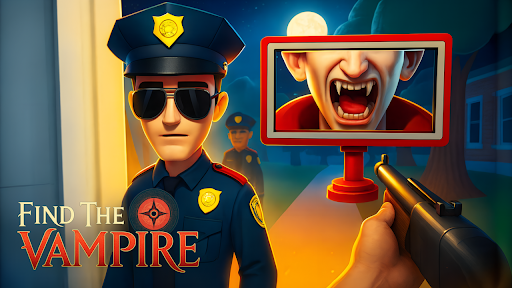
Game Actions
2 optionsRestart the current Find the Vampire scene for free or use Complete Level to reach its completion screen.
View game actions →Restart a hunt for another try, reach the current level's completion screen, or choose a starting level from 1 to 20. After restarting or selecting a level, press Start to enter the scene and use the scanner to find hidden vampires.
Requires the Windows app and the Bytonian Mods browser extension for Chrome or Edge. Browser setup guide
Start with free mods
Download Bytonian Mods for Windows and try these free features. Choose one to see how it works and any requirements.
Restart the current level for another attempt.
Activate, then press the game's Start button.
Press the game's Start button after restarting.
Look for vampires in Find the Vampire
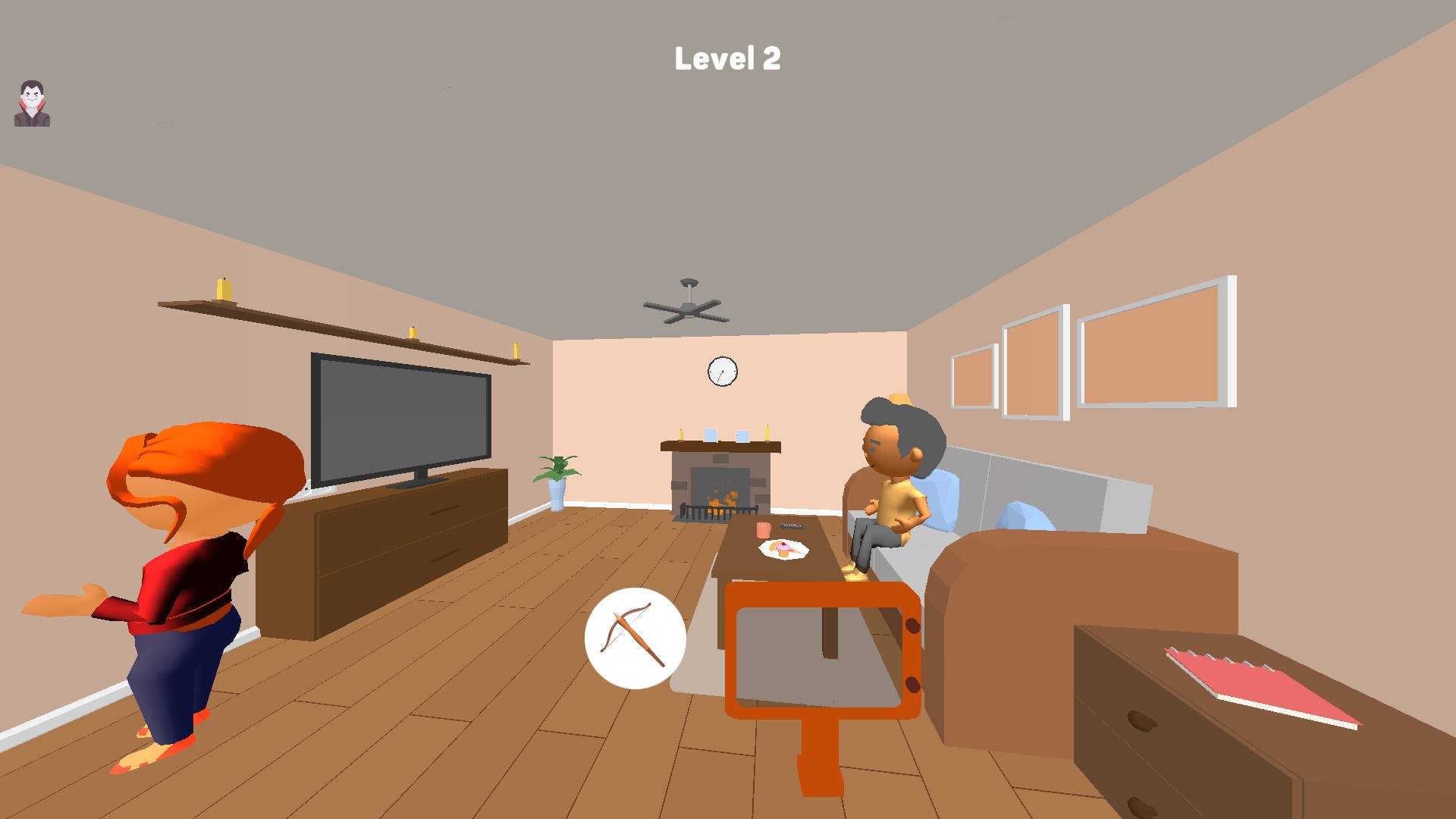
Move the scanner around the room and inspect the residents before choosing a target.
Restart Level is free. Complete Level and Choose Starting Level are premium controls. After a restart or level selection, press the game's normal Start button to enter the scene.
Restart the current Find the Vampire scene for free or use Complete Level to reach its completion screen.
View game actions →Choose a starting level in Find the Vampire, activate the control and press Start to enter the selected scene.
View progression systems →Download the Windows app and follow the setup prompts.
Set up the browser extension in Chrome or Edge, then open the supported YouTube Playable. Follow the connection guide if the game is already running.
Review the available options in the app and choose the ones that suit how you play.