

Health, experience and booster actions
Use a health refill to recover after damage or add a small amount of experience toward your next evolution. The two booster actions start the game's timed attack and experience effects.
Requires the Windows app and the Bytonian Mods browser extension for Chrome or Edge. Browser setup guide
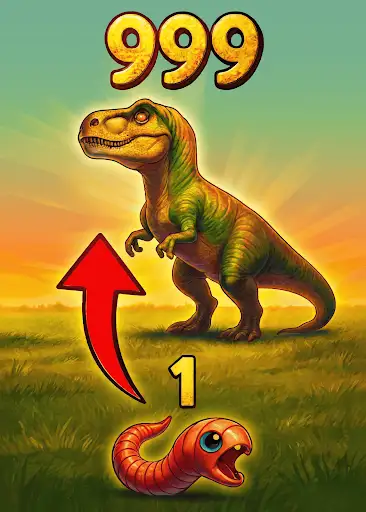
Recovery and gradual progress
Restore Health adds up to 100 health without exceeding the current animal's normal limit. Add 10 Experience supplies a small grant; the current animal's threshold determines what happens next.
Use Restore Health after taking damage while your animal is alive. Add 10 Experience when you want a small step toward the current evolution threshold.
Watch the booster countdowns
The attack booster raises the displayed attack while its countdown runs. The experience booster starts a separate EVO MINING countdown.
Use the countdown beside your animal to follow the active booster.
Available game actions
Activate Attack BoosterPremium
Start the game's timed attack booster. Duration and effect follow the game's own booster rules.
Activate during live play, then watch the attack value and booster countdown.
Starts a timed booster rather than an ongoing toggle.
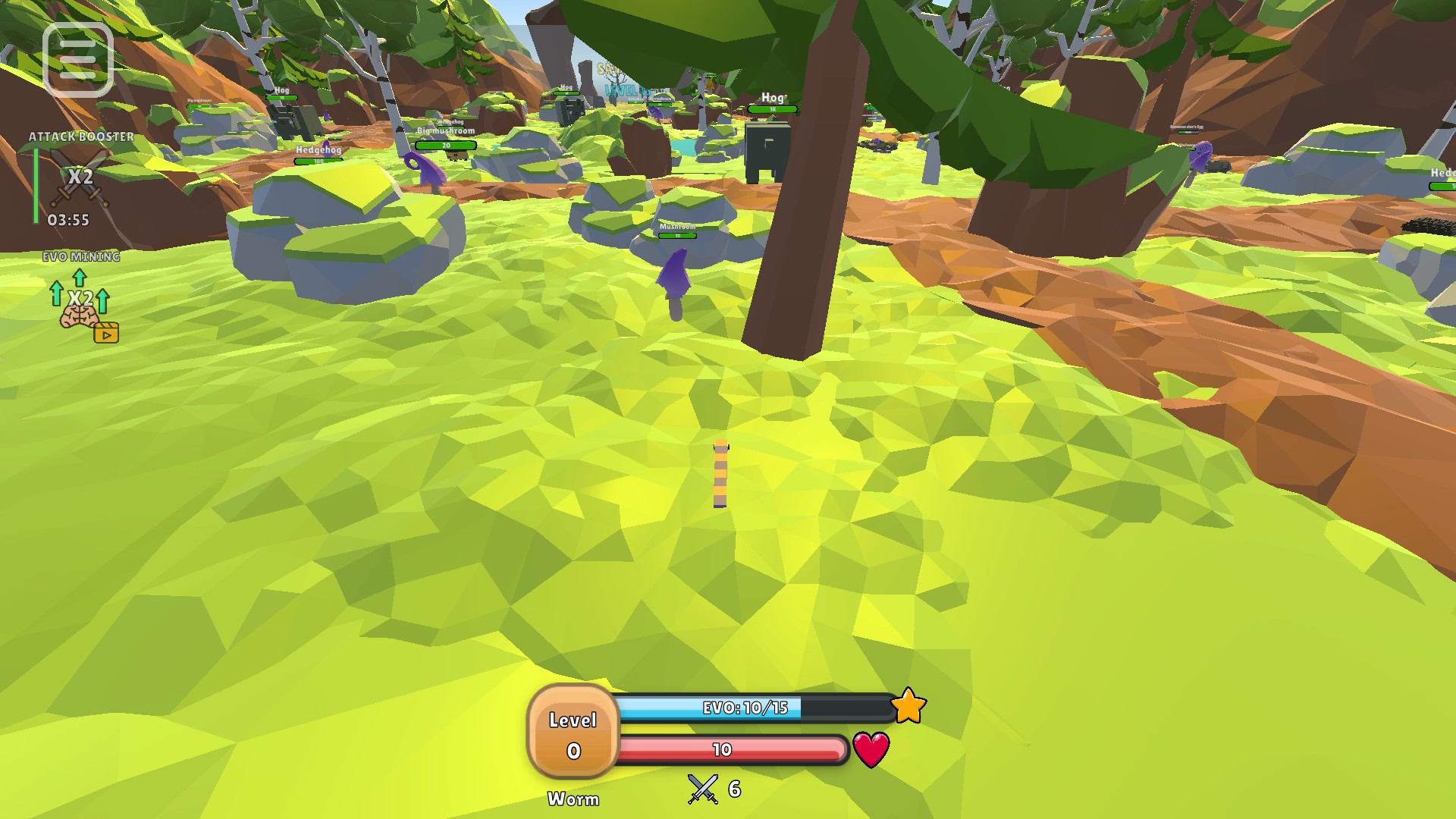
Timed attack booster active
The attack booster has a visible countdown, and this worm's displayed attack rises from 3 to 6.
Activate XP BoosterPremium
Start the game's timed experience booster. Duration and effect follow the game's own booster rules.
Activate during live play and watch the EVO MINING countdown.
Starts a timed booster rather than an ongoing toggle.
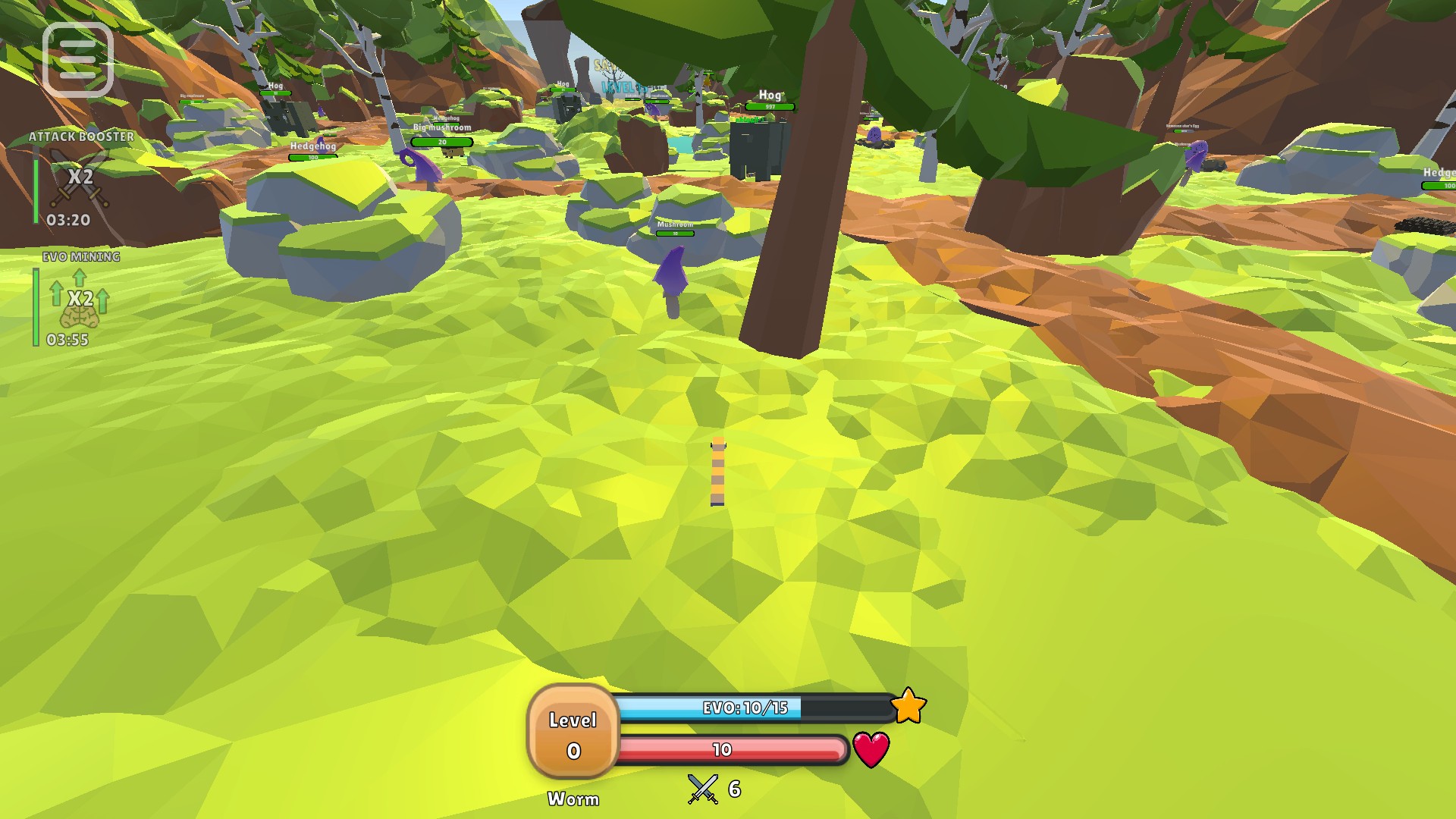
Timed experience booster active
The EVO MINING booster shows an active countdown beside the current animal.
Add 10 ExperienceFree
Grant 10 experience using the game's normal experience action. Crossing an evolution threshold may advance your animal.
Activate during live play and check the EVO bar for the 10-point grant.
Adds evolution experience; the game handles the next level-up.
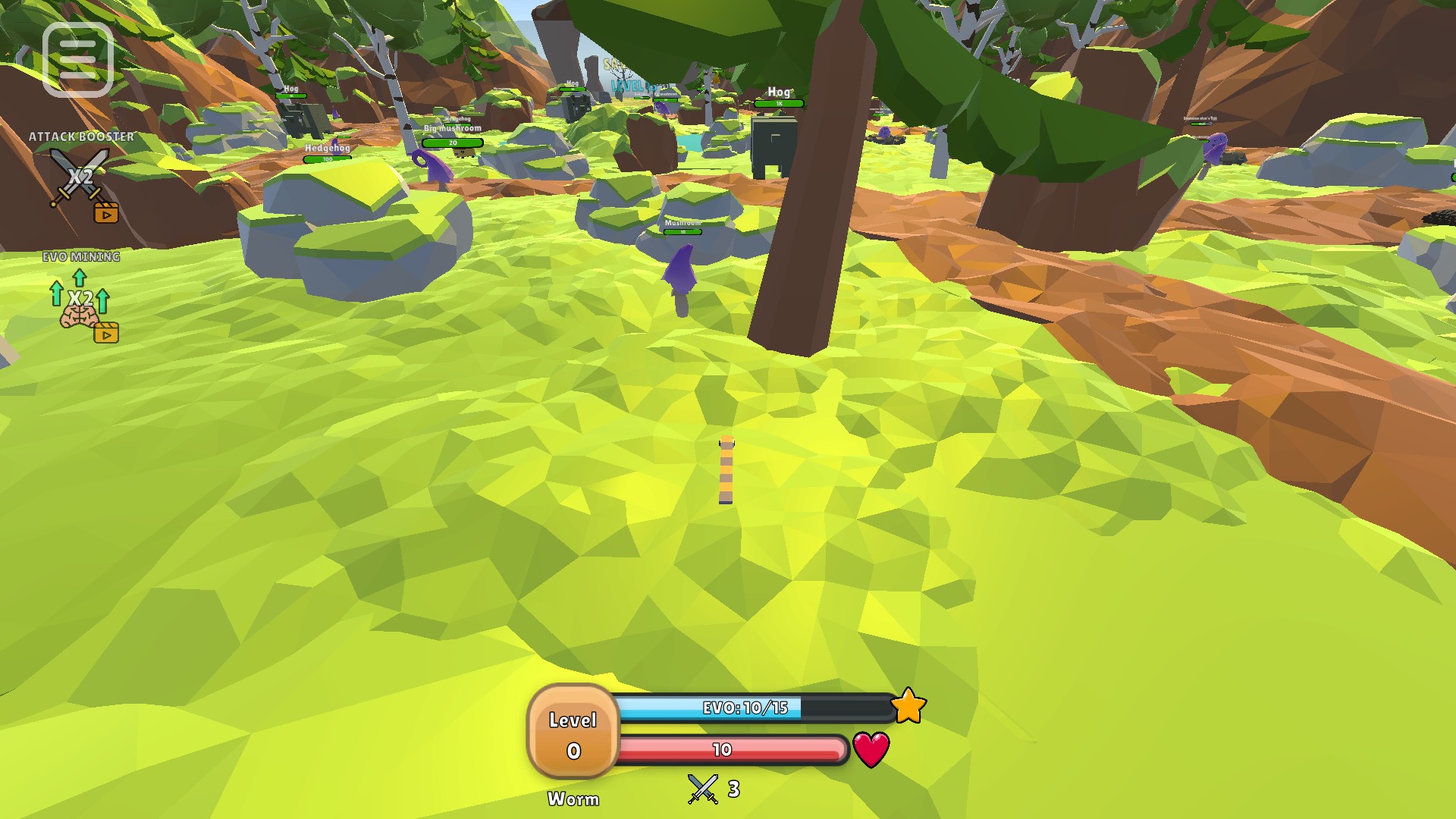
Experience added
The evolution bar shows 10 of 15 experience after a 10-point grant.
Restore HealthFree
Recover up to 100 health for your current animal, capped by the game's normal health limit. Use while alive; this does not provide invincibility.
Activate during live play after taking damage; watch the health bar recover up to its current maximum.
Use while alive; recovery follows the current maximum and does not prevent damage.
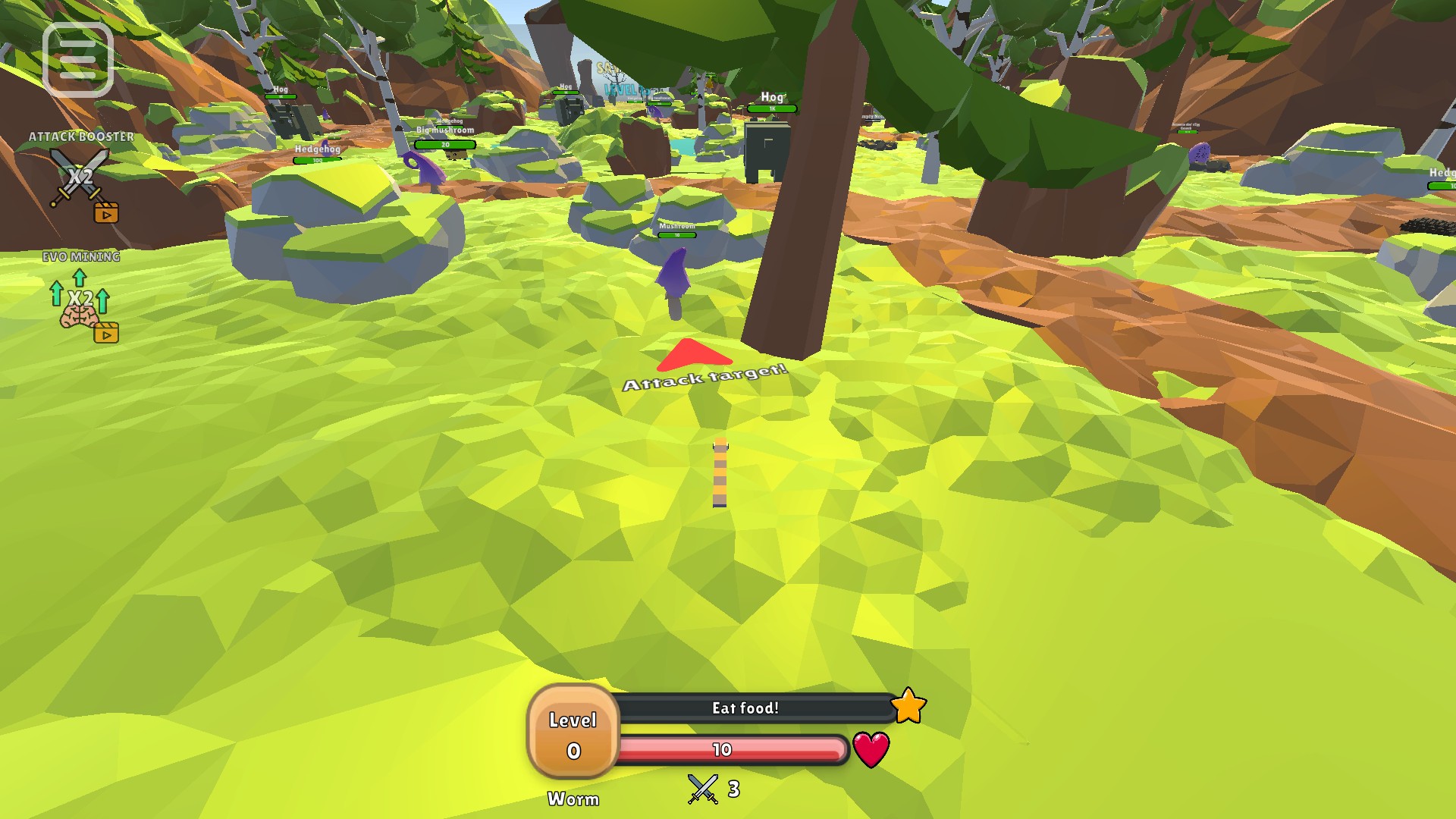
Health recovered
The worm's health is restored to its normal maximum of 10 in this early forest run.
More ways to customise Evolution Simulator
- Evolution Simulator ability modifiers
Keyboard-controlled flight, with normal movement restored when disabled.
Using these features
Choose the feature in the Windows app after connecting your game. Check its requirements before making a change.
Setup for Evolution Simulator →