

Ability Modifiers
1 optionKeyboard-controlled flight, with normal movement restored when disabled.
View ability modifiers →Recover health after a fight, add 10 experience toward your next form, start timed attack or experience boosters, or fly above the forest to explore from a different angle. Evolution Simulator begins with a small worm seeking food and stronger animal forms among the trees.
Requires the Windows app and the Bytonian Mods browser extension for Chrome or Edge. Browser setup guide
Start with free mods
Download Bytonian Mods for Windows and try these free features. Choose one to see how it works and any requirements.
Recover up to 100 health for your current animal, capped by the game's normal health limit. Use while alive; this does not provide invincibility.
Activate during live play after taking damage; watch the health bar recover up to its current maximum.
Use while alive; recovery follows the current maximum and does not prevent damage.
Grant 10 experience using the game's normal experience action. Crossing an evolution threshold may advance your animal.
Activate during live play and check the EVO bar for the 10-point grant.
Adds evolution experience; the game handles the next level-up.
Restore Health and Add 10 Experience are free options. Health recovery adds up to 100 health while your animal is alive, stopping at its normal maximum. The experience action grants 10 points through the game's own progression rules.
The premium attack and experience actions activate the game's timed boosters. Their visible countdowns tell you when the effects are running; these are temporary boosts.
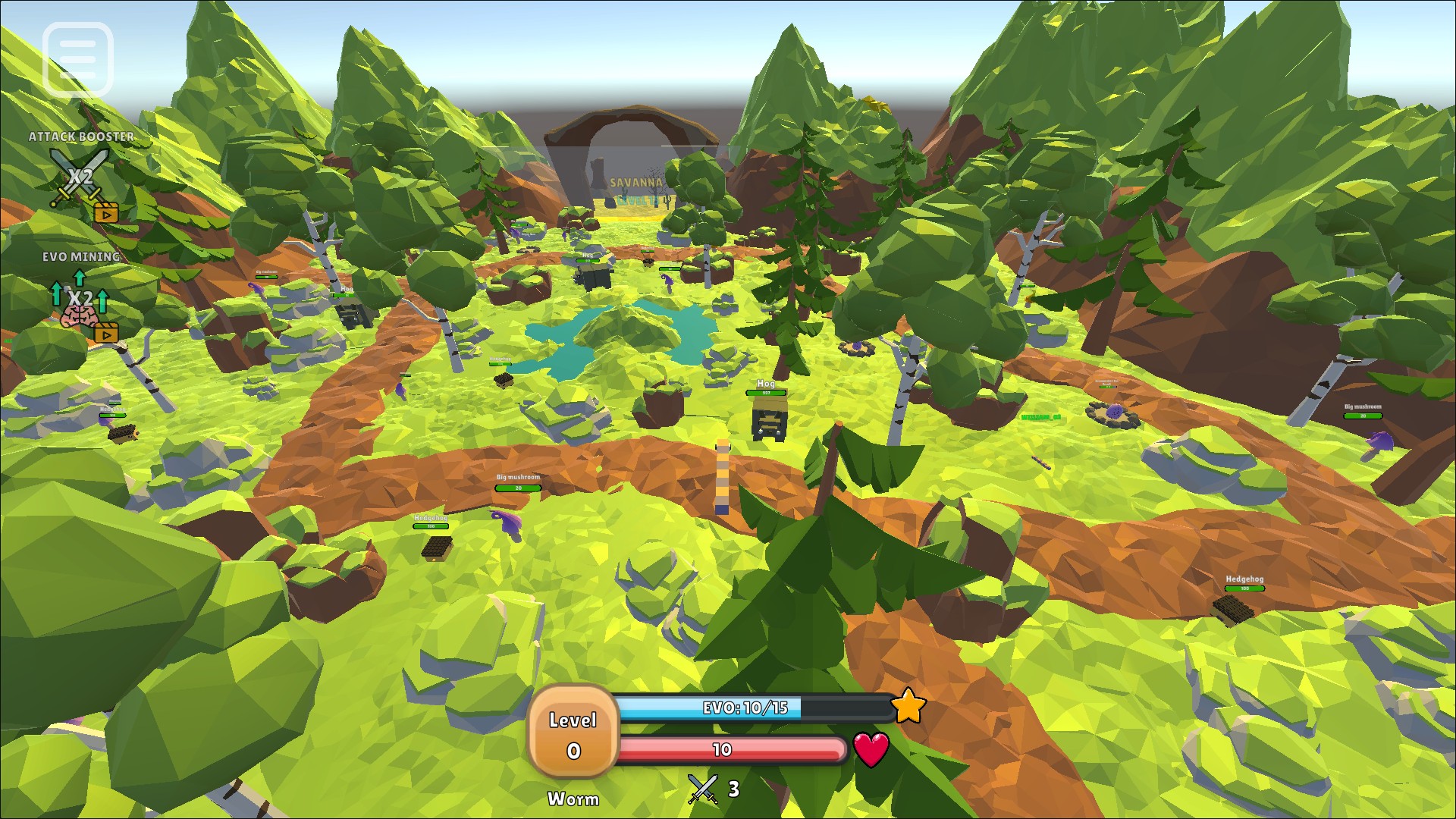
Use Fly to rise above the forest trees and paths, then turn it off to return to normal movement.
Use V to toggle Fly, WASD to move, Space to rise and Ctrl to descend. Shift increases movement speed. Descend before turning Fly off, because normal gravity resumes.
Explore the forest from above
A worm floats above the forest canopy with paths, mushrooms and animals below.
Keyboard-controlled flight, with normal movement restored when disabled.
View ability modifiers →Two free recovery and experience actions, plus premium timed booster activations.
View all game actions →Download the Windows app and follow the setup prompts.
Set up the browser extension in Chrome or Edge, then open the supported YouTube Playable. Follow the connection guide if the game is already running.
Review the available options in the app and choose the ones that suit how you play.