
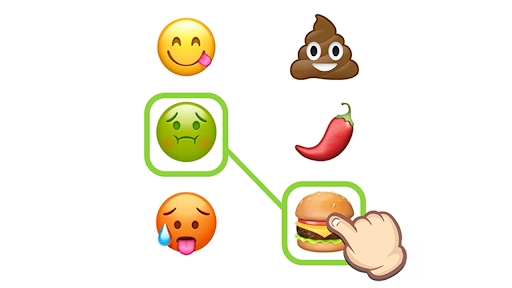
Start an Emoji Puzzle again or move to the next one
Restart puzzle starts the current board again. Skip level leaves the current puzzle and loads the next one. Each action has its own button, so you can choose what happens next.
Requires the Windows app and the Bytonian Mods browser extension for Chrome or Edge. Browser setup guide
Use each action on a loaded puzzle
Wait for a puzzle to load, then use Restart puzzle to begin the same board again or Skip level to move to the next one. Continue matching emojis with the normal controls afterward.
Available game actions
Restart puzzleFree
Start the current puzzle again without moving to another level.
Wait for a puzzle to load, enable Restart puzzle and press its action button. This action is free.
Restarts the current puzzle rather than choosing another level.
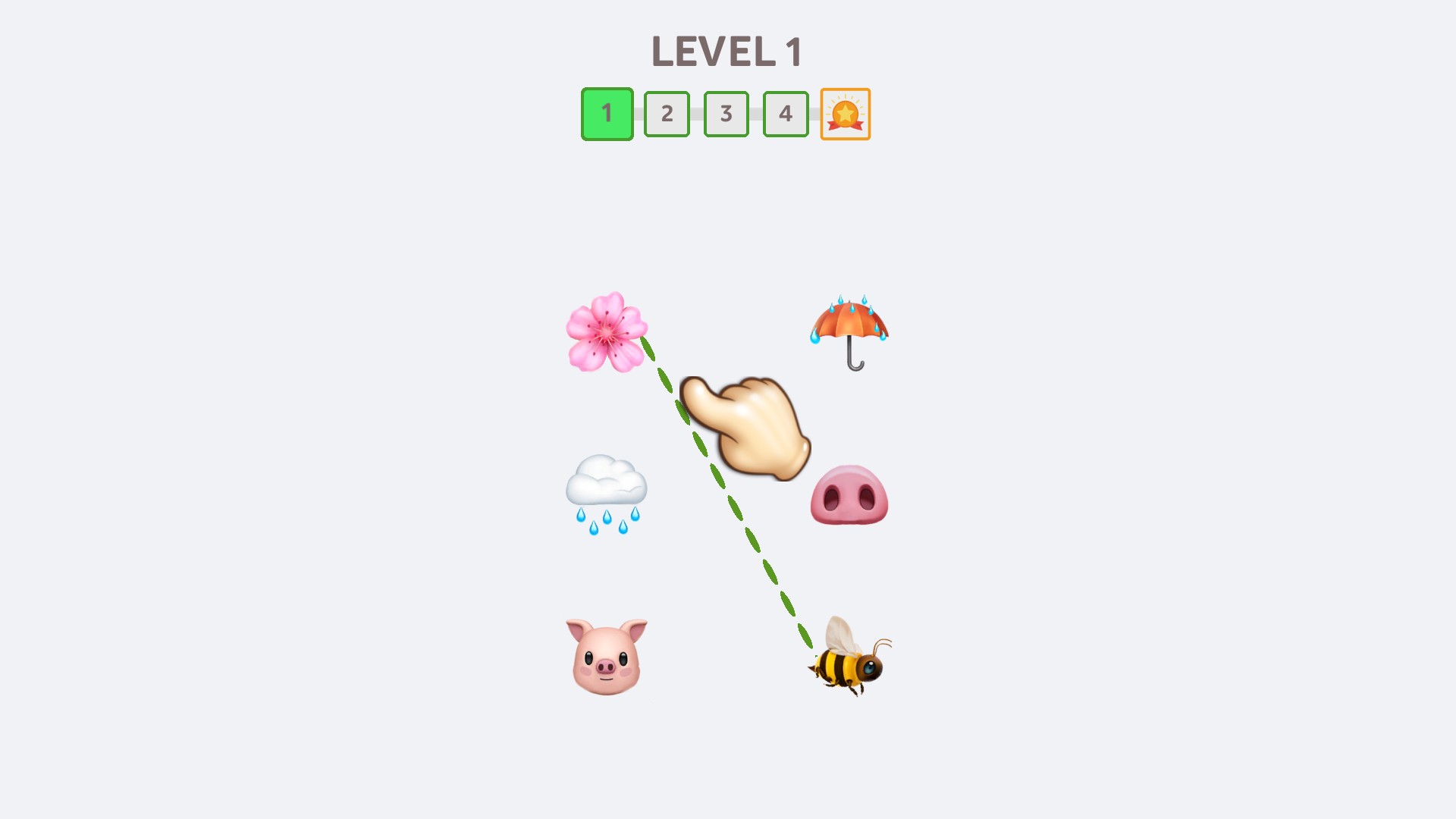
Start the same puzzle again
Start the same matching puzzle again with Restart puzzle.
Skip levelPremium
Move past the current matching puzzle and load the next level.
Wait for a puzzle to load, enable Skip level and press its action button. Premium access is required.
Moves to the next puzzle rather than solving the current board.
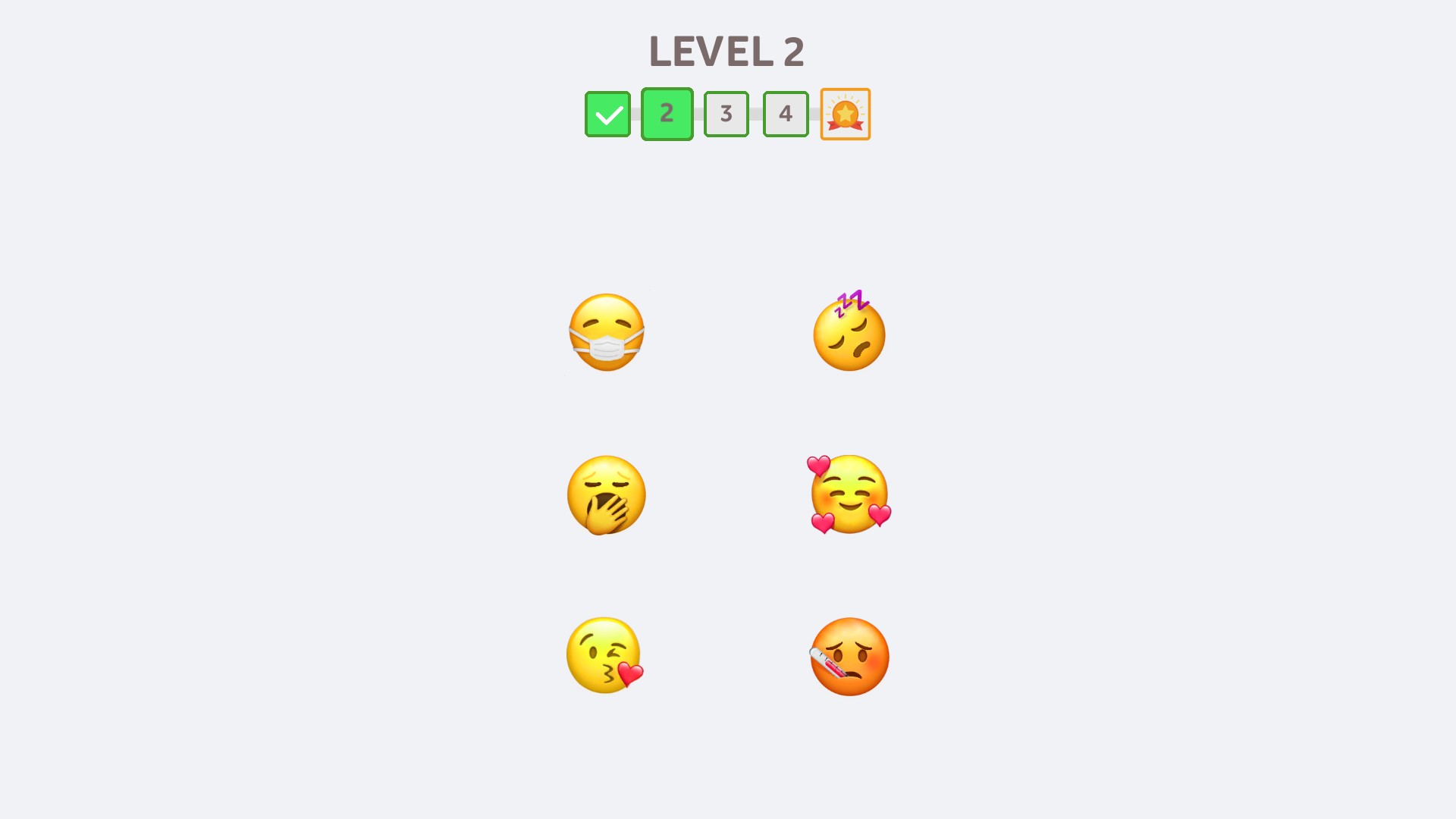
Skip to the next puzzle
Skip level moved this game from LEVEL 1 to LEVEL 2, with a new set of emoji pairs to match.
Using these features
Choose the feature in the Windows app after connecting your game. Check its requirements before making a change.
Setup for Emoji Puzzle →