
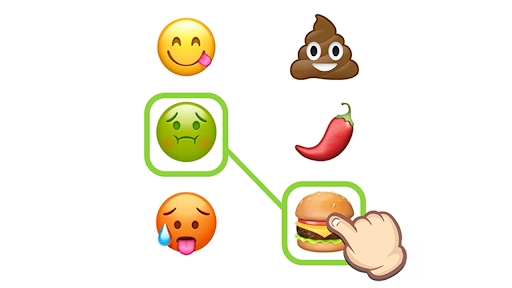
Game Actions
2 optionsTwo separate actions for starting again or moving past a puzzle.
View game actions →Restart the current Emoji Puzzle board when you want another try at matching related emojis, or skip it to load the next level. Choose the free Restart puzzle action or the Premium Skip level action after a board appears.
Requires the Windows app and the Bytonian Mods browser extension for Chrome or Edge. Browser setup guide
Start with free mods
Download Bytonian Mods for Windows and try these free features. Choose one to see how it works and any requirements.
Start the current puzzle again without moving to another level.
Wait for a puzzle to load, enable Restart puzzle and press its action button. This action is free.
Restarts the current puzzle rather than choosing another level.
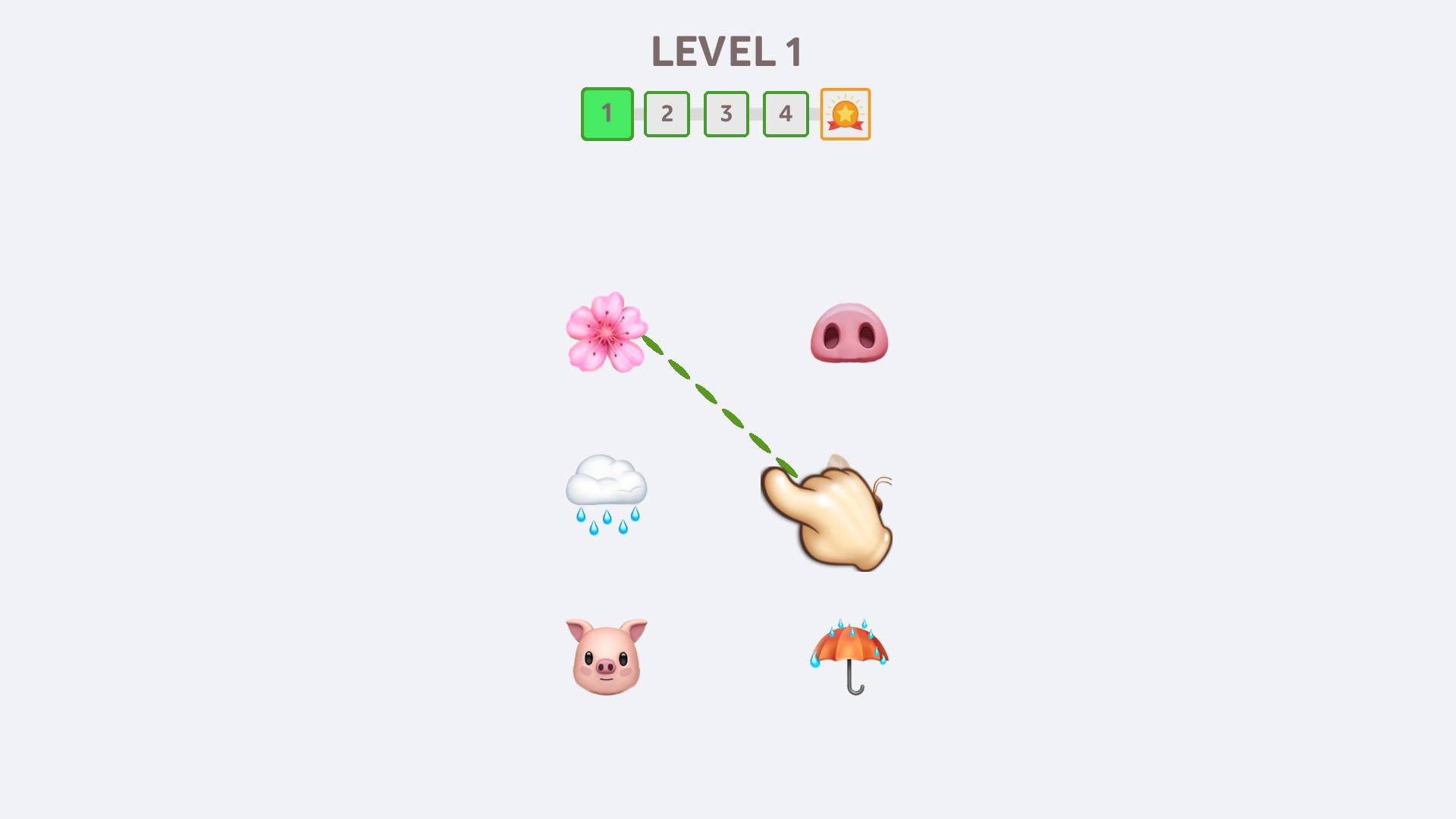
Connect related emojis
Find the emoji pairs that belong together, such as a flower and a bee, then connect them.
Begin the same puzzle again with the free Restart puzzle action, or move on with Premium Skip level.
Open Emoji Puzzle through Bytonian Mods and wait for a puzzle to appear. Enable the action you want, then use its action button. Skip level requires Premium access.
Two separate actions for starting again or moving past a puzzle.
View game actions →Download the Windows app and follow the setup prompts.
Set up the browser extension in Chrome or Edge, then open the supported YouTube Playable. Follow the connection guide if the game is already running.
Review the available options in the app and choose the ones that suit how you play.