
Choose gift or level progress in Decor Life - Home Design Game
Add a gift-progress step when you want to move closer to the next reward, or advance level progress by one step while working on a room. The two actions are separate, so use the one that matches your next goal.
Requires the Windows app and the Bytonian Mods browser extension for Chrome or Edge. Browser setup guide
Add gift progress
Add one step to gift progress with the free action. Keep progressing toward the gift rather than choosing a particular reward.
Advance level progress
Move level progress forward with this Premium action. It adds one progress step; the current room may stay open until the game moves you on.
Available game actions
Add gift progressFree
Add one step to your gift progress with this free action.
Use Add gift progress when you want to advance the gift-progress total.
Adds one progress step rather than choosing a gift reward.
Advance level progressPremium
Advance level progress by one step with this Premium action.
Use Advance level progress to move progression forward.
The current room may stay open until the game moves you on.
Advance your level progress
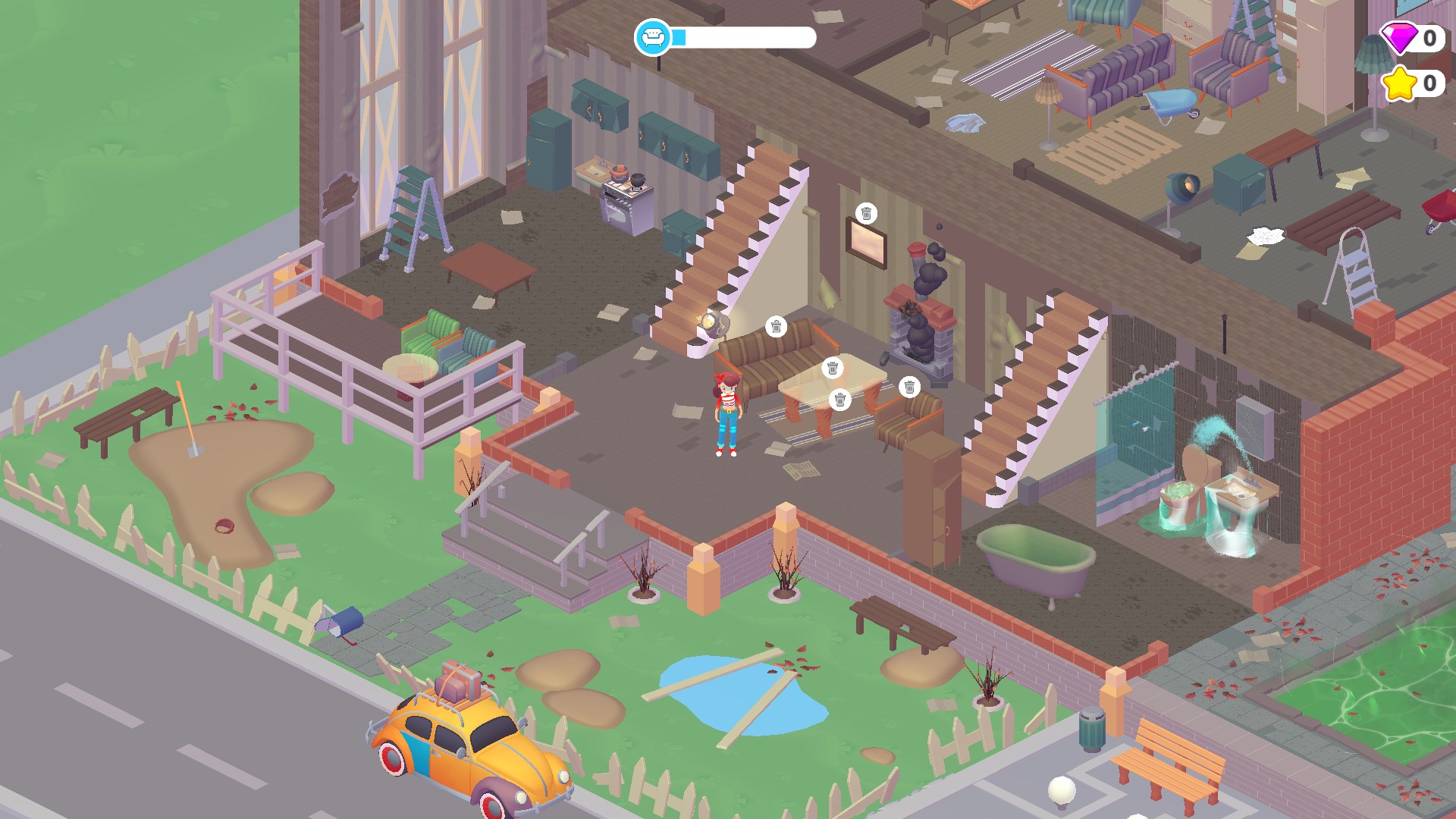
The blue segment shows the added level progress. The home scene stays open here.
Using these features
Choose the feature in the Windows app after connecting your game. Check its requirements before making a change.
Setup for Decor Life - Home Design Game →