
Game Actions
2 optionsOne action adds a gift-progress step; the other advances level progress without guaranteeing an immediate room change.
View game actions →Add one step toward a gift or advance level progress while arranging rooms in Decor Life - Home Design Game. The free gift action and Premium level action work separately, so choose the progress you want to move forward.
Requires the Windows app and the Bytonian Mods browser extension for Chrome or Edge. Browser setup guide
Start with free mods
Download Bytonian Mods for Windows and try these free features. Choose one to see how it works and any requirements.
Add one step to your gift progress with this free action.
Use Add gift progress when you want to advance the gift-progress total.
Adds one progress step rather than choosing a gift reward.
Game Actions contains the free Add gift progress control and the Premium Advance level progress control. The level action can add progress without opening another room immediately.
Open Decor Life on YouTube Playables and connect it to Bytonian Mods. Select the game, open Game Actions and use the action you want. These actions change progression, so choose when to use them.
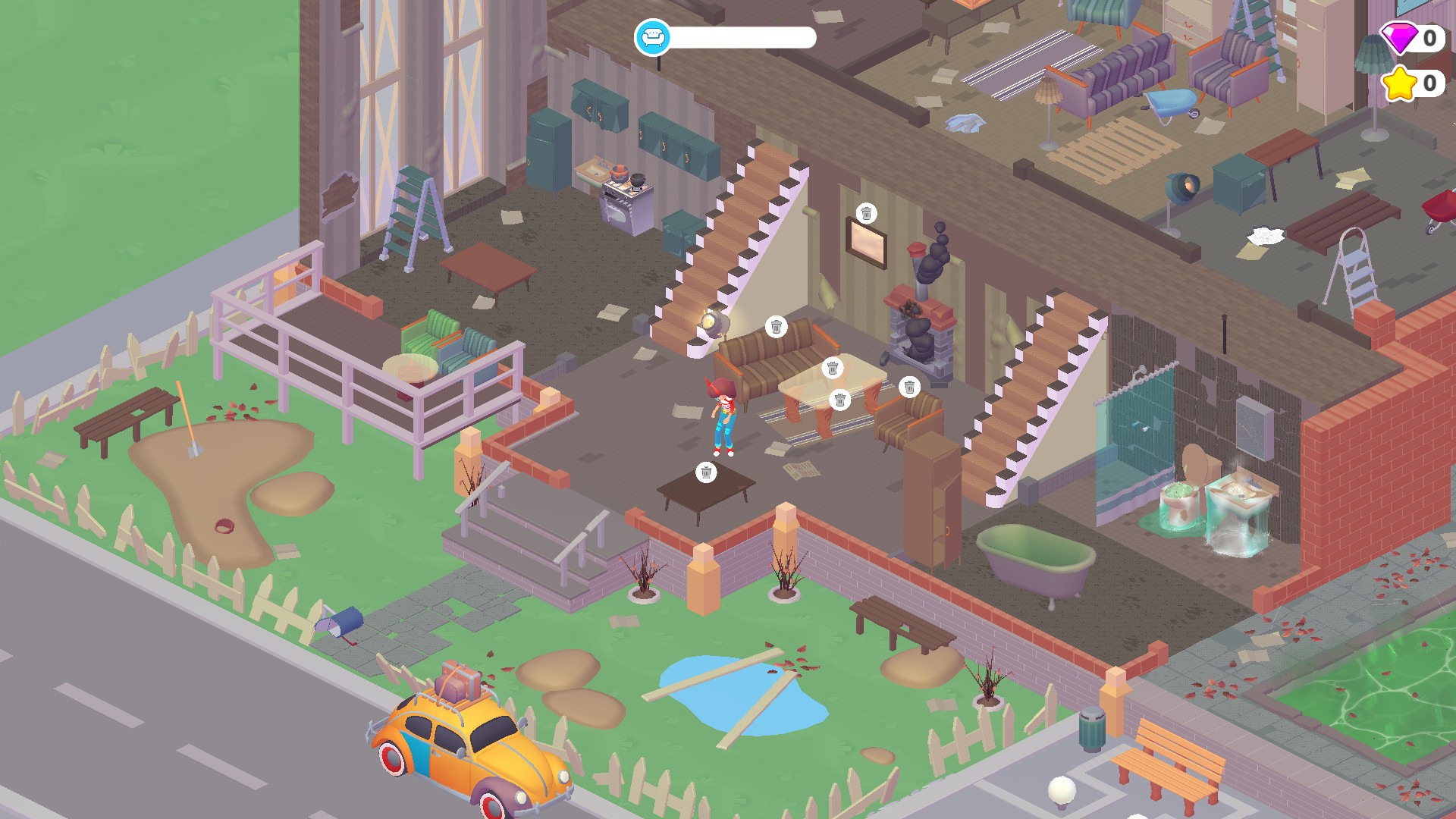
A home to renovate in Decor Life
Explore the rooms and start turning this cluttered house into a home.
One action adds a gift-progress step; the other advances level progress without guaranteeing an immediate room change.
View game actions →Download the Windows app and follow the setup prompts.
Set up the browser extension in Chrome or Edge, then open the supported YouTube Playable. Follow the connection guide if the game is already running.
Review the available options in the app and choose the ones that suit how you play.