
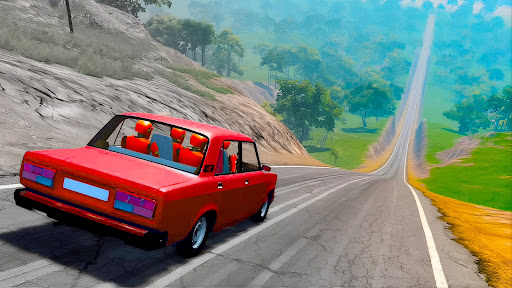
Repair your car in Deadly Descent
Repair crash damage where your car stands on the course, then get back to driving. Use Repair car when you want to recover after a collision.
Requires the Windows app and the Bytonian Mods browser extension for Chrome or Edge. Browser setup guide
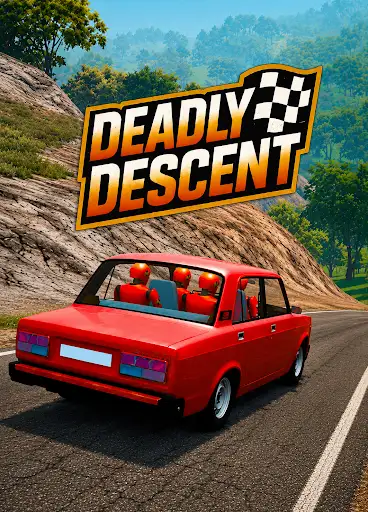
Choose when to repair
Press Repair car while your current vehicle is in play. The action repairs crash damage so you can continue driving; it does not keep the vehicle protected from the next impact.
Repairing while paused
You can select the action from a paused game, then resume play so the repair can finish. Take control of the car as the road and obstacles start moving again.
Available game actions
Repair carFree
Repair crash damage on your current car and continue driving from the course.
Press after a collision while your car is in play. Resume the game if it is paused so the repair can finish.
This is a one-time repair. New collisions can damage the car again.
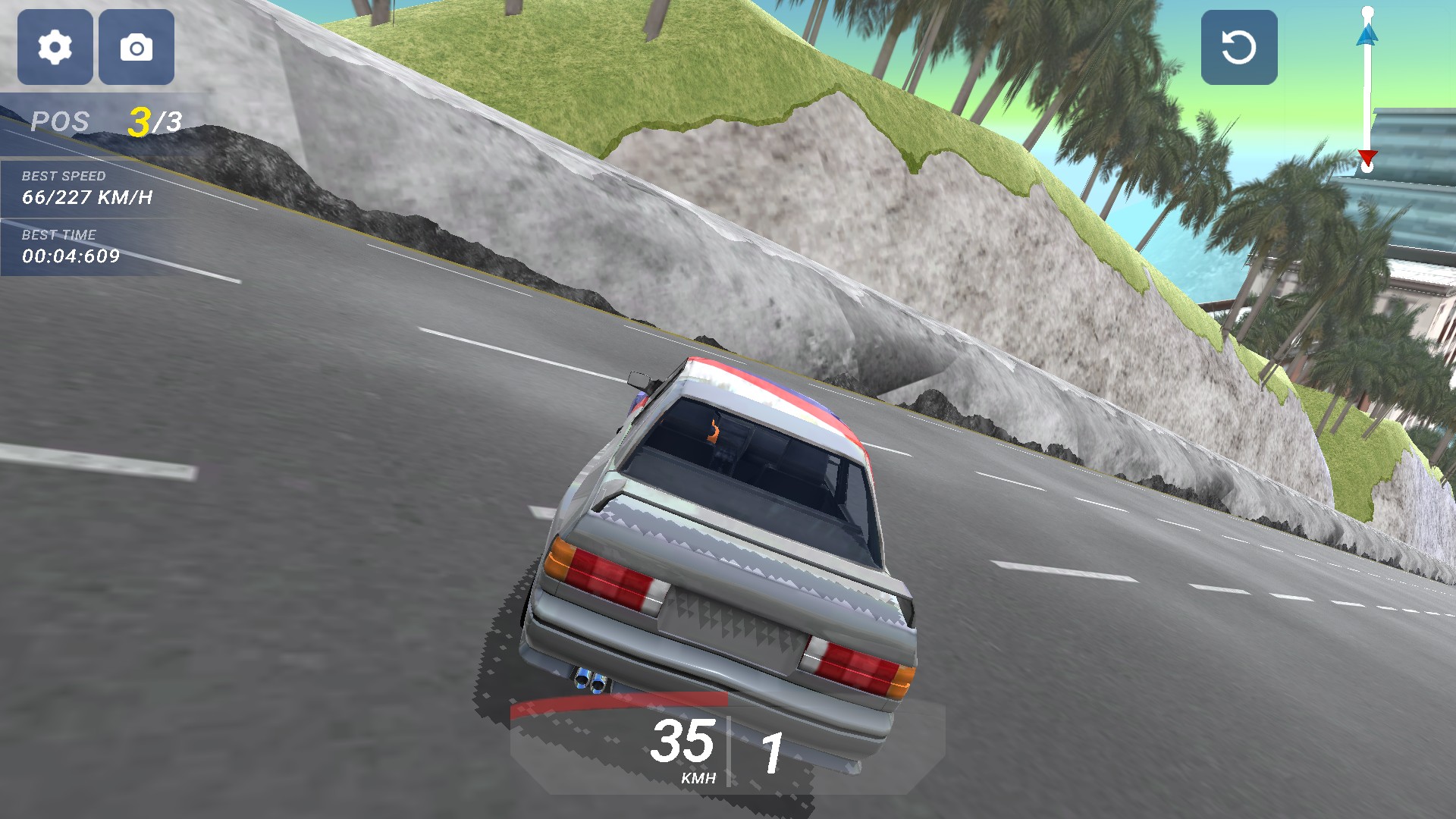
Keep driving after a crash
Repair your current car and get moving again from the course. Here the car is driving after a repair.
Questions about game actions
- Is Repair car free?
- Yes. The Repair car control is free.
Using these features
Choose the feature in the Windows app after connecting your game. Check its requirements before making a change.
Setup for Deadly Descent →