
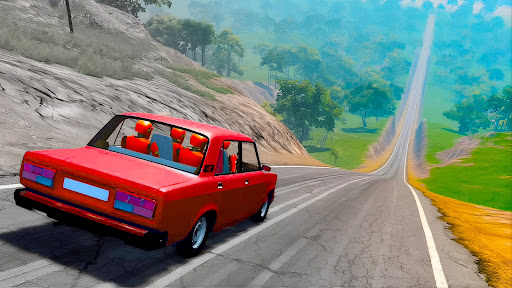
Game Actions
1 optionUse a one-time repair after a crash, then return to driving.
View game actions →Repair crash damage on your current car in Deadly Descent, then continue driving from your position on the course. Take on steep roads and obstacles as you work toward the next stretch.
Requires the Windows app and the Bytonian Mods browser extension for Chrome or Edge. Browser setup guide
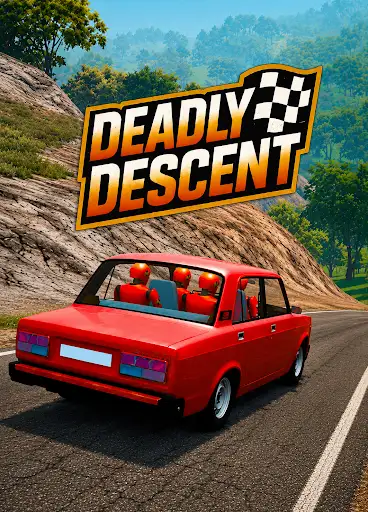
Start with free mods
Download Bytonian Mods for Windows and try these free features. Choose one to see how it works and any requirements.
Repair crash damage on your current car and continue driving from the course.
Press after a collision while your car is in play. Resume the game if it is paused so the repair can finish.
This is a one-time repair. New collisions can damage the car again.
The free Repair car action repairs your current vehicle during play. Use it after a crash when you want to continue tackling the road from your current position.
Open Deadly Descent through Bytonian Mods and enable the Repair car package. During play, press Repair car after your vehicle takes damage, then continue with the game's normal driving controls. If you have paused the game, resume it to let the repair finish.
Use a one-time repair after a crash, then return to driving.
View game actions →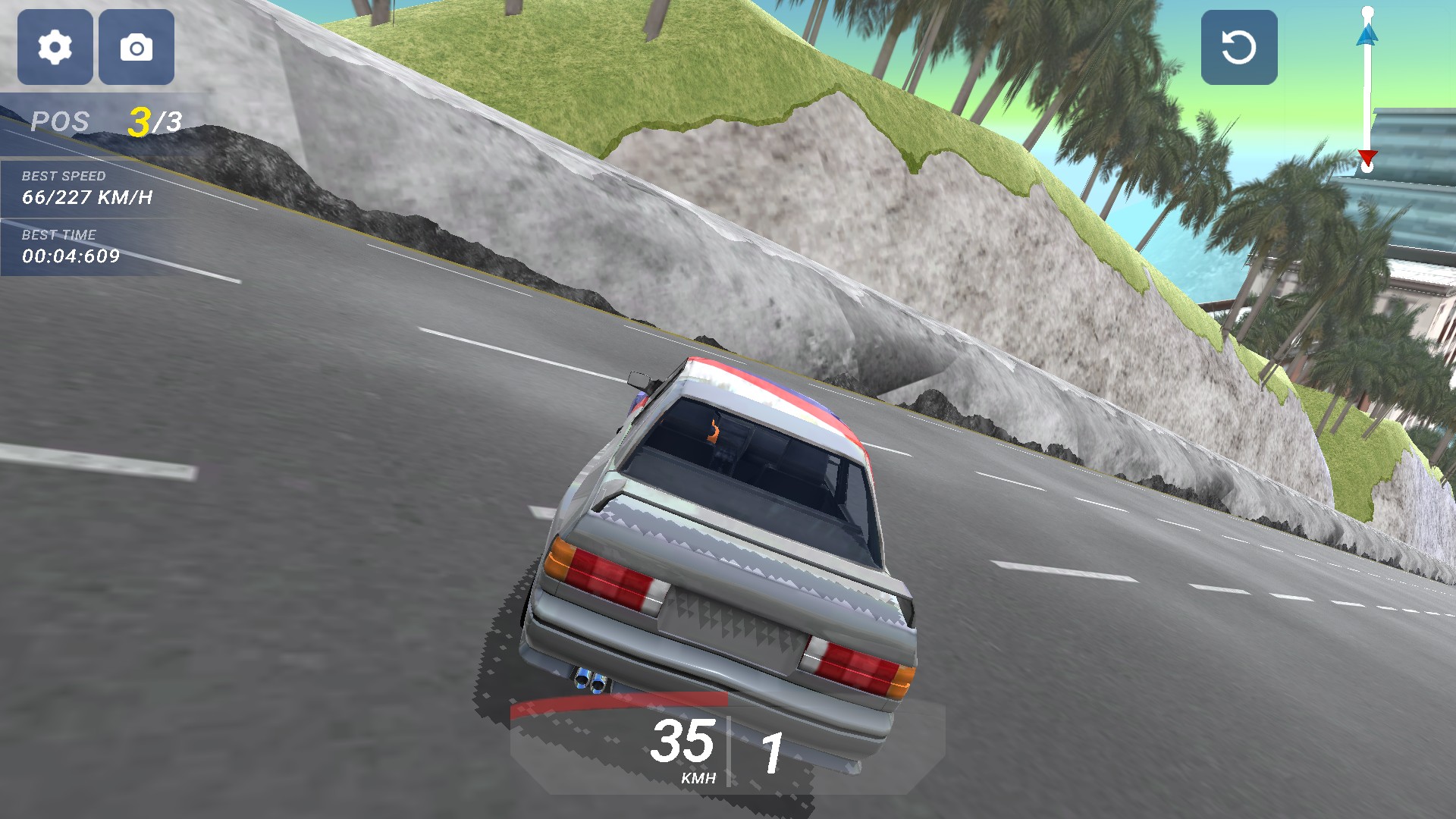
Back on the road
Use Repair car to recover from crash damage and continue down Deadly Descent's steep roads.
Download the Windows app and follow the setup prompts.
Set up the browser extension in Chrome or Edge, then open the supported YouTube Playable. Follow the connection guide if the game is already running.
Review the available options in the app and choose the ones that suit how you play.