
Finish the cookie and move on
Stuck on a shape you would rather skip? Complete Level finishes the current cookie in the main game so you can continue to something new.
Requires the Windows app and the Bytonian Mods browser extension for Chrome or Edge. Browser setup guide

How to use Complete Level
Start a cookie in the main game, then press Complete Level. Use Continue in the game to leave the result screen and move on. The button works during active carving.
A shortcut to the next shape
This shortcut completes the cookie without adding carving rewards. Use it when you want to move on; choose Coins or Golden Flow when you want to build up your balance.
Available game actions
Complete LevelPremium
Finish the cookie you are carving and continue to the next shape.
Start a cookie in the main game, press Complete Level, then choose Continue in the game.
Works during active carving in the main game. Completing a cookie this way does not add carving rewards.
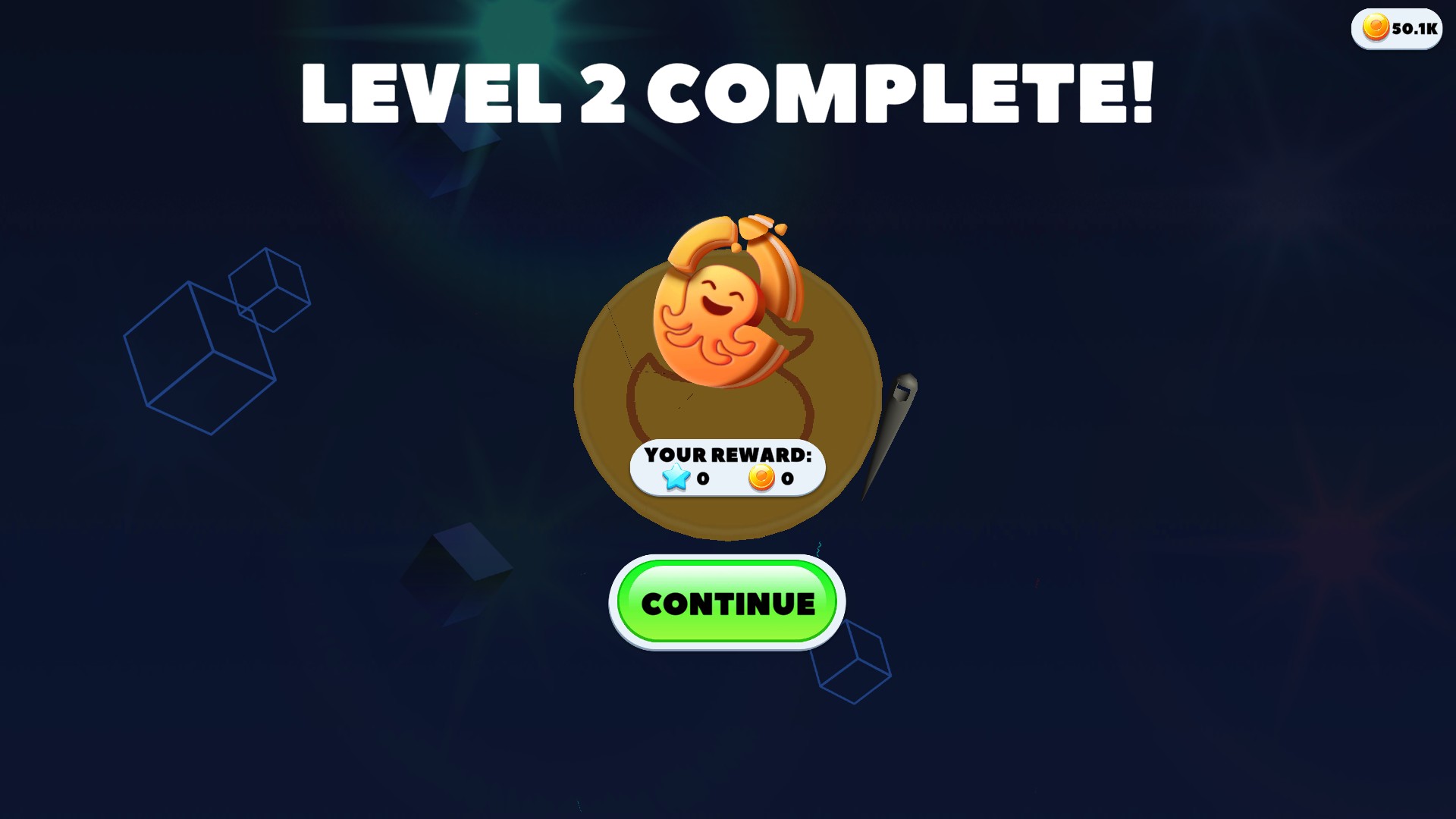
Move on to the next cookie
Finish the current cookie in the main game, then choose Continue to move on.
More ways to customise Dalgona Candy Cookie Games
- Dalgona Candy Cookie Games customisation options
Set coins, adjust three upgrades and open more ways to play.
Using these features
Choose the feature in the Windows app after connecting your game. Check its requirements before making a change.
Setup for Dalgona Candy Cookie Games →