
Customise
6 optionsSet coins, adjust three upgrades and open more ways to play.
View all customisation options →Choose your coins and carving upgrades, open extra cookie modes or finish a tricky main-game shape. Make your next Dalgona Candy Cookie Games session your own.
Requires the Windows app and the Bytonian Mods browser extension for Chrome or Edge. Browser setup guide

Start with free mods
Download Bytonian Mods for Windows and try these free features. Choose one to see how it works and any requirements.
Choose your coin balance and spend it on the upgrades or shop items you want.
Set an amount and apply your changes, then use the game's upgrade menu or shop.
Customization brings together your coin balance, three upgrades and access to extra modes. Start with free Coins for normal upgrade purchases, or choose the upgrade levels directly with Premium controls.
Complete Level finishes the cookie you are currently carving in the main game. Choose Continue on the result screen to move on to the next shape.
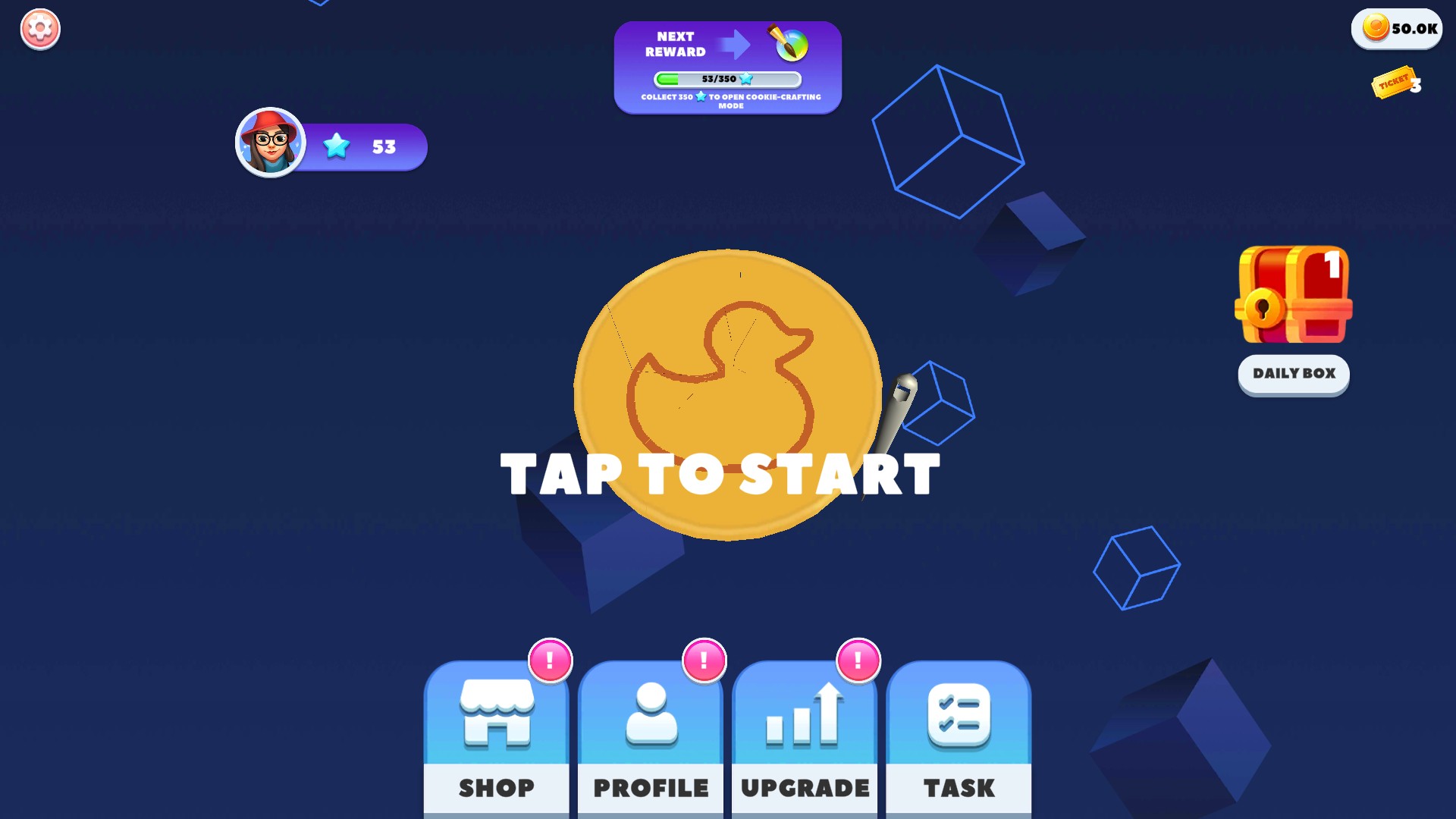
A fresh cookie to carve
Shape a dalgona cookie, build up your upgrades and explore more ways to play.
Set coins, adjust three upgrades and open more ways to play.
View all customisation options →Finish an active main-game cookie with one press.
View game actions →Download the Windows app and follow the setup prompts.
Set up the browser extension in Chrome or Edge, then open the supported YouTube Playable. Follow the connection guide if the game is already running.
Review the available options in the app and choose the ones that suit how you play.