
Customize your Crystal Collapse puzzle
Continue an existing game with a move balance and fireball charge requirement that suit your puzzle. Apply your choices, then select Continue.
Requires the Windows app and the Bytonian Mods browser extension for Chrome or Edge. Browser setup guide
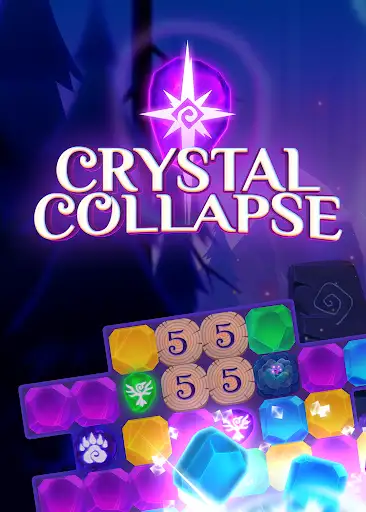
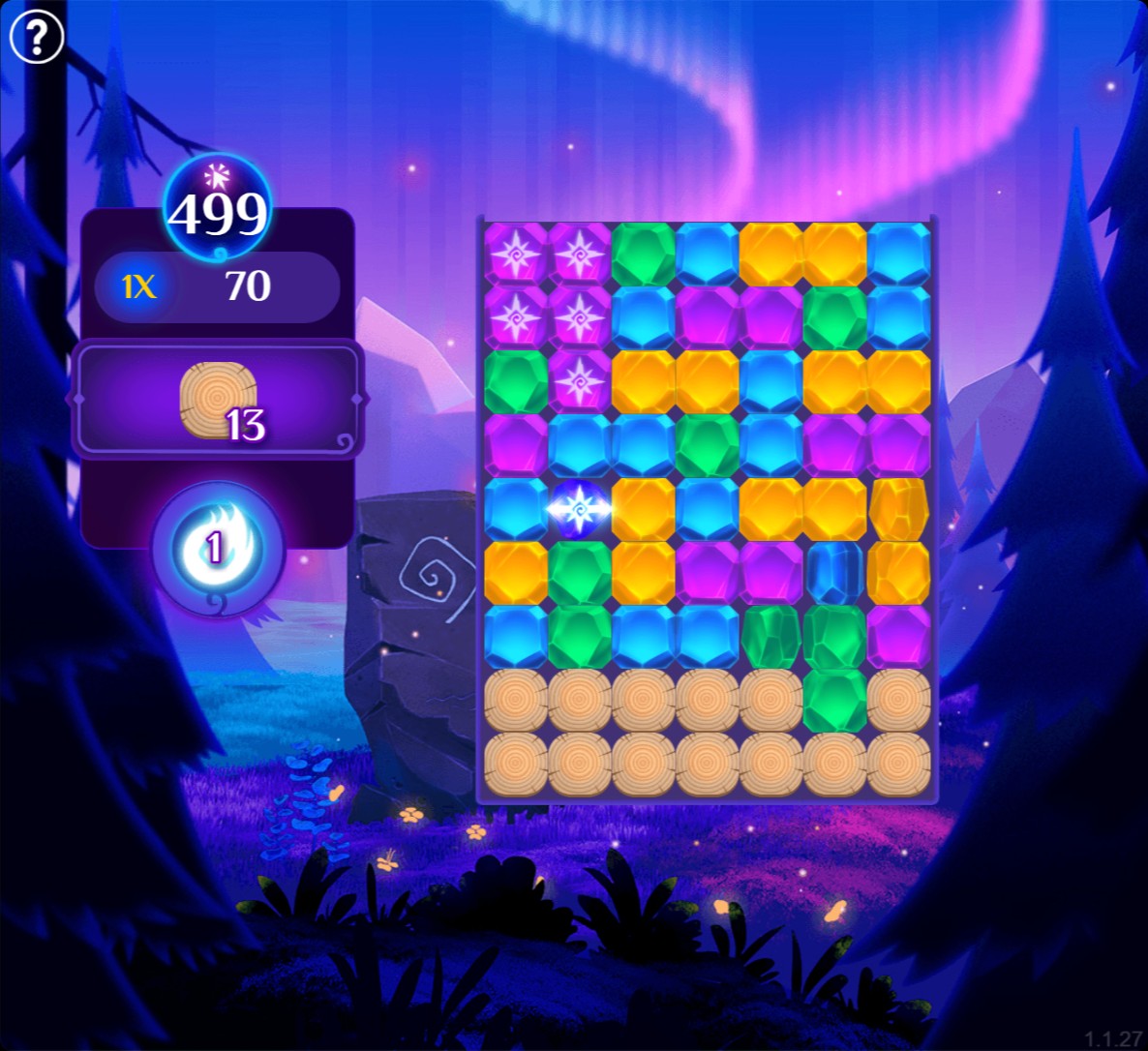
Charge a fireball with fewer crystals
With the meter set to five tiles, a normal six-crystal match triggered a fireball and reduced the wood goal from 14 to 13.
Choose your move balance
Set the moves available for normal puzzle play. Matches spend moves as usual.
Choose how quickly fireballs charge
A lower tile requirement charges the fireball meter sooner as you clear crystals. Fireballs seek available goal targets when the meter fills.
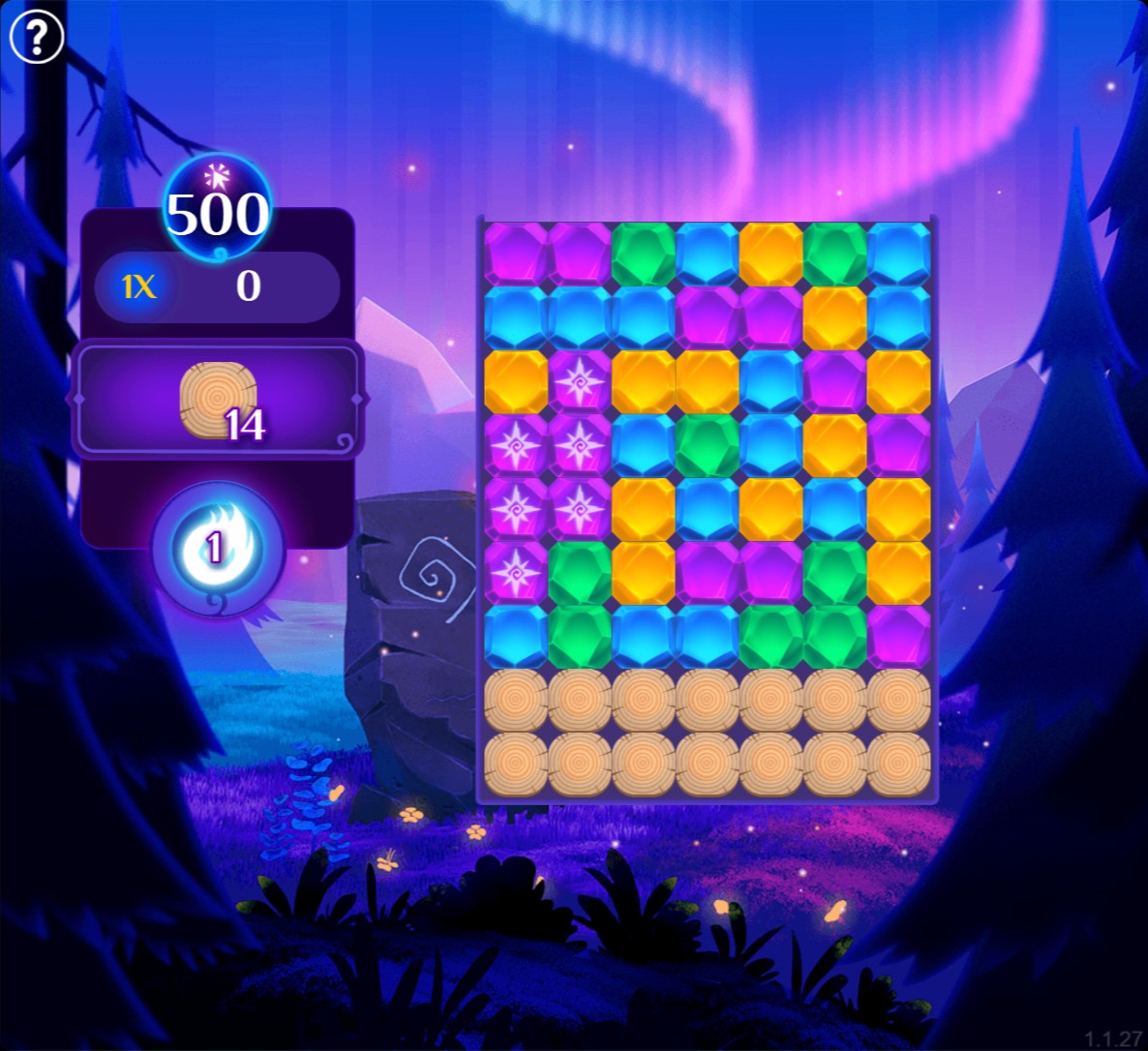
500 moves for your puzzle
The saved game opens with 500 moves, ready for normal crystal matches.
Available customisation options
Moves RemainingFree
Set the remaining moves in Crystal Collapse so you have more room to plan matches and clear targets.
Apply to an existing game, then select Continue. Normal matches spend one move.
Tiles per Fireball BurstPremium
Lower the number of cleared tiles required to charge a fireball burst and reach goal targets sooner.
Apply to an existing game and select Continue. Clear crystal groups normally to fill the fireball meter.
Using these features
Connect your game, then open Customise in the Windows app. Choose an option, check its available values and follow its instructions. Each option lists its own requirements and limits.
Setup for Crystal Collapse →