
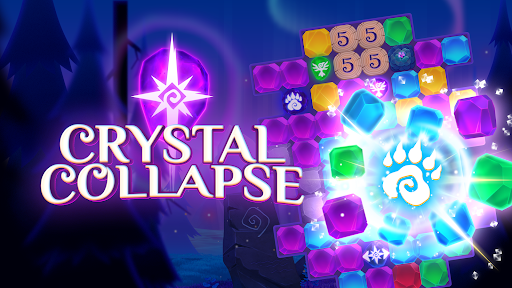
Customise
2 optionsMoves Remaining, Tiles per Fireball Burst.
View customisation options →Clear colorful crystal groups and work through wooden targets with a move balance that suits your puzzle. Set your remaining moves, or lower the tiles needed to charge a fireball burst.
Requires the Windows app and the Bytonian Mods browser extension for Chrome or Edge. Browser setup guide
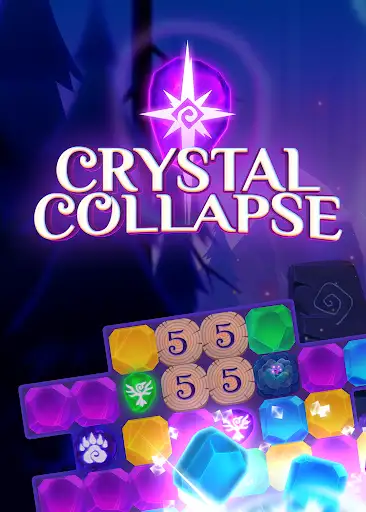
Start with free mods
Download Bytonian Mods for Windows and try these free features. Choose one to see how it works and any requirements.
Set the remaining moves in Crystal Collapse so you have more room to plan matches and clear targets.
Apply to an existing game, then select Continue. Normal matches spend one move.
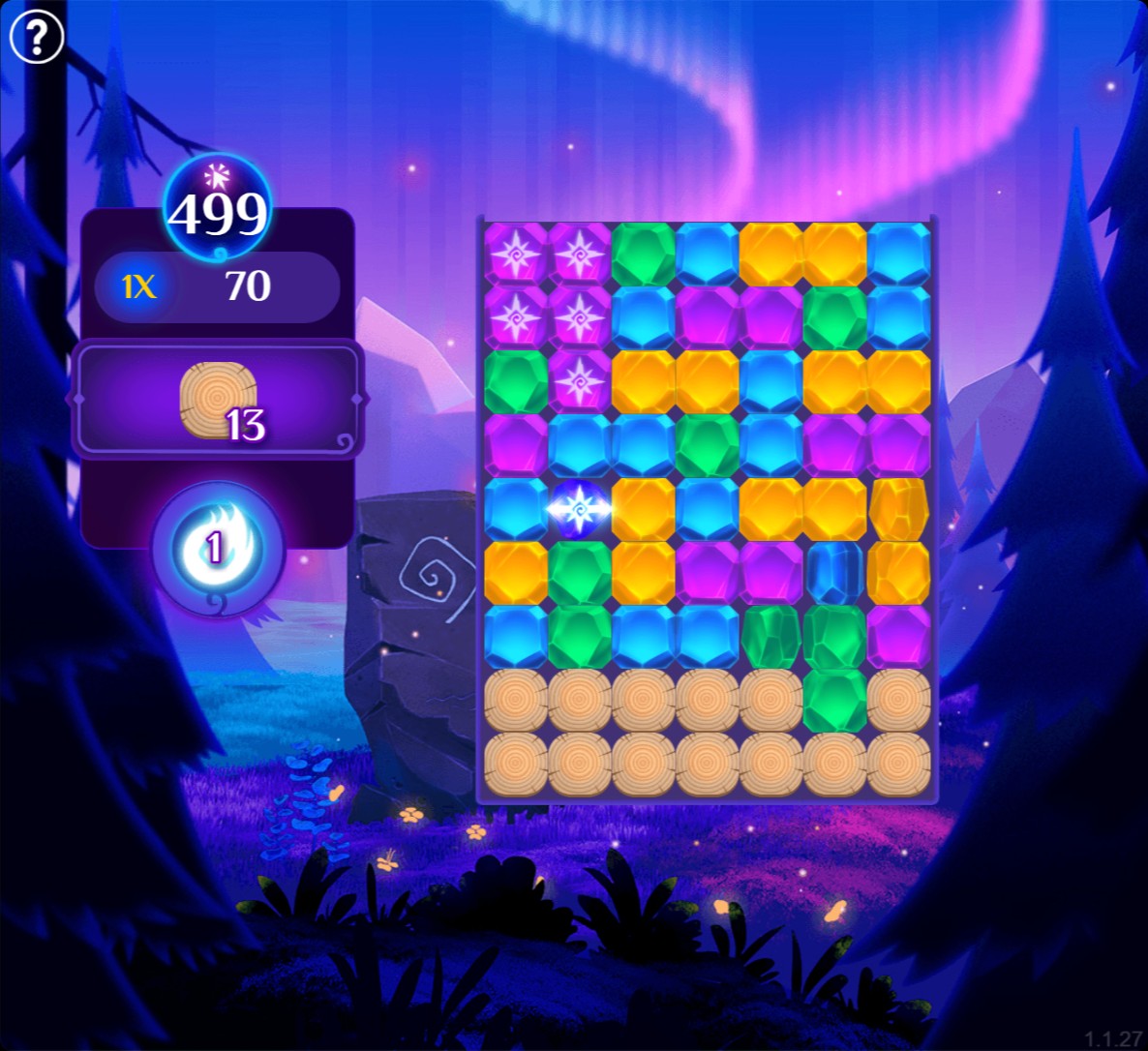
Bring fireball bursts closer together
A lower charge requirement lets smaller crystal matches fill the meter and launch a fireball toward the normal goal.
Choose your remaining move balance and continue your puzzle. Each normal match still uses a move, giving you room to plan chains and clear targets.
Lower the number of cleared tiles needed to charge a burst. Your normal matches fill the meter, and fireballs help clear available goal targets.
Moves Remaining, Tiles per Fireball Burst.
View customisation options →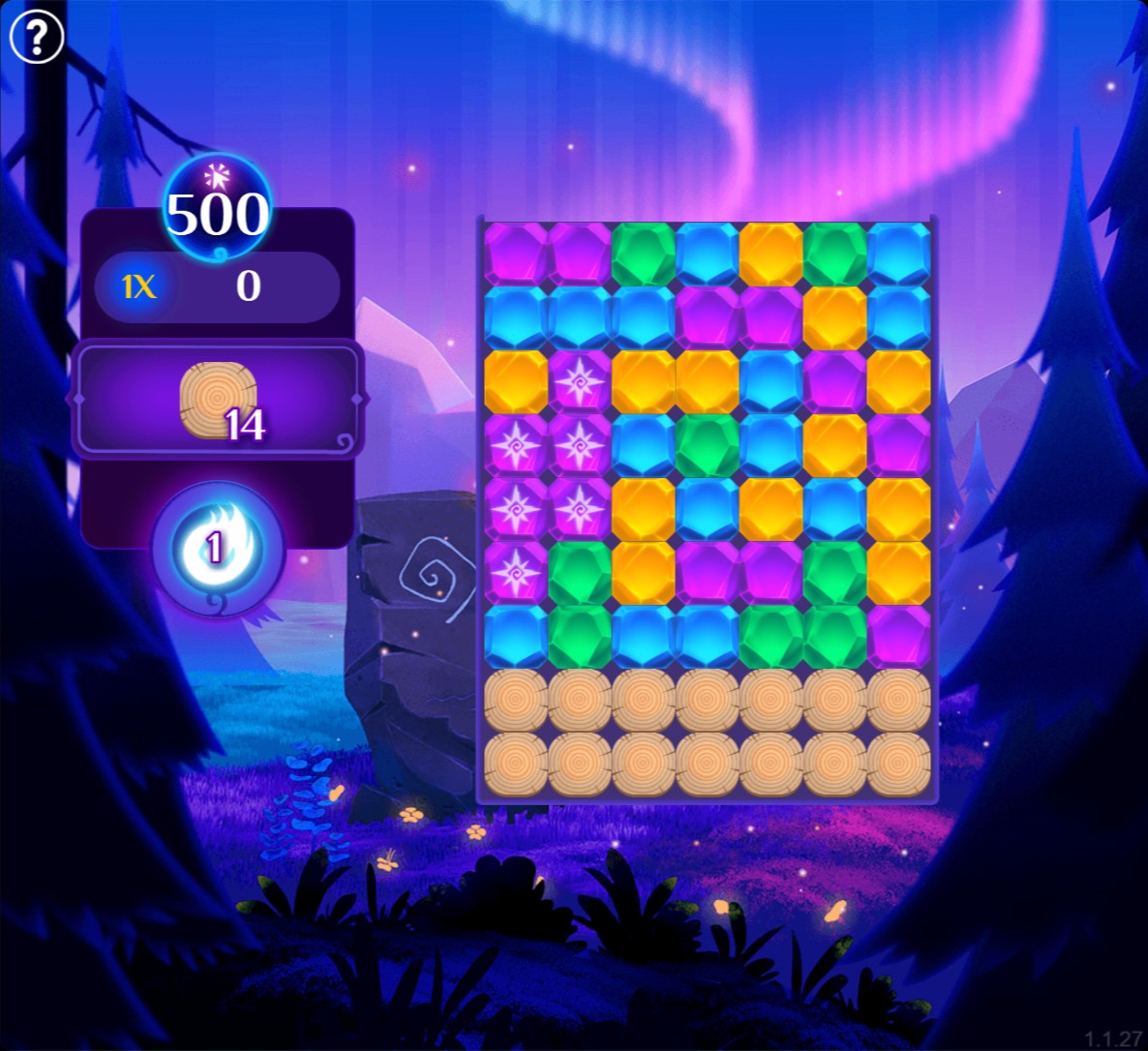
Give your puzzle more moves
Choose a larger saved move balance and continue matching crystals toward the normal goal.
Download the Windows app and follow the setup prompts.
Set up the browser extension in Chrome or Edge, then open the supported YouTube Playable. Follow the connection guide if the game is already running.
Open Customise in Bytonian Mods, choose an option and follow its instructions. Check the available values and any limits before making your change.