

Customise
3 optionsThree free controls work with the normal gem-sorting buttons.
View customisation options →Set coins for a tray expansion or stock up on Wands and Magnets to correct misplaced jewels. Return gems to their matching cells and reveal the picture.
Requires the Windows app and the Bytonian Mods browser extension for Chrome or Edge. Browser setup guide
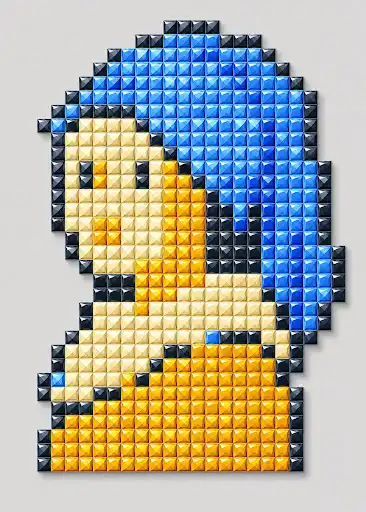
Start with free mods
Download Bytonian Mods for Windows and try these free features. Choose one to see how it works and any requirements.
Set your Coin balance for normal tray expansion and tool payments.
Choose an amount, apply it and use the normal row purchase when you need more tray space.
Set Magnet stock for correcting groups of misplaced jewels.
Apply an amount, then tap the Magnet while the board has misplaced jewels.
Set Wand stock for correcting a selected area.
Apply an amount, tap the Wand, move its selection and release over misplaced jewels.
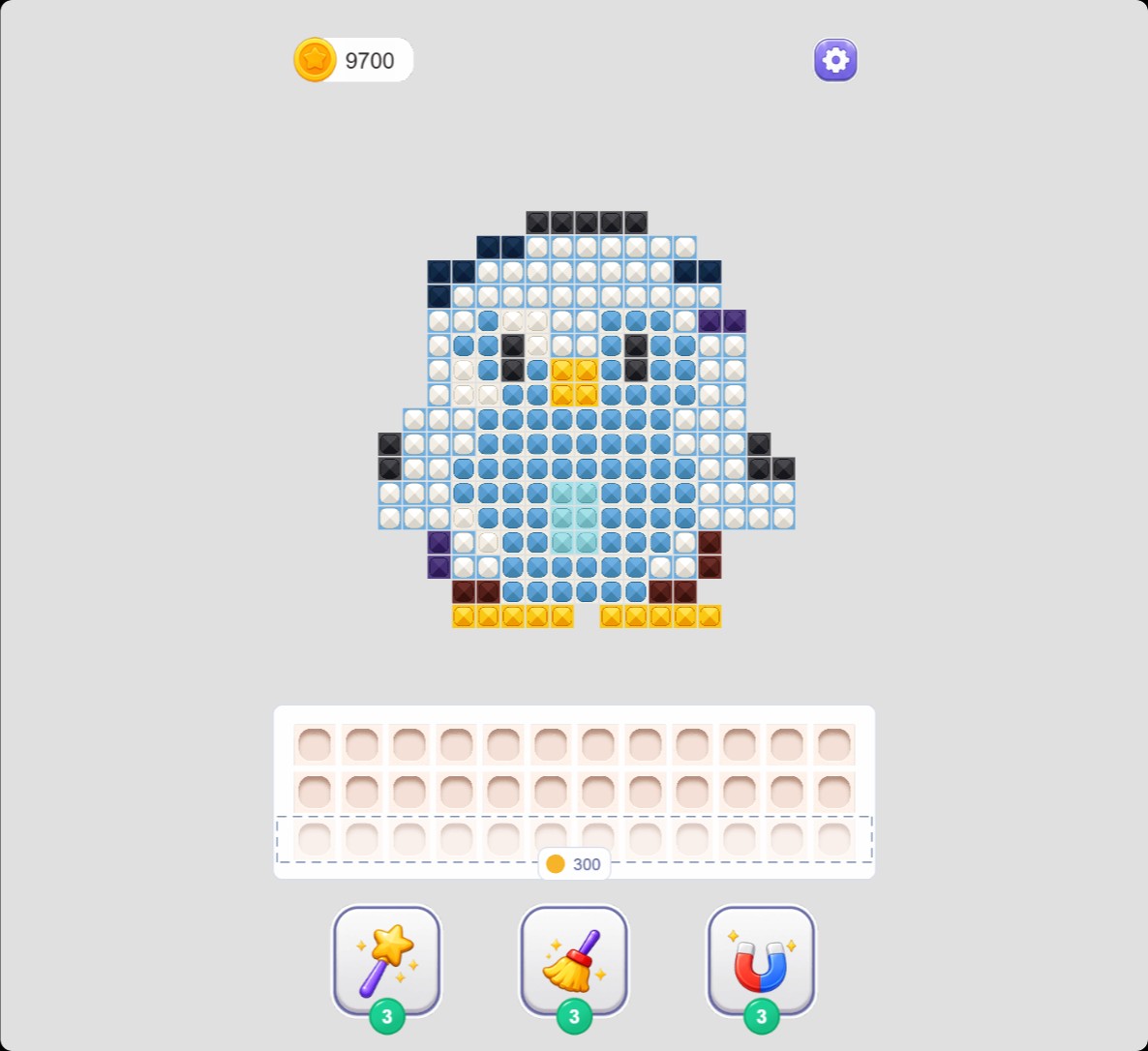
Coins for extra sorting space
Use Coins for the normal extra-row purchase and make more room for jewels in the tray.
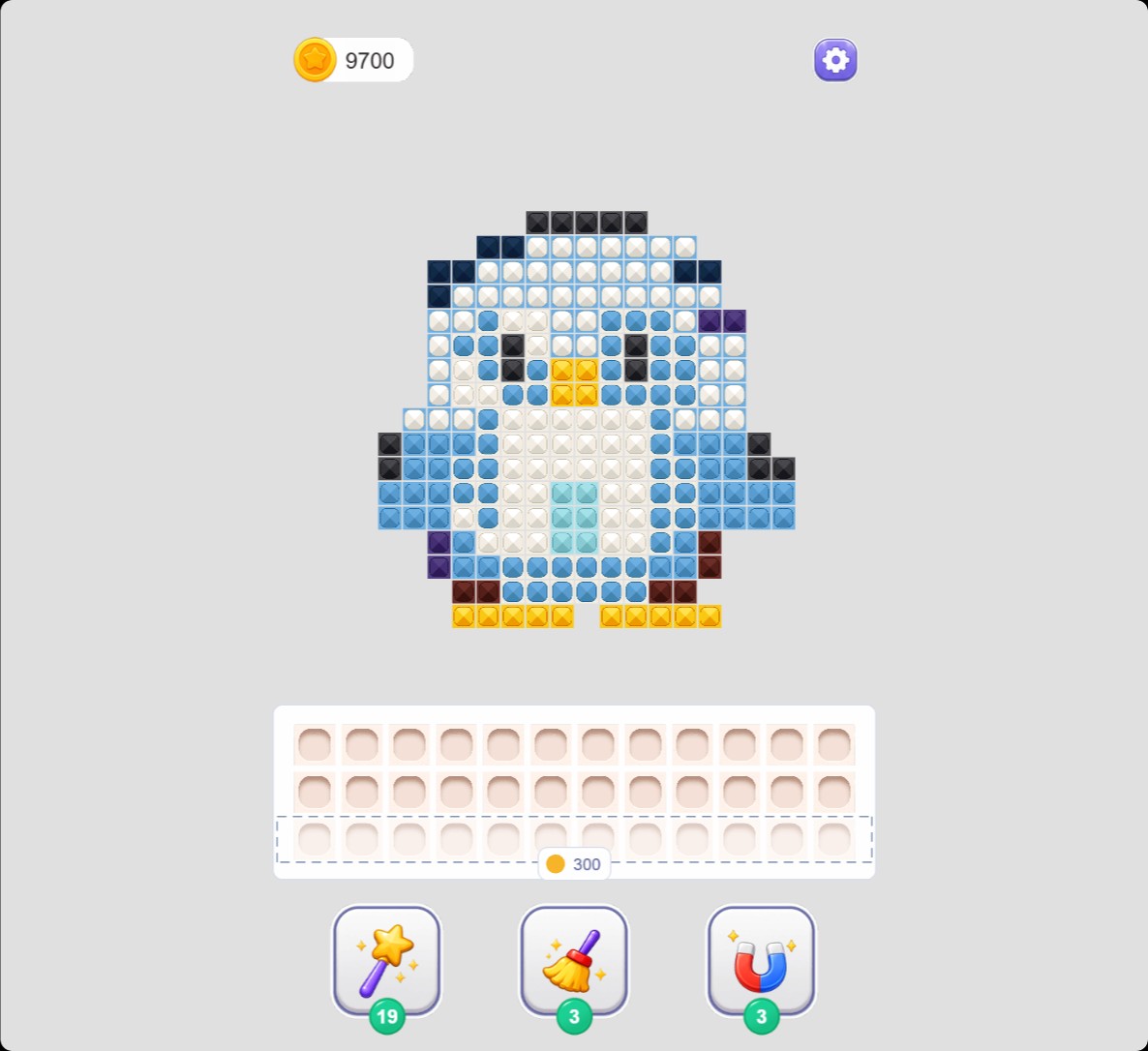
Wands for a tricky patch of gems
Choose an area with the Wand and let it put misplaced jewels into matching cells.
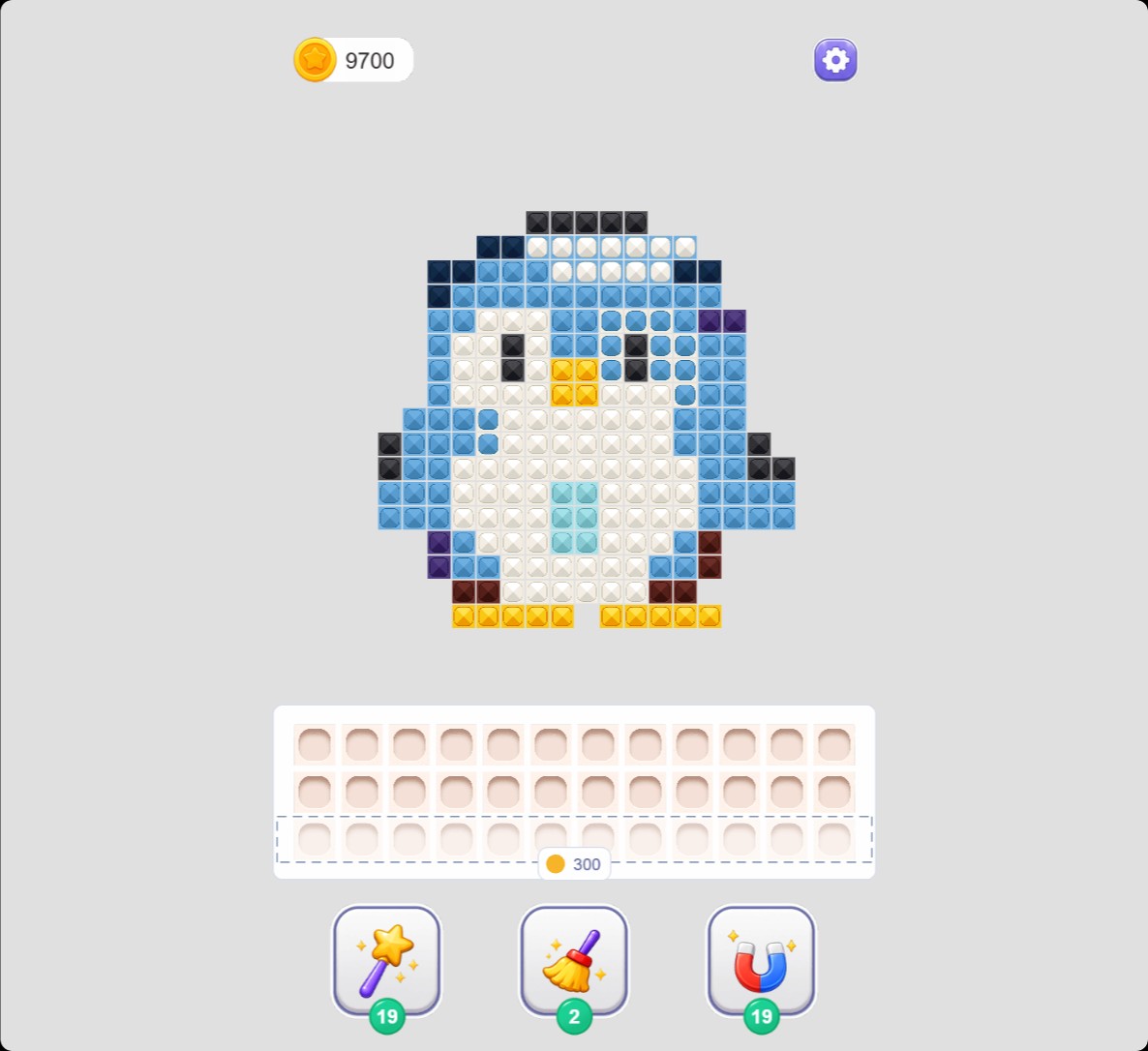
Magnets for misplaced jewels
Use a Magnet to put a group of misplaced jewels into matching cells.
Set a Coin reserve for the normal extra-row purchase. A row costs 300 Coins and adds twelve usable tray cells.
Build Wand and Magnet stock for the game's normal tools. Use the Wand to select an area, or tap the Magnet to correct a group of misplaced jewels.
Three free controls work with the normal gem-sorting buttons.
View customisation options →Download the Windows app and follow the setup prompts.
Set up the browser extension in Chrome or Edge, then open the supported YouTube Playable. Follow the connection guide if the game is already running.
Open Customise in Bytonian Mods, choose an option and follow its instructions. Check the available values and any limits before making your change.