
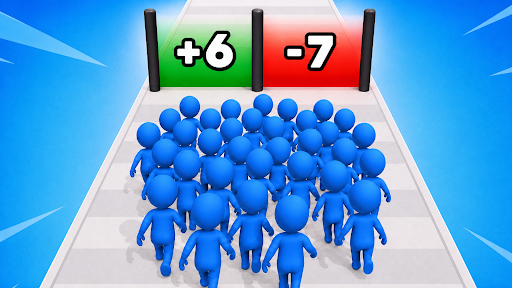
Customise
3 optionsChoose a coin balance and set up to two starting crowd or magnet upgrades.
View customisation options →Set your coin balance for normal upgrades, start with a larger crowd, or choose the magnet level before another Crowd Master run. Guide your blue runners through number gates and around obstacles on floating tracks.
Requires the Windows app and the Bytonian Mods browser extension for Chrome or Edge. Browser setup guide
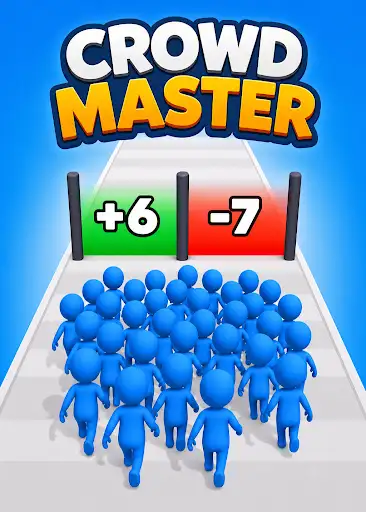
Start with free mods
Download Bytonian Mods for Windows and try these free features. Choose one to see how it works and any requirements.
Set your coin balance to spend on normal crowd and magnet upgrades.
Apply the balance, then choose a purchase from the game's upgrade menu.
Choose Coins to give yourself room to buy upgrades from the normal menu. Starting Crowd Upgrades and Magnet Upgrades provide separate controls for those two upgrade settings.
Number gates change the size of your crowd, while hazards and enemy groups can cut it down. Starting with more units gives you a larger group to guide, but you still need to navigate the track.
Choose your settings and apply them before continuing. Use the game's normal Restart flow to refresh the upgrade menu and starting group, then press Space or use the start prompt to begin running.
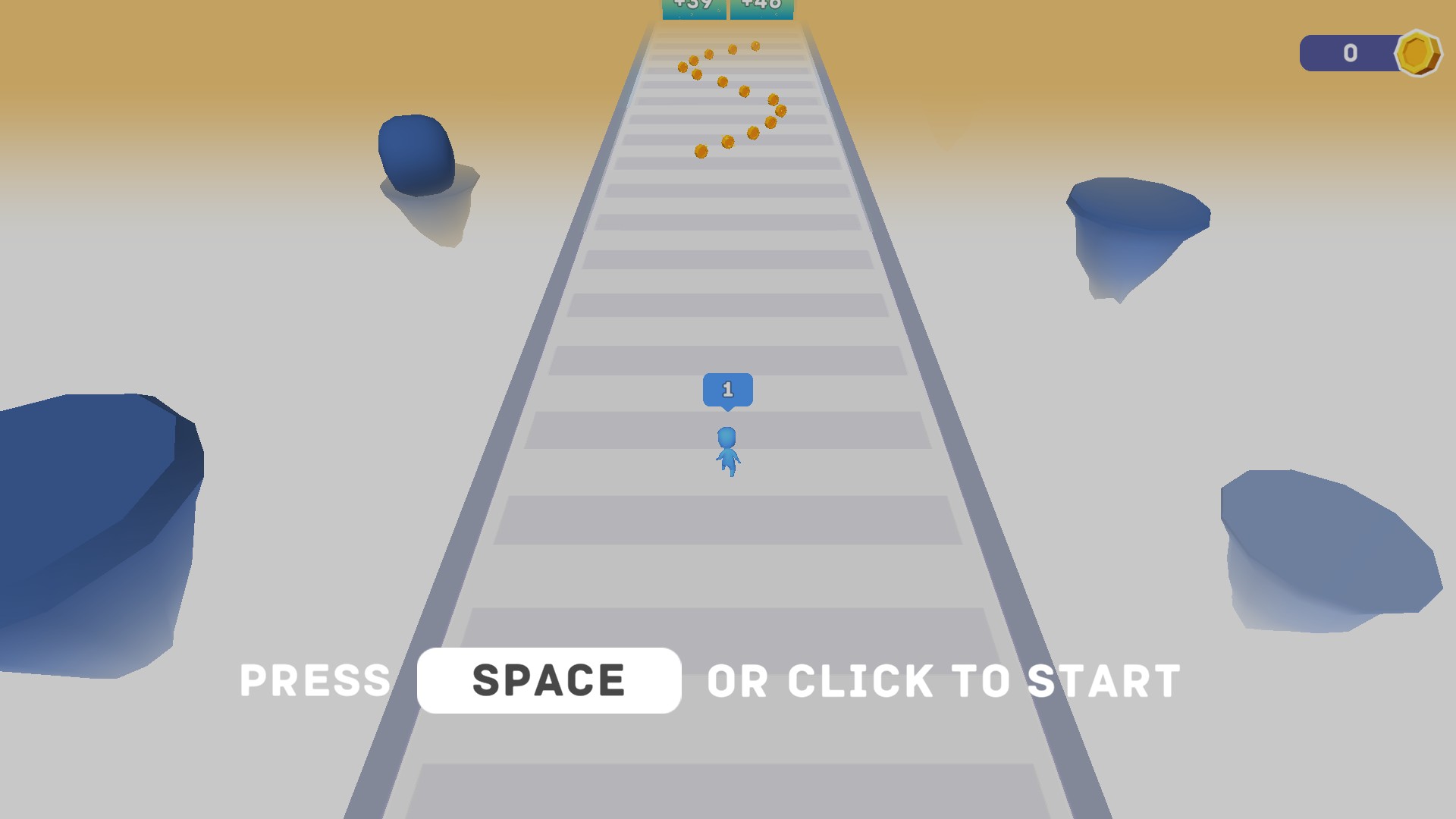
Lead your crowd through number gates
Collect coins, grow your crowd through numbered gates and prepare for the obstacles ahead.
Choose a coin balance and set up to two starting crowd or magnet upgrades.
View customisation options →Download the Windows app and follow the setup prompts.
Set up the browser extension in Chrome or Edge, then open the supported YouTube Playable. Follow the connection guide if the game is already running.
Open Customise in Bytonian Mods, choose an option and follow its instructions. Check the available values and any limits before making your change.