

Choose stone for towers and crystals for troops
Choose the resource you need for your next move. Stone helps fund military towers, and crystals let you recruit more troops at a hire pad.
Requires the Windows app and the Bytonian Mods browser extension for Chrome or Edge. Browser setup guide

Set your balance, then spend it
Refresh the resource card, enter the balance you want and apply it. Each control supports whole balances from 0 to 1,000,000. Use the game's usual building or hiring spot to make your purchase.
Two resources, two jobs
The free stone control supports tower construction. The crystal control supports recruitment. Adding resources does not replace the opening tutorial's mining and hiring instructions.
Available resources
CrystalsPremium
Set your crystal balance to recruit troops.
Refresh the card, choose a whole balance from 0 to 1,000,000 and apply it. Stand on a hire pad to recruit.
Hiring continues while you stand on the pad and have crystals. Move away when you have enough troops.
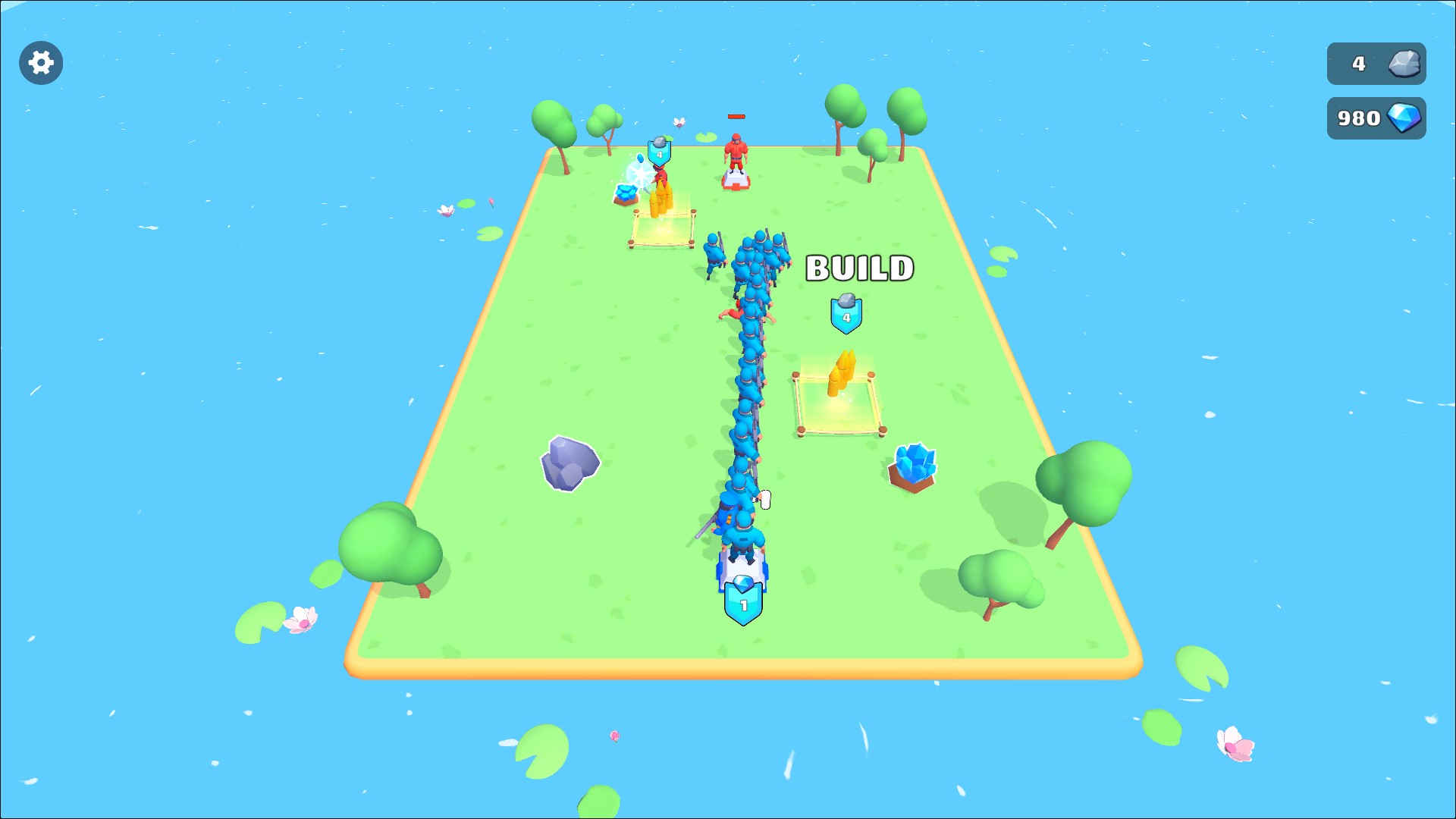
Recruit your army
Set your crystal balance and stand on a hire pad to recruit troops. Move away when you have the squad you want.
StoneFree
Set your stone balance to fund military towers.
Refresh the card, choose a whole balance from 0 to 1,000,000 and apply it. Stand at a marked building spot to spend stone.
Complete the opening mining and hiring instructions to reach building spots.
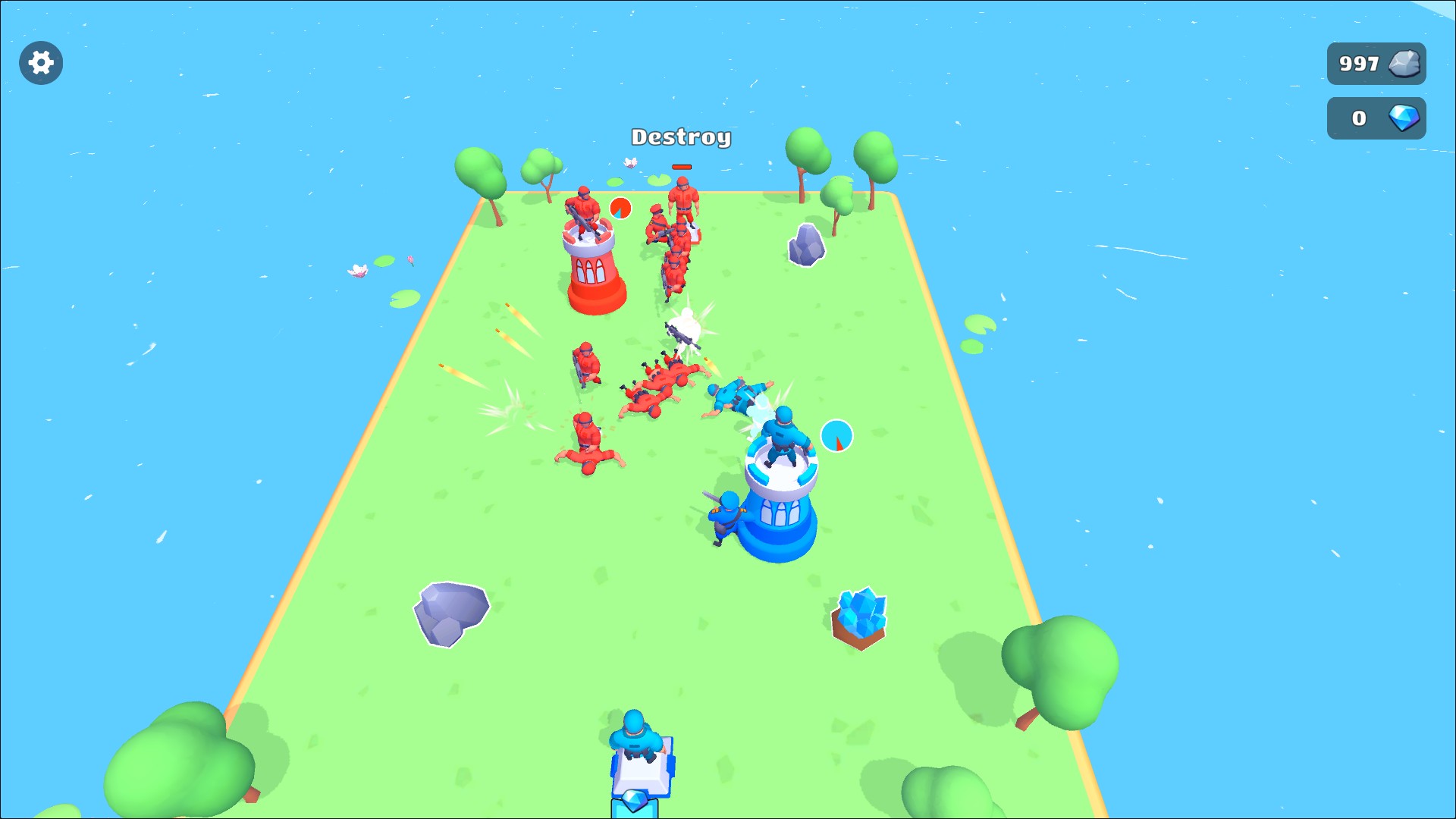
Build your military towers
Set your stone balance, then stand at a building spot to construct a tower for your army.
Using these features
Choose the feature in the Windows app after connecting your game. Check its requirements before making a change.
Setup for Craft and Battle →