
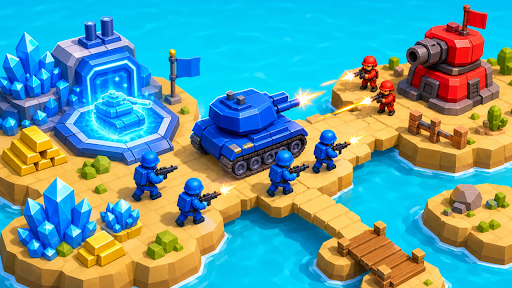
Resources
2 optionsSet stone and crystals independently.
View resources →Choose stone for military towers and crystals for troop recruitment in Craft and Battle. Spend each resource at its normal building or hire spot as you lead the blue army across the island.
Requires the Windows app and the Bytonian Mods browser extension for Chrome or Edge. Browser setup guide

Start with free mods
Download Bytonian Mods for Windows and try these free features. Choose one to see how it works and any requirements.
Set your stone balance to fund military towers.
Refresh the card, choose a whole balance from 0 to 1,000,000 and apply it. Stand at a marked building spot to spend stone.
Complete the opening mining and hiring instructions to reach building spots.
Stone pays for military towers at marked building spots. Crystals pay for troops at hire pads. Set each resource separately, then use the normal building and recruitment spots to spend it.
A hire pad keeps recruiting while you stand on it and have crystals to spend. Move away when you have the squad you want. Complete the opening mining and hiring instructions to reach the rest of the battlefield.
Set stone and crystals independently.
View resources →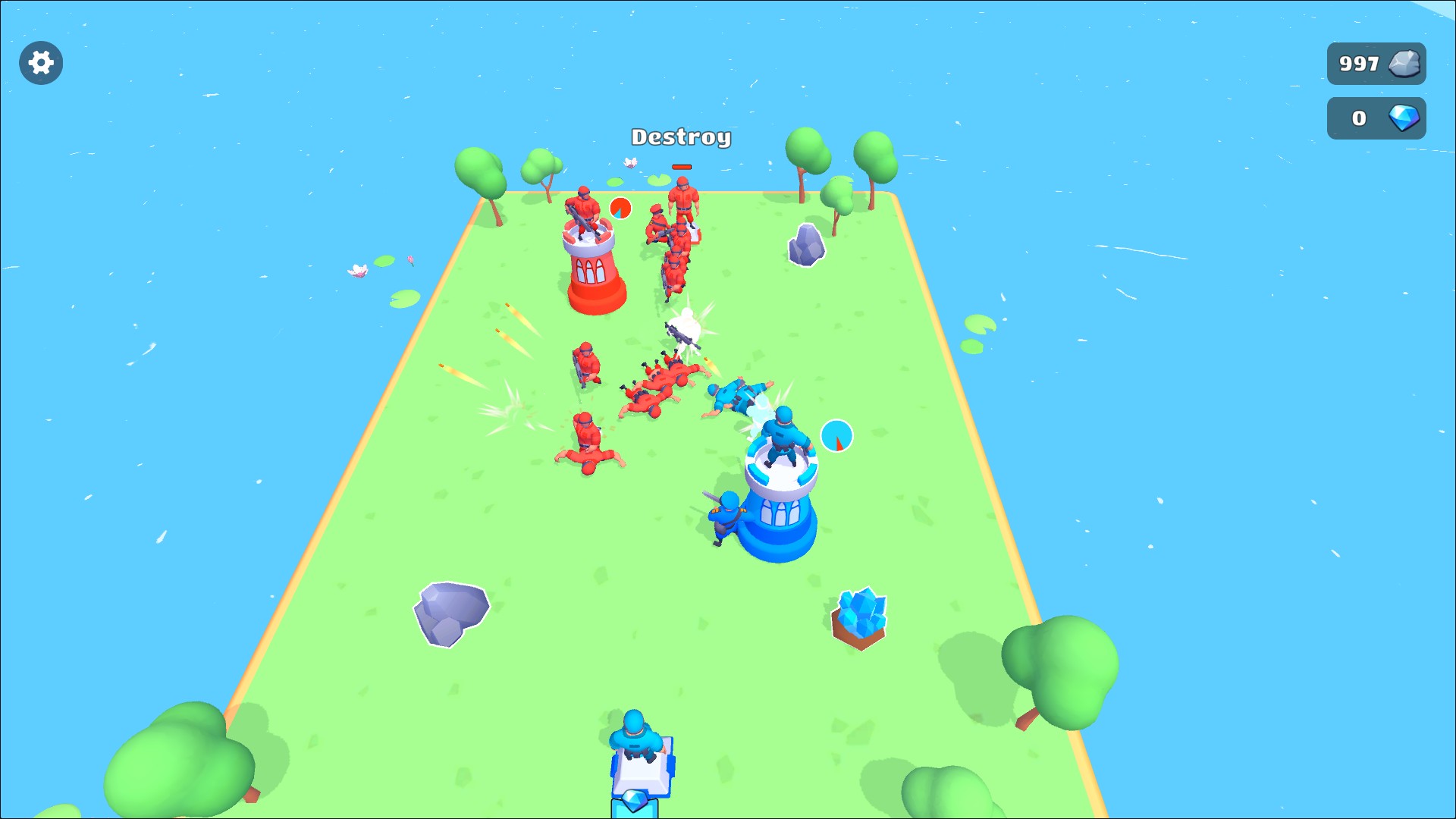
Build your military towers
Set your stone balance, then stand at a building spot to construct a tower for your army.
Download the Windows app and follow the setup prompts.
Set up the browser extension in Chrome or Edge, then open the supported YouTube Playable. Follow the connection guide if the game is already running.
Review the available options in the app and choose the ones that suit how you play.