
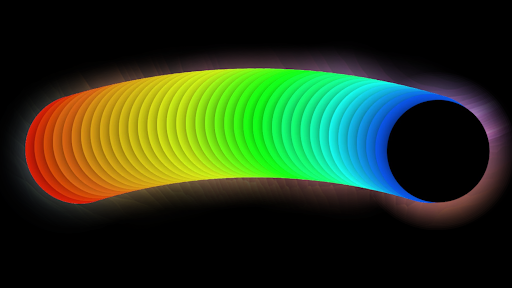
Tune your ball's movement
Adjust the burst from each swipe and the minimum pace your ball keeps between boosts. The two controls let you tune these parts of movement separately.
Requires the Windows app and the Bytonian Mods browser extension for Chrome or Edge. Browser setup guide

Make each swipe feel right
Use Swipe boost to choose your flick strength. Open the card to adjust boost duration separately. Your chosen strength and duration are used with the next normal swipe.
Set a minimum rolling pace
Choose the minimum pace the ball keeps between swipe boosts. Swipes and bounces can carry it faster than your chosen minimum.
Start with the normal settings
100% uses the game's normal setting for each control. Change the percentages while a control is enabled to adjust it.
Available stat modifiers
Minimum rolling pacePremium
Set a minimum rolling pace for your ball between swipe boosts.
Start a course, enable Minimum rolling pace and choose a percentage. 100% is the normal minimum pace.
Swipes and bounces can carry the ball faster than your chosen minimum.
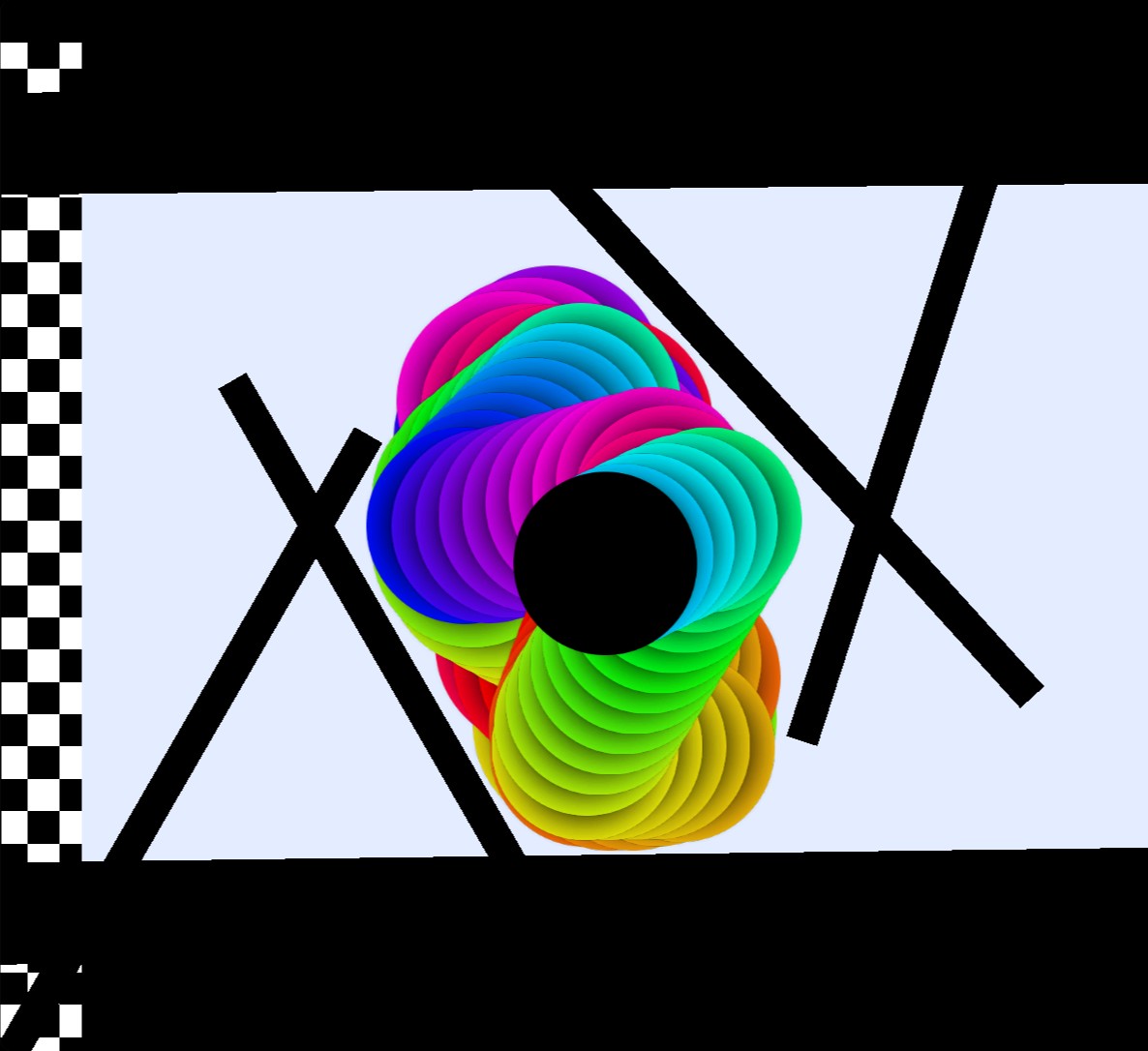
Set the pace between flicks
Set a minimum rolling pace between swipe boosts, then keep playing with the normal controls.
Swipe boostPremium
Adjust the strength and duration of your swipe boost.
Start a course, enable Swipe boost and choose a strength percentage. Open the card to set boost duration. Your settings are used with your next swipe.
The ball keeps bouncing and shrinking normally after a boost.
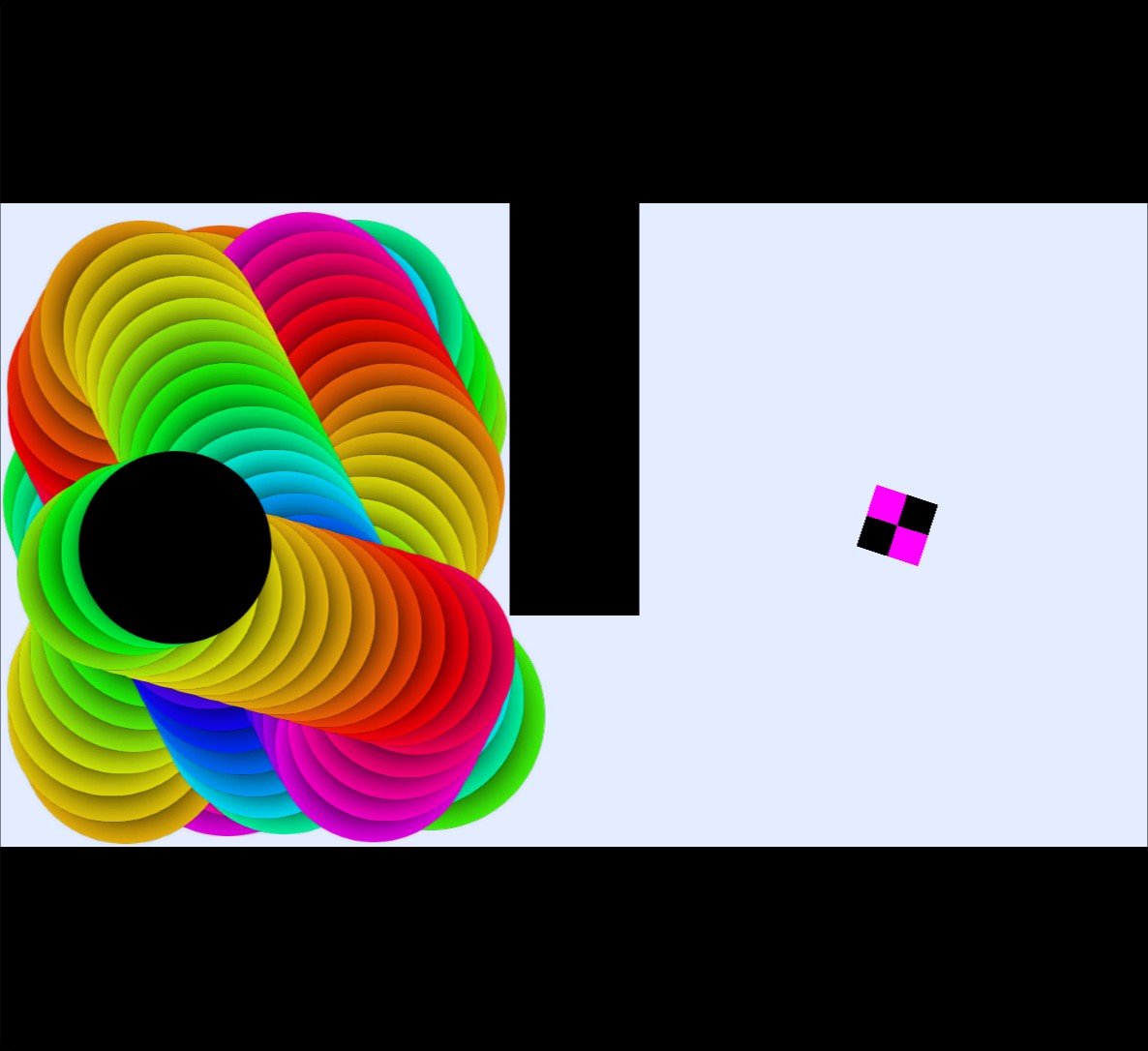
Choose your swipe boost
Give each flick the strength you want, then steer your ball around the course.
More ways to customise Color trail behind a black ball Relax
- Color trail behind a black ball Relax rule modifiers
Hold the ball's current size as it bounces around the course.
Questions about stat modifiers
- How is rolling pace different from swipe strength?
- Swipe strength changes the burst from a flick. Minimum rolling pace sets the pace the ball keeps between those boosts.
- Can I return to normal movement?
- Turn off either control to restore its normal setting.
Using these features
Choose the feature in the Windows app after connecting your game. Check its requirements before making a change.
Setup for Color trail behind a black ball Relax →