
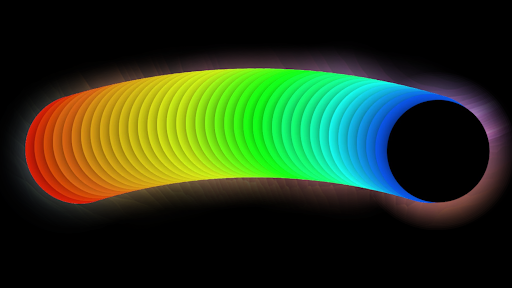
Keep your ball's size
Keep ball size is a free toggle that stops wall bounces from shrinking your ball. Turn it on at the size you want to keep, then continue playing normally.
Requires the Windows app and the Bytonian Mods browser extension for Chrome or Edge. Browser setup guide

Keep the size you have
Enable the control before your ball gets smaller to keep its starting size. If it has already shrunk, the control holds that smaller size.
Switch it on and keep playing
Start a course, turn on Keep ball size and use the normal swipe controls. Turn it off to return to the game's normal shrinking.
Available rule modifiers
Keep ball sizeFree
Keep your ball from shrinking when it bounces off walls.
Start a course and enable Keep ball size before you begin bouncing to keep the starting size.
Holds the ball's current size rather than making it larger.
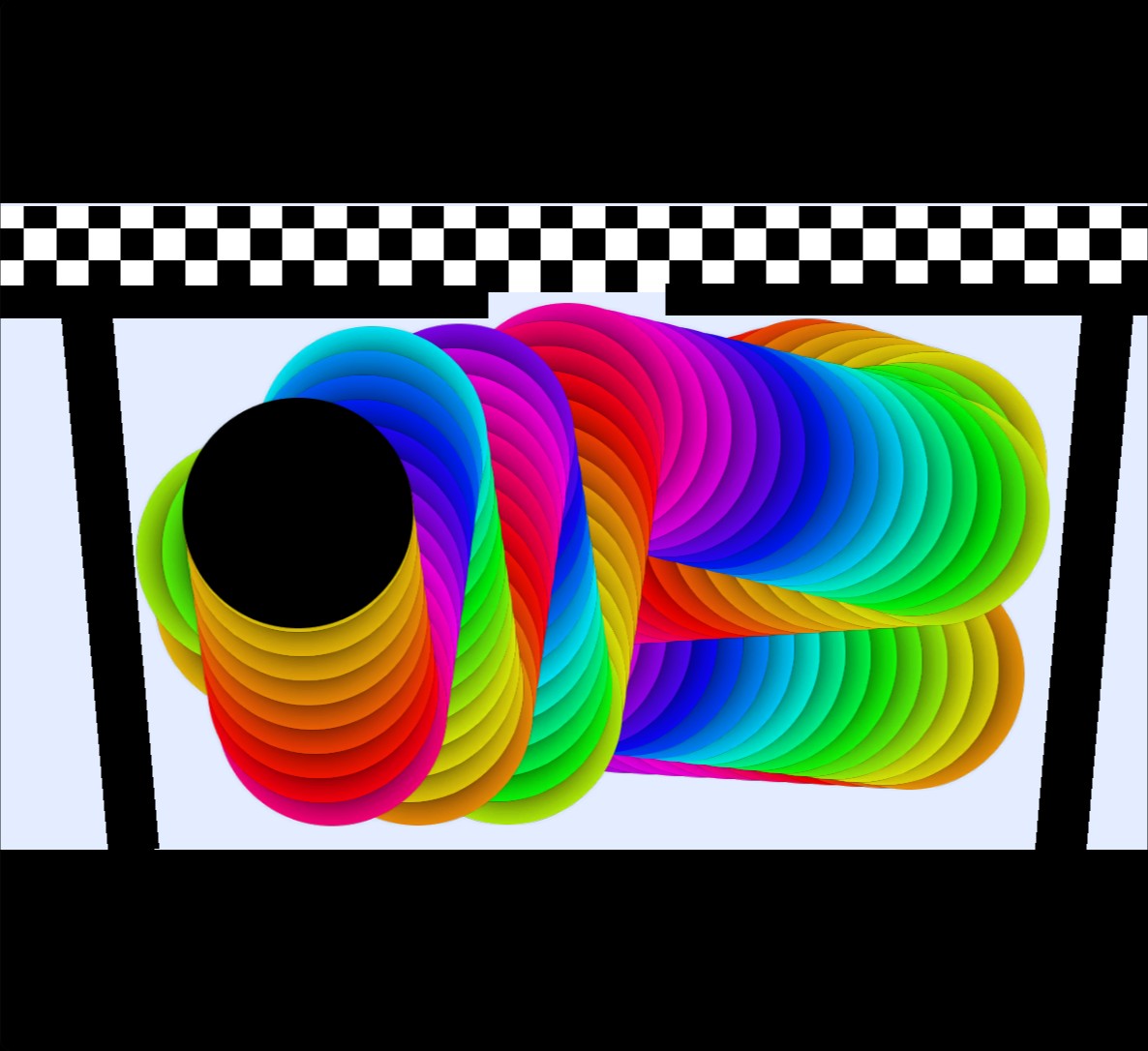
Keep your ball's size
Hold your ball's current size as it bounces around the course.
More ways to customise Color trail behind a black ball Relax
- Color trail behind a black ball Relax stat modifiers
Choose swipe strength, boost duration and a minimum rolling pace.
Questions about rule modifiers
- Will it make a small ball bigger?
- It holds the size your ball has when you enable it.
Using these features
Choose the feature in the Windows app after connecting your game. Check its requirements before making a change.
Setup for Color trail behind a black ball Relax →