

Choose a picture to draw
Choose a Color Page ASMR picture number from 1 to 100 to jump ahead or revisit an earlier drawing. Apply & reload to open that picture for tracing and coloring.
Requires the Windows app and the Bytonian Mods browser extension for Chrome or Edge. Browser setup guide
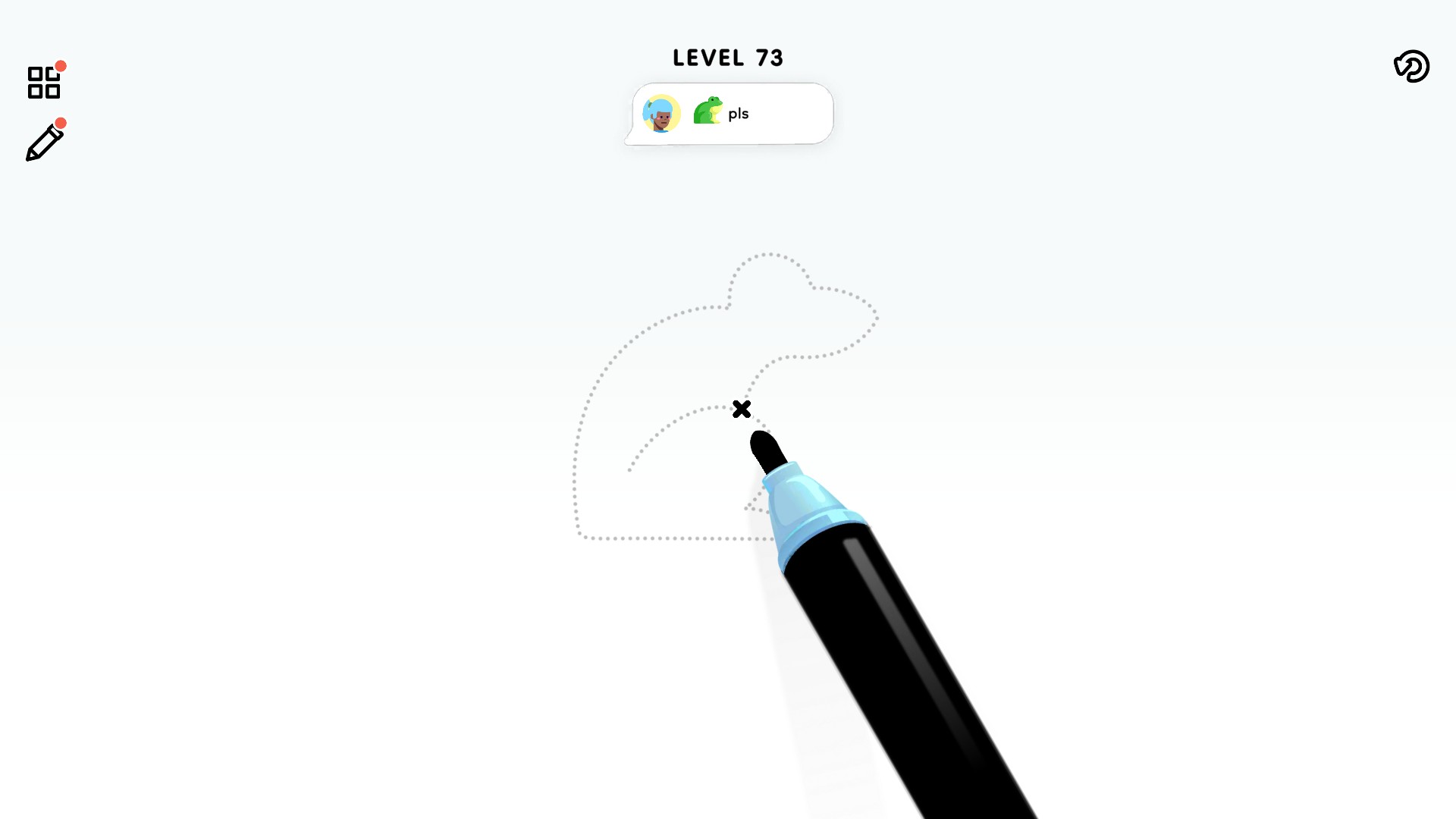
Choose picture 73 and start a different drawing
Choose picture 73 to open this frog outline, or pick another number when you want to jump ahead or revisit a picture.
Pick a different starting point
Enter a whole number from 1 to 100, then choose Apply & reload. The game opens that picture with its matching number.
Finish your first picture first
The game needs to create your progress before this control is available. If the picture number cannot be read yet, finish the first picture and return to Customize.
Available customisation options
Picture numberFree
Choose a picture from 1 to 100. Finish your first picture before using this control, then Apply & reload to open your selection.
More ways to customise Color Page ASMR
- Color Page ASMR game actions
Move past a picture or try the pencil you are earning.
Questions about customisation options
- Does choosing a picture color it for me?
- No. It changes which picture you open. Drawing and coloring stay up to you.
Using these features
Connect your game, then open Customise in the Windows app. Choose an option, check its available values and follow its instructions. Each option lists its own requirements and limits.
Setup for Color Page ASMR →