
Customise
1 optionChoose a picture from 1 to 100.
View customisation options →Choose which Color Page ASMR picture to draw next, move past the one you are on, or unlock the pencil design you are currently earning. Pick your next outline and drawing tool as you keep tracing and coloring through the game.
Requires the Windows app and the Bytonian Mods browser extension for Chrome or Edge. Browser setup guide
Start with free mods
Download Bytonian Mods for Windows and try these free features. Choose one to see how it works and any requirements.
Skip the current picture and reach its completion screen. Use the game’s next button to continue; missing artwork is not filled in automatically.
Explore this free feature →Choose a picture from 1 to 100. Finish your first picture before using this control, then Apply & reload to open your selection.
Explore this free feature →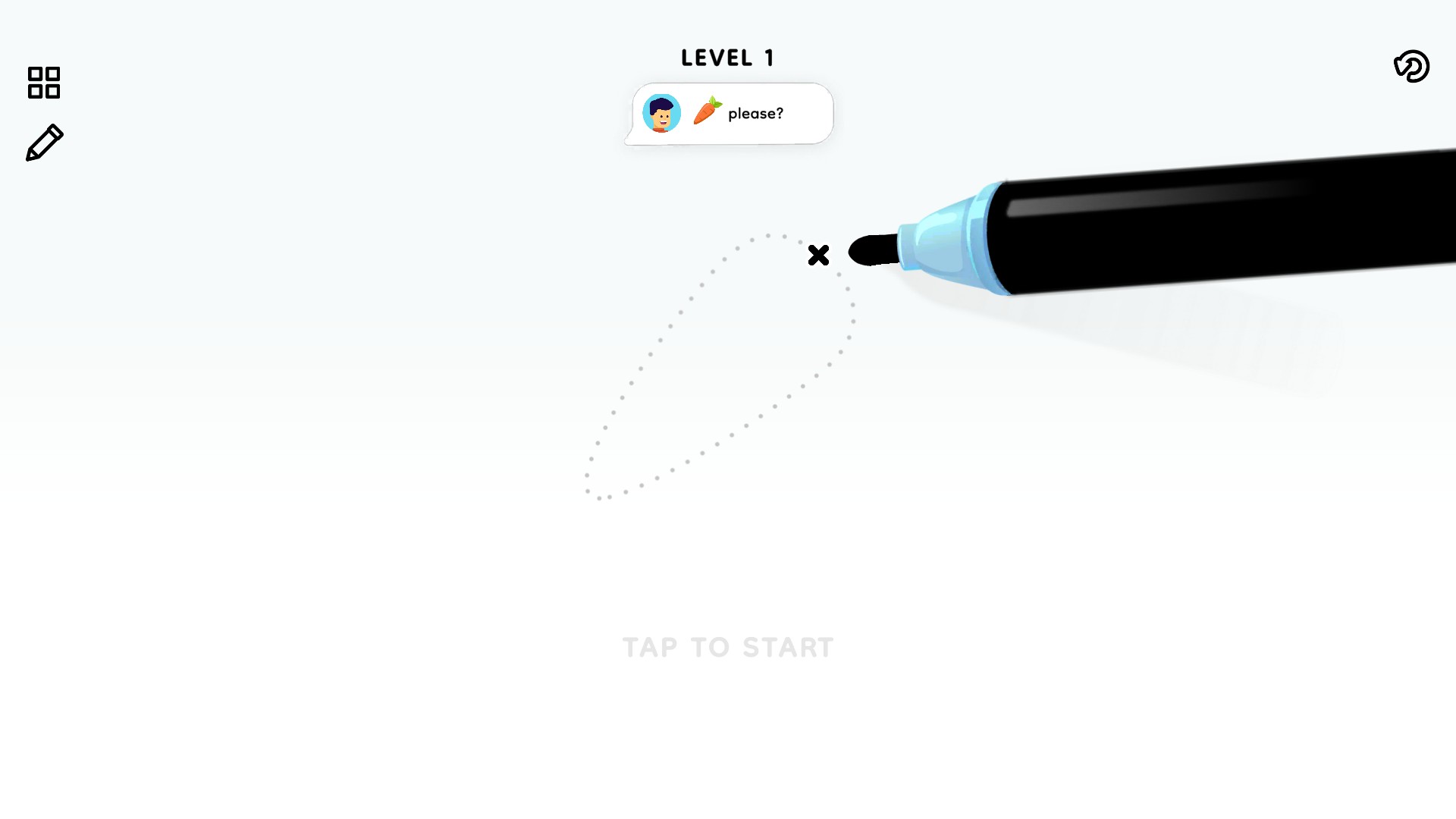
Color Page ASMR on YouTube Playables
Start with a carrot, follow its outline and choose your colors. Color Page ASMR turns everyday objects into small drawing challenges.
Use Customize to choose your next picture number. If you would rather move on from the picture already open, use Skip picture in Actions. Both controls are free.
There is more to collect than finished pictures. Unlock the pencil you are currently earning, switch to its design and get back to drawing. Find the pencil control alongside Skip picture in Actions.
Open Color Page ASMR through Bytonian Mods and let the game load. Picture selection becomes available after you finish your first picture. You can then choose a number, Apply & reload, and return to drawing.
Choose a picture from 1 to 100.
View customisation options →Move past a picture or try the pencil you are earning.
View game actions →Download the Windows app and follow the setup prompts.
Set up the browser extension in Chrome or Edge, then open the supported YouTube Playable. Follow the connection guide if the game is already running.
Review the available options in the app and choose the ones that suit how you play.