

Choose your cash balance
The Cash card lets you set an amount directly or use its add and subtract controls. The game displays the balance beside the green money icon.
Requires the Windows app and the Bytonian Mods browser extension for Chrome or Edge. Browser setup guide

Using the Cash card
Enter an amount from 0 to 1,000,000, then set, add or subtract cash. The current balance appears beside the green money icon.
Choose your balance before continuing along the course.
Available resources
CashPremium
Set, add or subtract from the current cash balance.
Enter an amount in the Cash card and use its matching control.
Changes the cash balance for your current game.
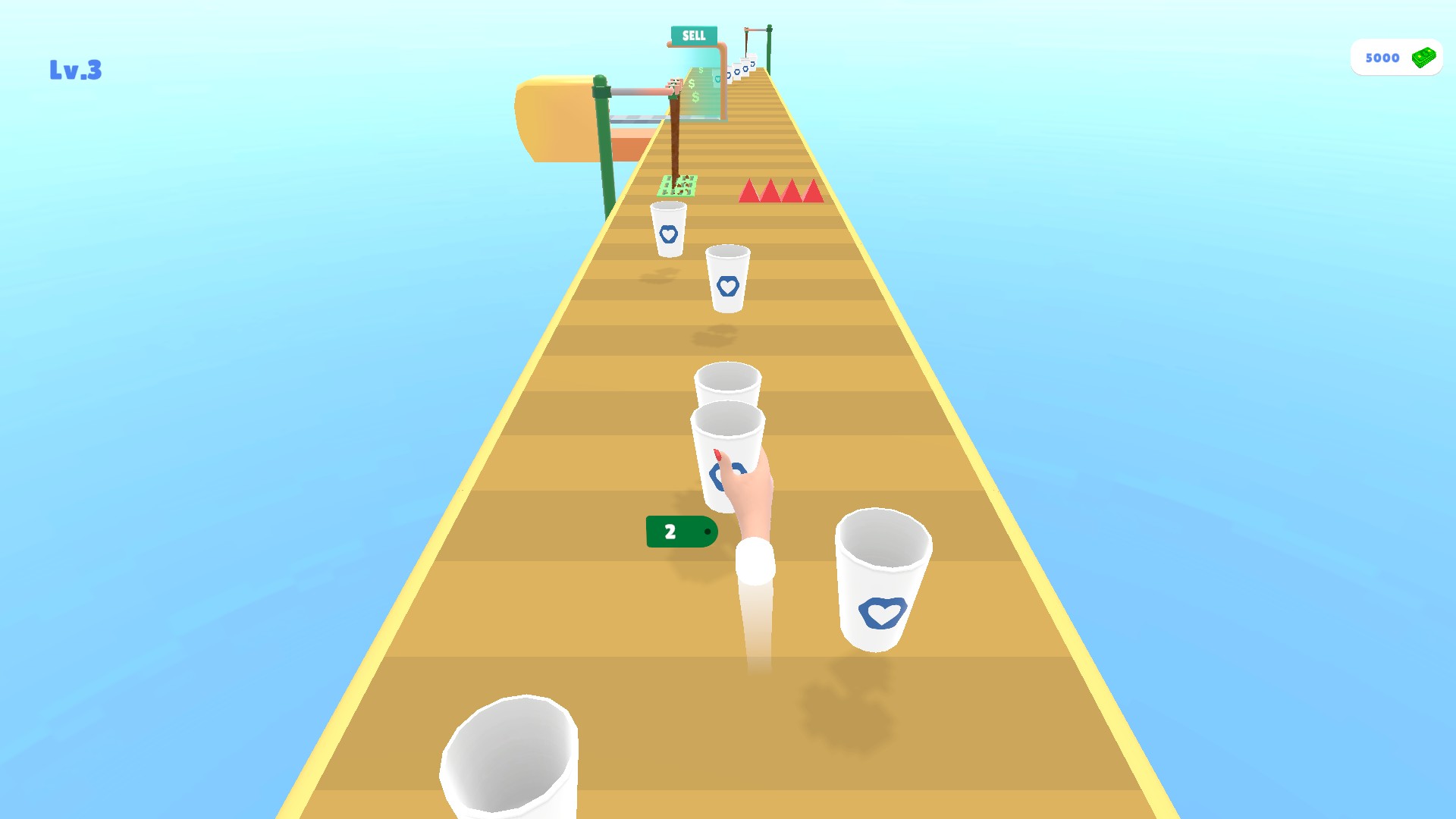
Choose your cash balance
The Cash card sets the current balance. This course shows 5,000 cash.
More ways to customise Coffee Stack
- Coffee Stack game actions
Leave the current normal course and start the next.
Using these features
Choose the feature in the Windows app after connecting your game. Check its requirements before making a change.
Setup for Coffee Stack →