

Resources
1 optionAdjust your current cash amount.
View resources →Choose a cash balance for the cup run ahead, or move straight to the next normal course when you want a new layout. Guide your line of cups through coffee stations and hazards as you build drinks along the way.
Requires the Windows app and the Bytonian Mods browser extension for Chrome or Edge. Browser setup guide

Start with free mods
Download Bytonian Mods for Windows and try these free features. Choose one to see how it works and any requirements.
Move from the current normal course to the next one.
Press Next Level from a normal course screen, preferably before Start.
Advances one course at a time and stops at the game's last course.
Cash changes the balance beside the green money icon. Next Level loads the following normal course without playing through the current one.
Open Coffee Stack with Bytonian Mods connected and enable the control you want. Use Cash to choose an amount. Use Next Level from a normal course screen; it is easiest before touching Start.
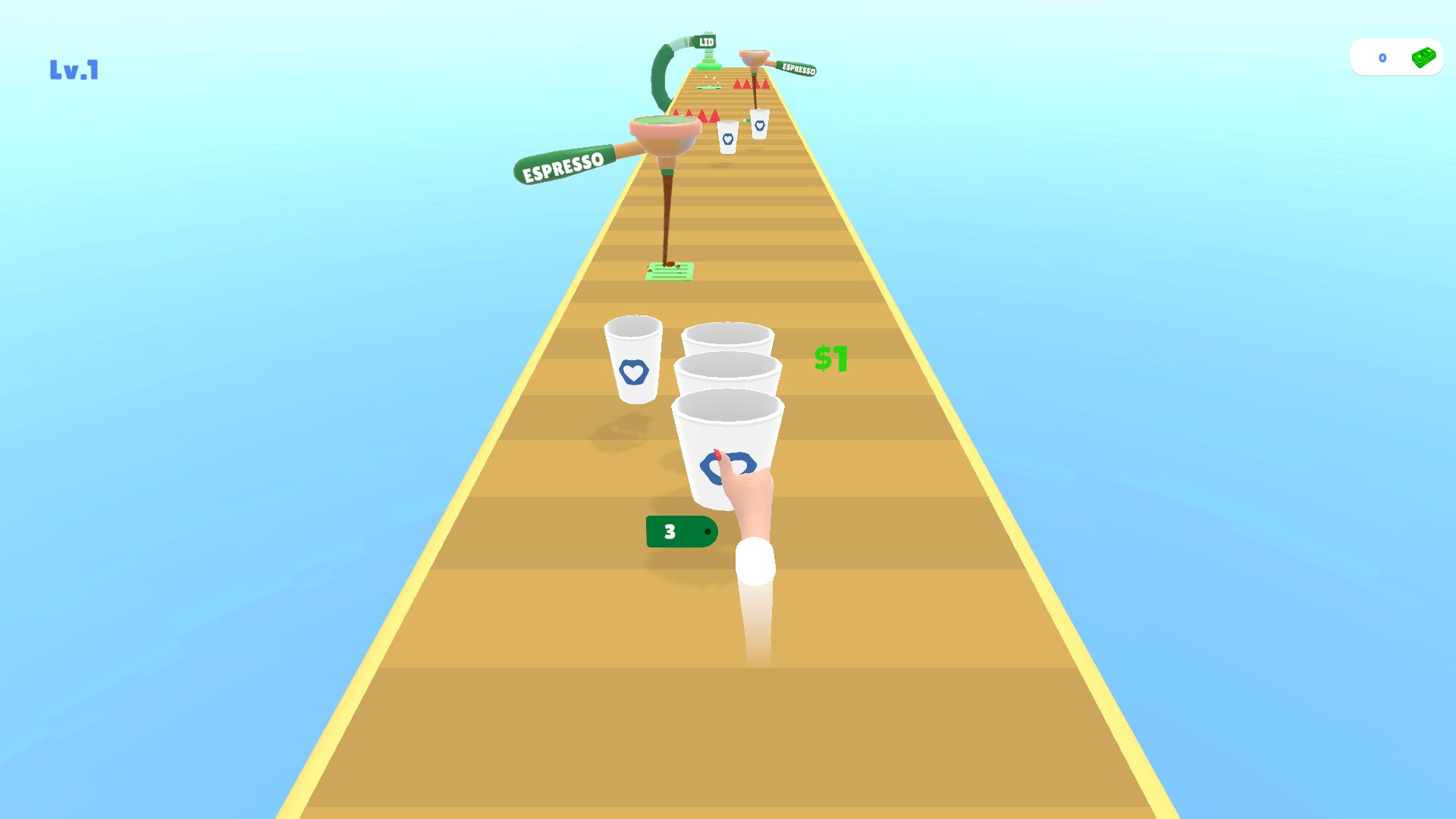
Build a line of coffee cups
Collect cups along the course and guide them through the coffee stations.
Adjust your current cash amount.
View resources →Leave the current normal course and start the next.
View game actions →Download the Windows app and follow the setup prompts.
Set up the browser extension in Chrome or Edge, then open the supported YouTube Playable. Follow the connection guide if the game is already running.
Review the available options in the app and choose the ones that suit how you play.