
Frame your level at the scale you need
Use Editor zoom to see more of your map at once or take a closer look at the tiles you are arranging. Choose a percentage from 50% to 200% while working in the standard desktop editor.
Choose a comfortable scale
100% keeps the view captured when you enable the control. Lower percentages show more of the map; higher percentages bring it closer. Switch Editor zoom off to return to that view.
Using the game's zoom buttons
Using the game's zoom buttons stops Editor zoom and keeps your new choice. Switch Editor zoom off and on when you want to resume your selected percentage.
Available perspective modifiers
Editor zoomPremium
Choose a wider or closer view of the map while building a level.
Enable Editor zoom in the standard editor and choose a percentage. Switch it off to restore the view it captured.
The game's zoom buttons stop this control. Switch it off and on to resume your chosen percentage.
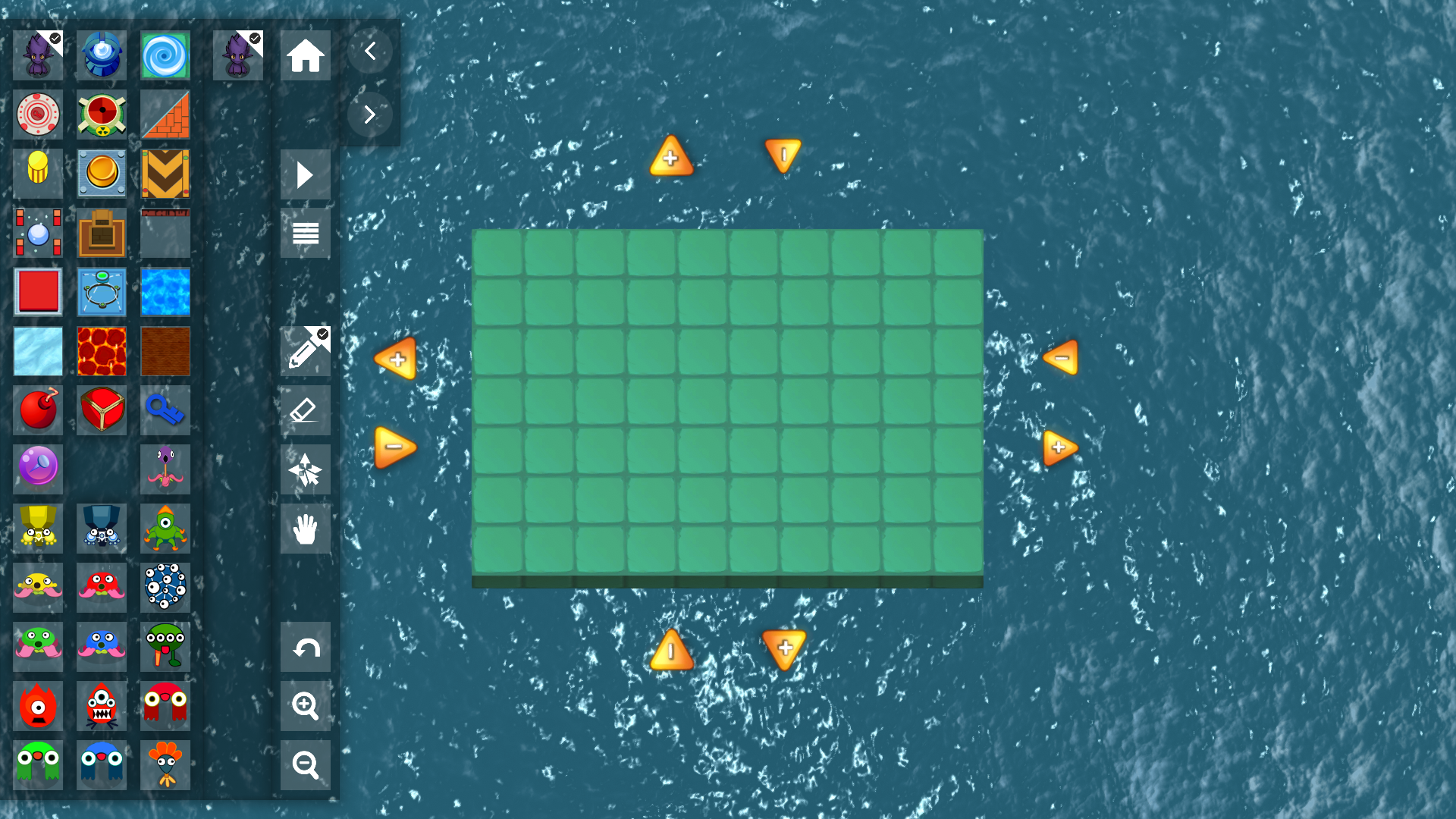
A closer look at your map
Use Editor zoom for a closer view while building your level.
More ways to customise Chuck's Challenge 3D 2020
- Chuck's Challenge 3D 2020 game actions
Centre the current level-editor map with one action.
Questions about perspective modifiers
- Does the camera change in the main menu?
- Editor zoom waits until you enter the standard level editor. It also releases the camera while an editor dialog blocks the camera controls.
Using these features
Choose the feature in the Windows app after connecting your game. Check its requirements before making a change.
Setup for Chuck's Challenge 3D 2020 →