
Bring your map back into view
Lost your place after moving around the editor? Center editor view brings the current map back to the middle of the screen so you can return to building.
One action, then keep editing
Open Create and press Center editor view when you want to reframe the map. Your current zoom and the tiles you placed stay as they are. The centred position remains when you switch the mod off.
Available game actions
Center editor viewFree
Bring the current map back to the centre of the level-editor view.
Choose Create, then press Center editor view while the editor camera controls are available.
Use the standard desktop editor view. Finish or cancel an open editor dialog first.
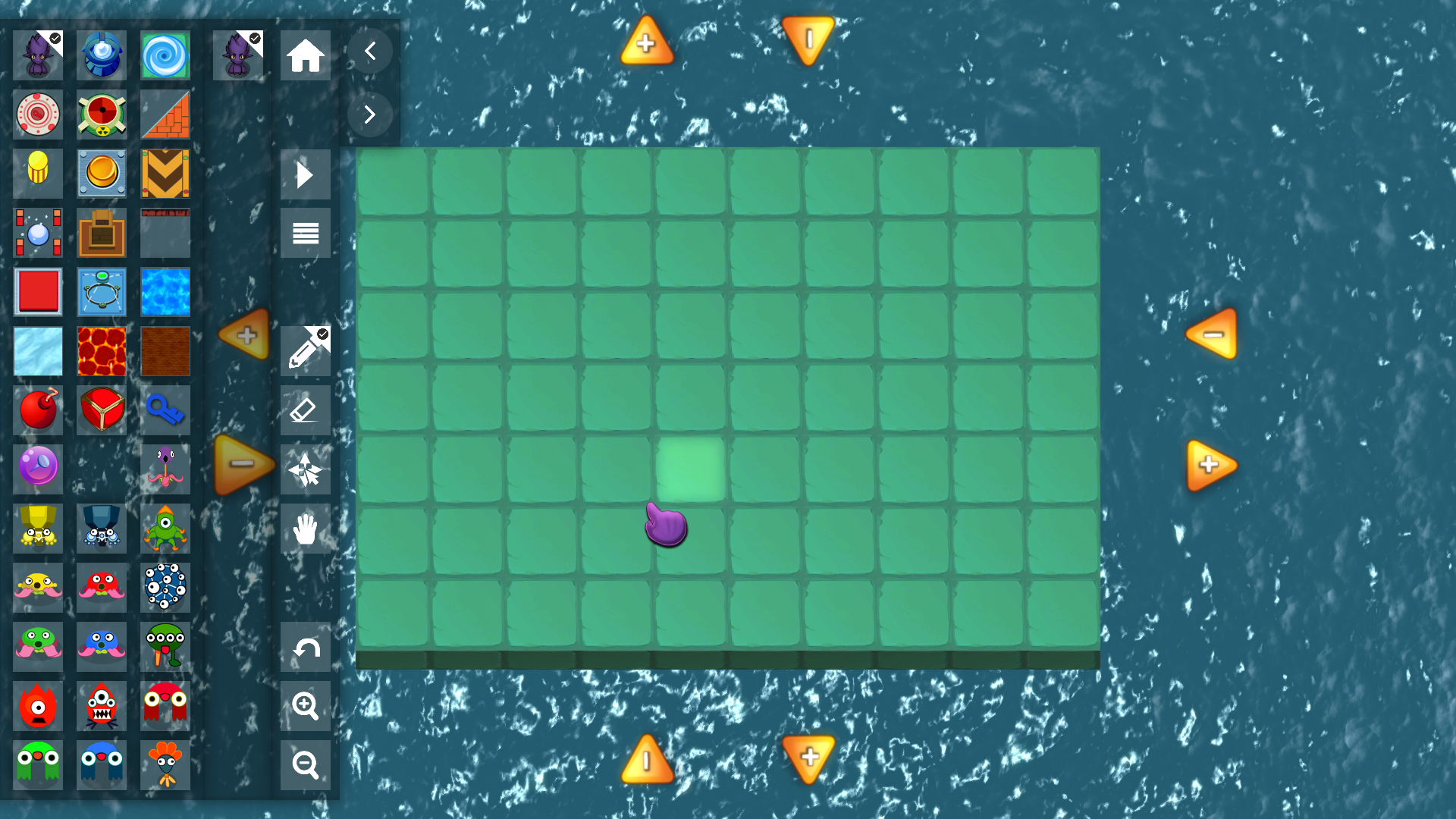
Your map back in view
Bring your map back to the center of the level editor with Center editor view.
More ways to customise Chuck's Challenge 3D 2020
- Chuck's Challenge 3D 2020 perspective modifiers
Adjust the map view from a wider overview to a closer look.
Questions about game actions
- When can I use the action?
- Use it in the standard desktop level editor while its camera controls are available. Finish or cancel an open editor dialog first.
Using these features
Choose the feature in the Windows app after connecting your game. Check its requirements before making a change.
Setup for Chuck's Challenge 3D 2020 →