
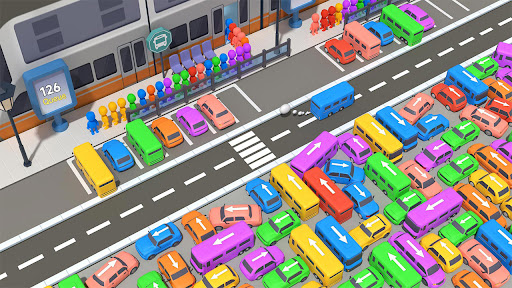
Coins and boosters
Keep useful choices ready when the parking puzzle gets crowded. Set your coins or booster amounts, then use Refresh, VIP Eliminate and Sort from the game's own controls.
Requires the Windows app and the Bytonian Mods browser extension for Chrome or Edge. Browser setup guide
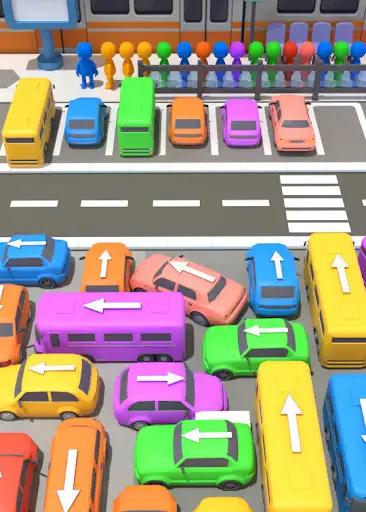
Available resources
CoinsFree
Choose your coin balance.
Open a game menu or enter a level to see your updated total.
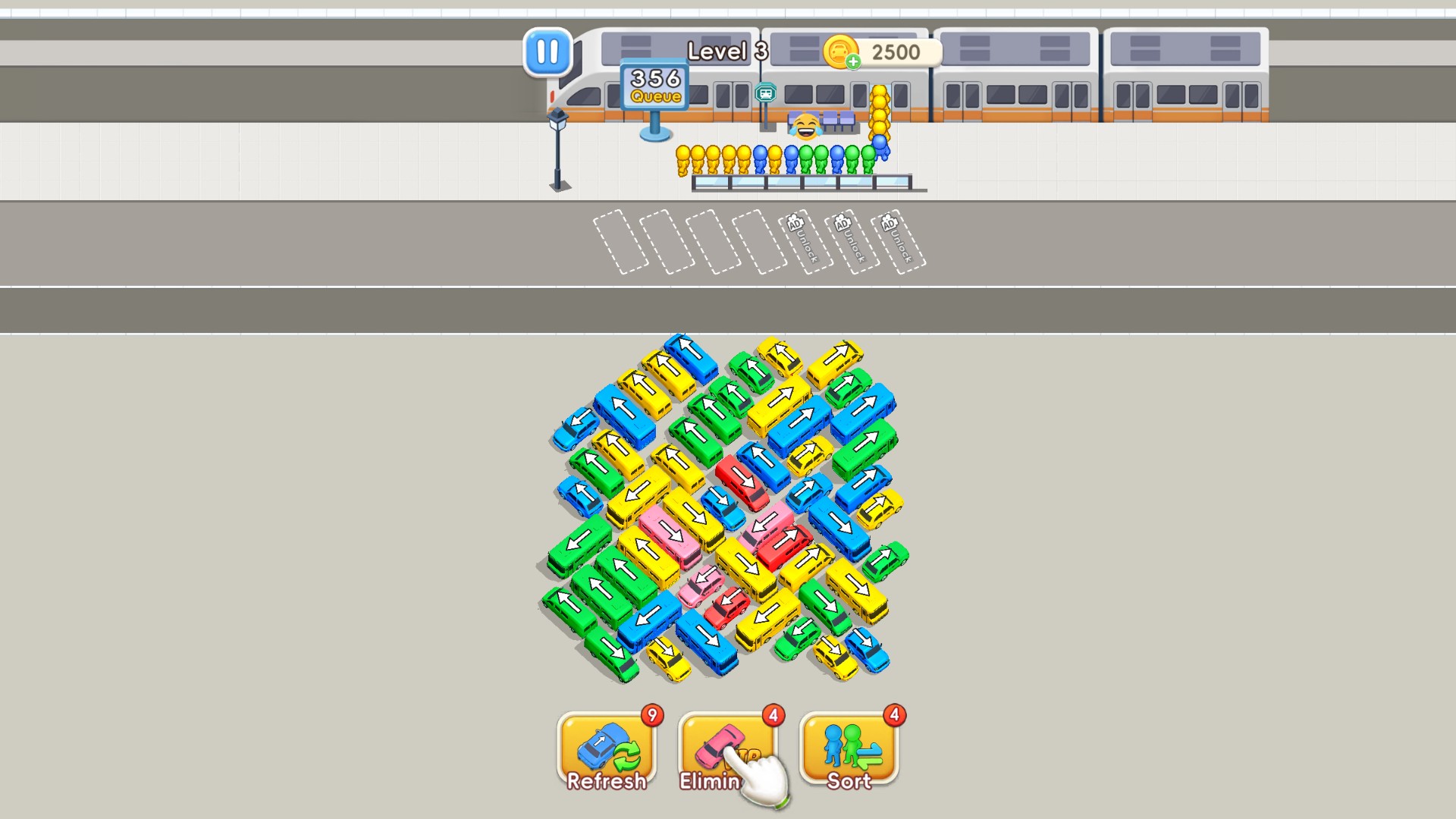
Set your coin balance
Choose your coins and head into the next puzzle with your updated balance.
Passenger sorting boostersPremium
Bring matching passengers together in the waiting queue.
Choose your booster amount, then press Sort during a puzzle.
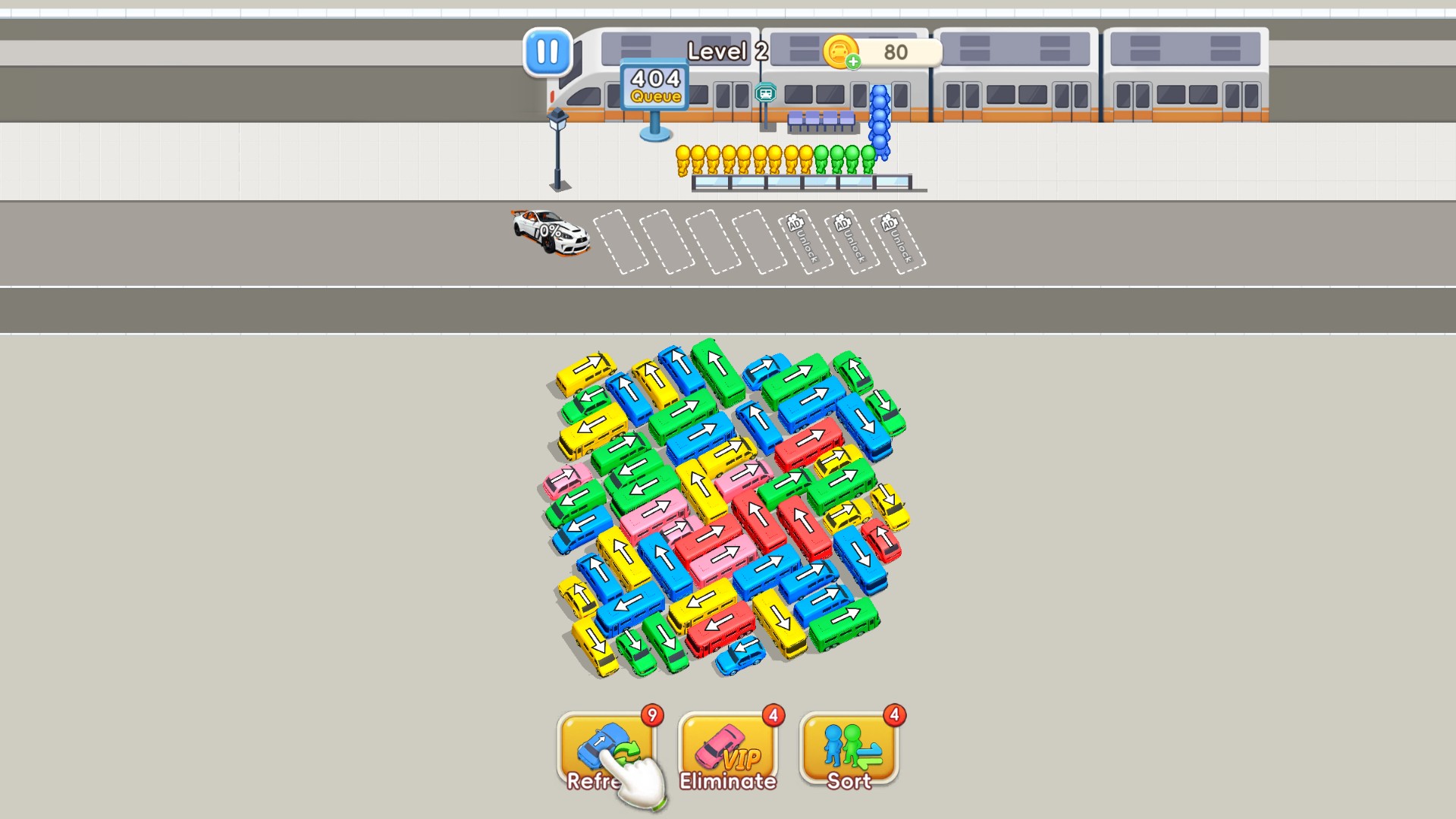
Bring matching passengers together
Keep sorting boosters handy to group waiting passengers by color.
Refresh boostersFree
Keep Refresh boosters ready for a fresh mix of vehicle colours.
Choose an amount, then press Refresh in the puzzle.
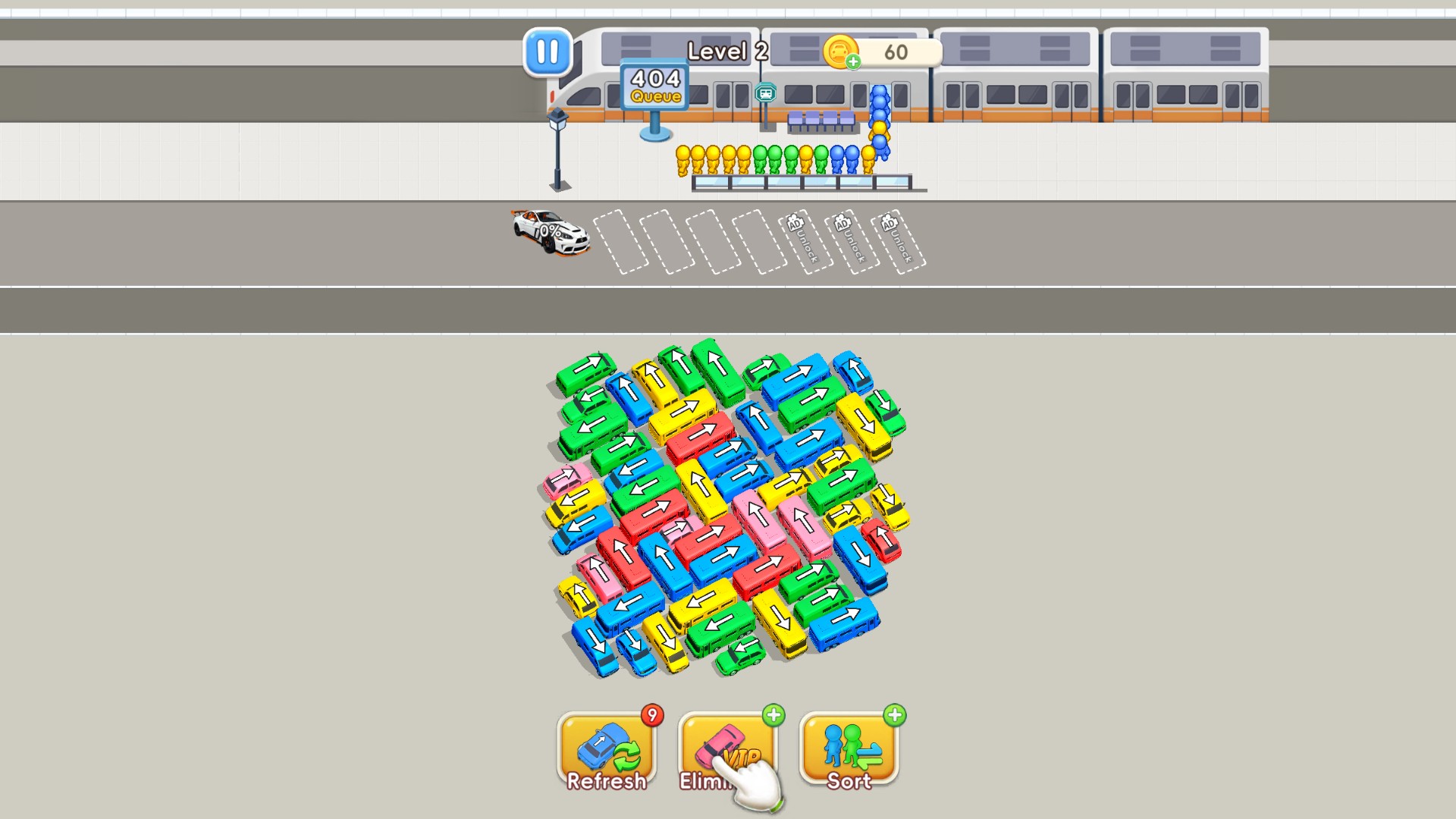
Keep Refresh boosters ready
Give a crowded puzzle a fresh color mix with more Refresh boosters on hand.
VIP removal boostersPremium
Clear a vehicle from a tight spot with VIP Eliminate.
Choose your booster amount, press VIP Eliminate, then select the vehicle to remove.
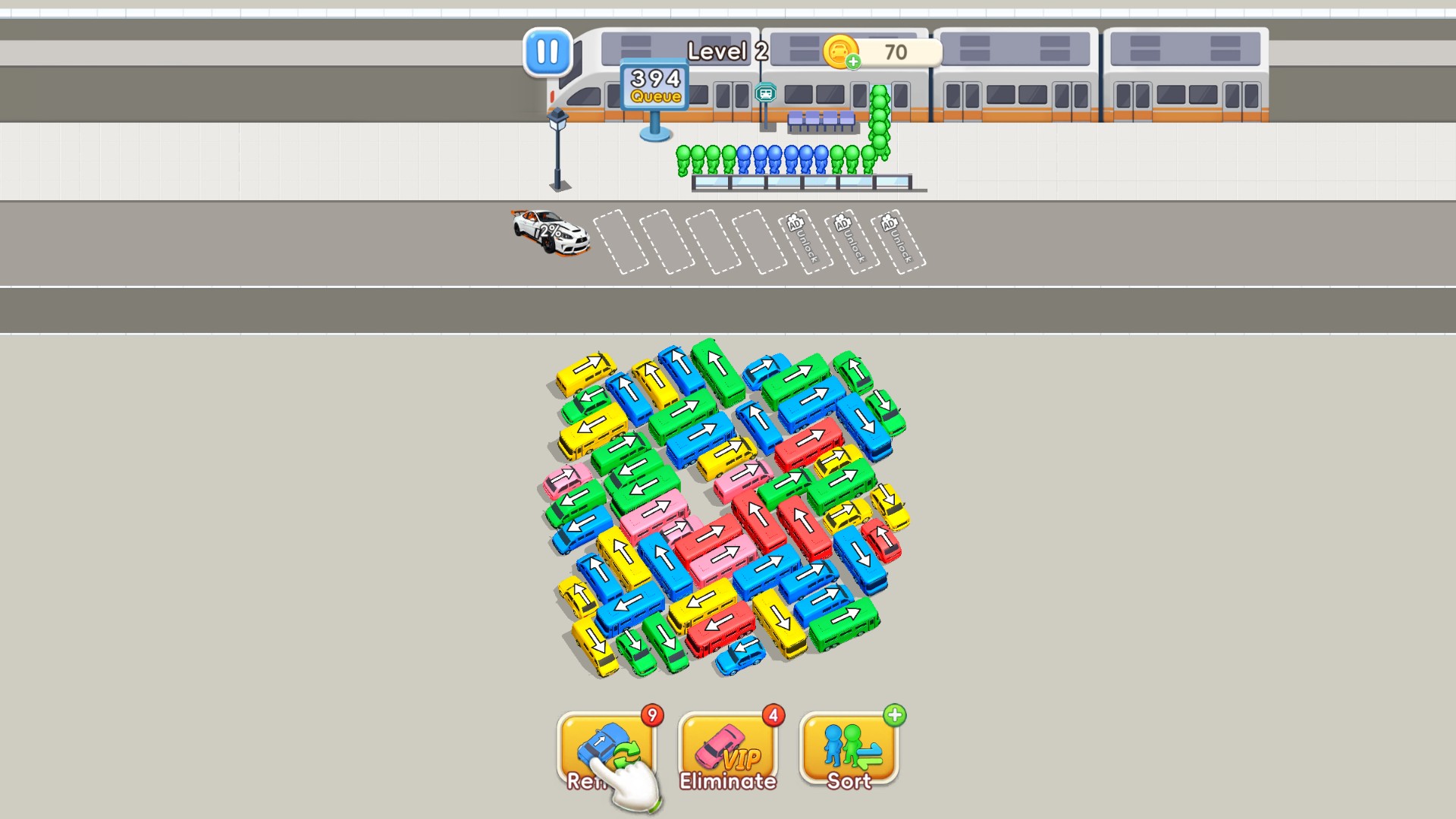
Clear a car from a tight spot
Keep VIP removal boosters ready, then select the car you want to clear from the puzzle.
More ways to customise Car Jam Solver
- Car Jam Solver customisation options
Extra vehicle and scene choices for a different look while you play.
- Car Jam Solver game actions
Complete a tricky puzzle and continue with the game's normal Next button.
Using these features
Choose the feature in the Windows app after connecting your game. Check its requirements before making a change.
Setup for Car Jam Solver →