
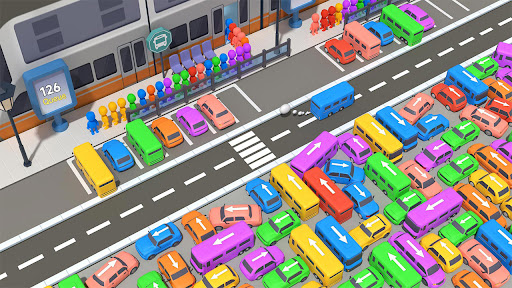
Resources
4 optionsChoose coins and booster amounts to help with colour matching, blocked vehicles and passenger queues.
View all resources →Set your booster supply for a tight parking puzzle, finish a level or try a new look for the cars and scene. Match passengers to their vehicles as you work through the jam.
Requires the Windows app and the Bytonian Mods browser extension for Chrome or Edge. Browser setup guide
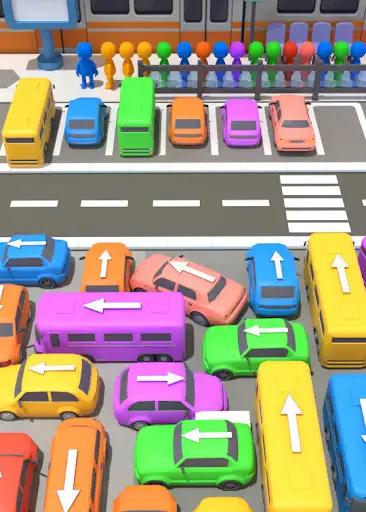
Start with free mods
Download Bytonian Mods for Windows and try these free features. Choose one to see how it works and any requirements.
Choose your coin balance.
Open a game menu or enter a level to see your updated total.
Keep Refresh boosters ready for a fresh mix of vehicle colours.
Choose an amount, then press Refresh in the puzzle.
Coins and Refresh boosters are free. Premium controls add VIP removal and passenger sorting boosters, a way to finish the current level, and two extra vehicle styles plus two extra scene styles.
Open Car Jam Solver in your linked browser, choose your controls in Bytonian Mods and apply the changes. Use the game's booster buttons during a puzzle. After unlocking styles, open the Skin Shop and select Use on the look you want.
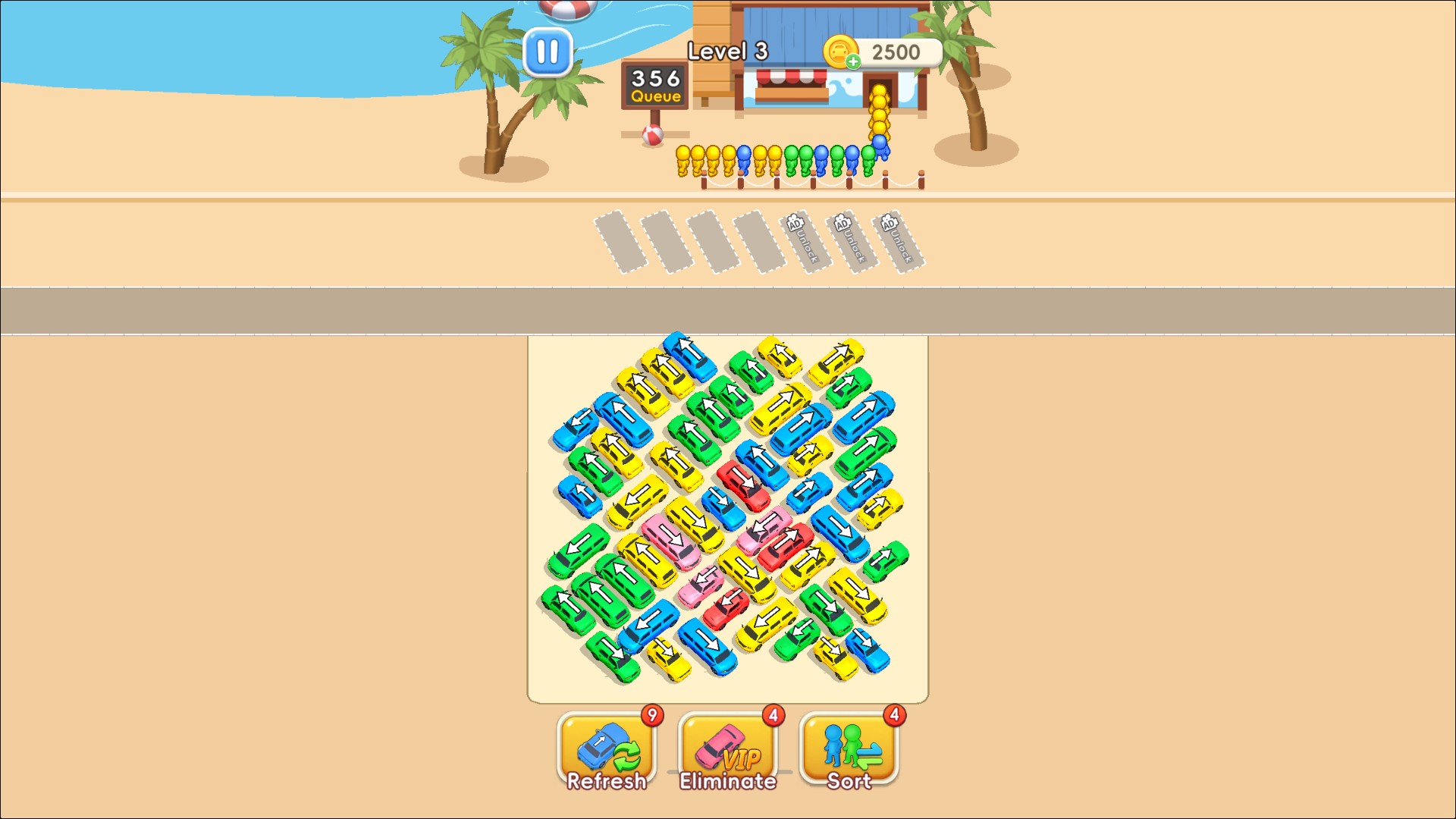
Take the puzzle to the seaside
Bring a different look to the traffic puzzle with your chosen vehicles and scene.
Choose coins and booster amounts to help with colour matching, blocked vehicles and passenger queues.
View all resources →Extra vehicle and scene choices for a different look while you play.
View customisation options →Complete a tricky puzzle and continue with the game's normal Next button.
View game actions →Download the Windows app and follow the setup prompts.
Set up the browser extension in Chrome or Edge, then open the supported YouTube Playable. Follow the connection guide if the game is already running.
Review the available options in the app and choose the ones that suit how you play.