
Gems for a new ball style
Set the gem balance you want, then head to the shop to choose a look for your balls.
Requires the Windows app and the Bytonian Mods browser extension for Chrome or Edge. Browser setup guide
Pick your balance
Let the game finish loading, then enter the gem balance you want. The normal shop lets you browse designs and choose a ball style.
Available resources
GemsPremium
Choose your gem balance and pick a ball style from the shop.
Let the game finish loading, then set the balance you want.
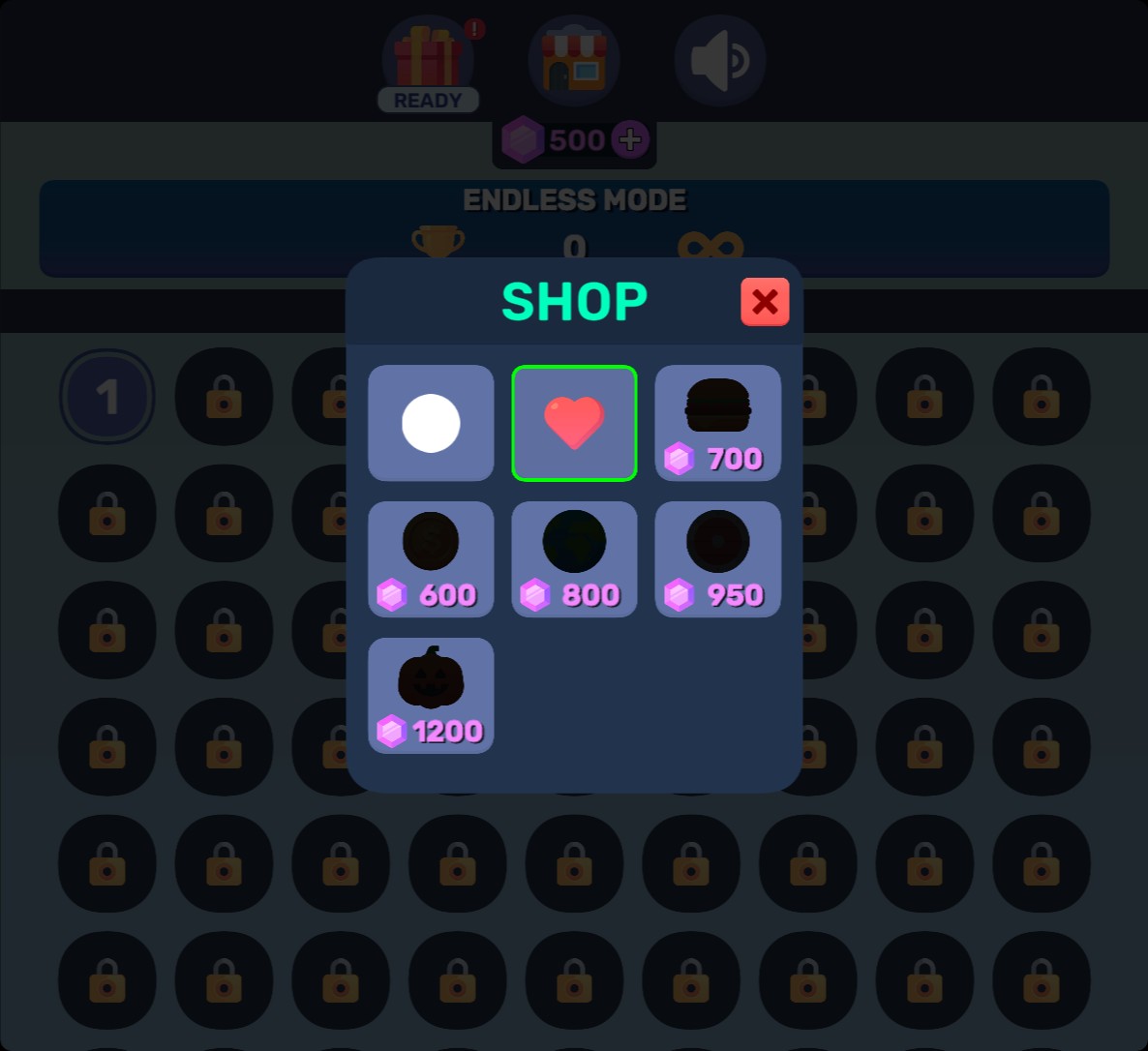
Gems for a new look
Set your gem balance, then choose a ball style from the shop.
More ways to customise Bricks And Balls Crusher
- Bricks And Balls Crusher stat modifiers
Give your existing balls more power against the bricks.
- Bricks And Balls Crusher game actions
Add extra balls or super balls between shots.
Questions about resources
- Where do I spend gems?
- Open the ball-style shop from the main menu and choose a design you like.
Using these features
Choose the feature in the Windows app after connecting your game. Check its requirements before making a change.
Setup for Bricks And Balls Crusher →