
Resources
1 optionChoose your gem balance and shop for a fresh look.
View resources →Add balls for a longer volley, strengthen each hit or set gems for a new ball style. Line up your shots and look for useful bounces through the brick patterns.
Requires the Windows app and the Bytonian Mods browser extension for Chrome or Edge. Browser setup guide
Start with free mods
Download Bytonian Mods for Windows and try these free features. Choose one to see how it works and any requirements.
Add 50 balls for more chances to hit the bricks on your next shot.
Wait for all balls to return, use the action, then aim your next shot.
Use the ball actions to prepare a larger volley between shots. Stronger balls gives your existing balls more hitting power, while Gems lets you choose a balance for the ball-style shop.
Open Bricks And Balls Crusher through Bytonian Mods and let the game finish loading. Choose the control you want, then aim and release your shot as usual.
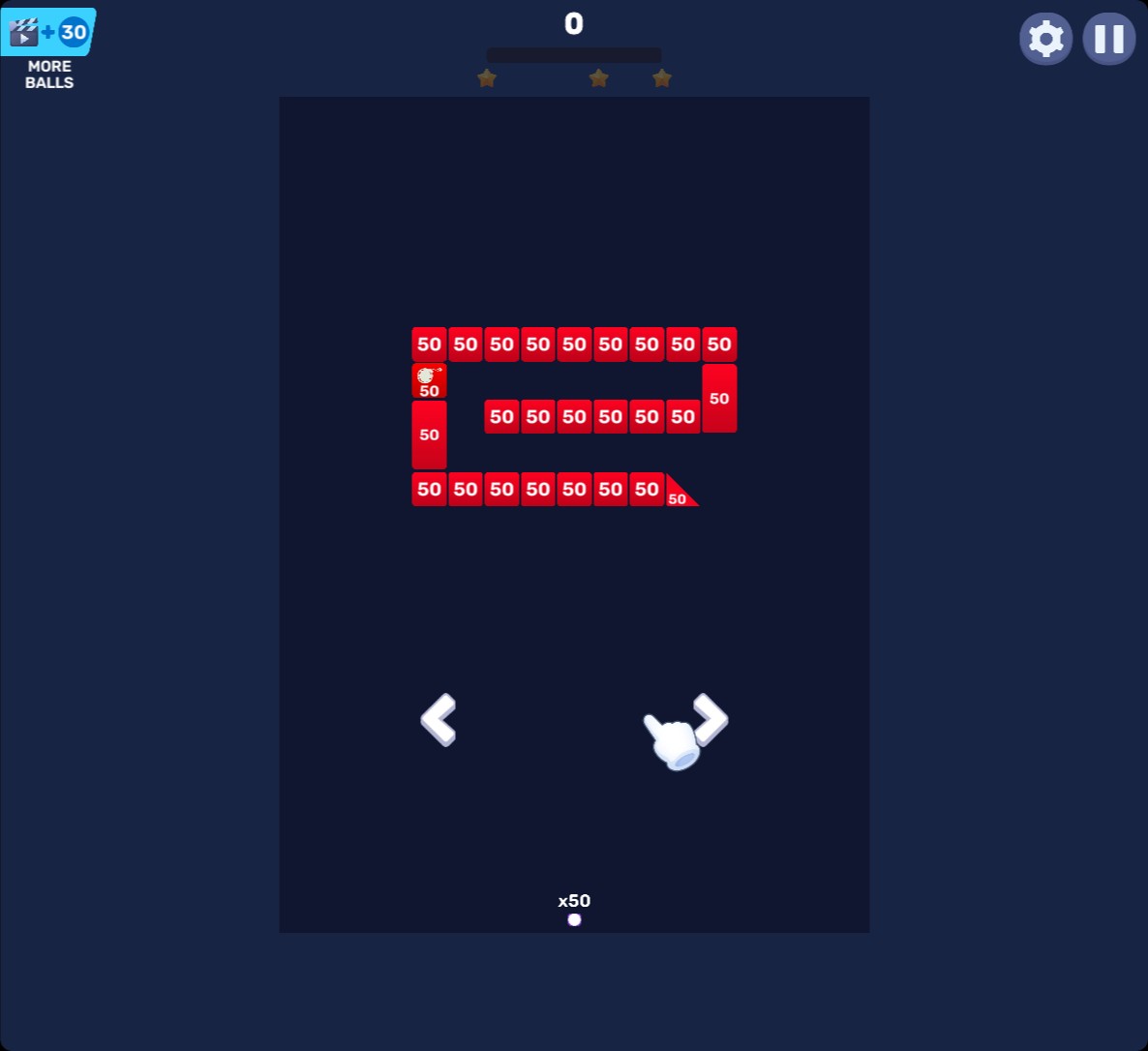
Line up your next shot
Aim your balls at the red bricks and plan the next bounce.
Choose your gem balance and shop for a fresh look.
View resources →Give your existing balls more power against the bricks.
View stat modifiers →Add extra balls or super balls between shots.
View game actions →Download the Windows app and follow the setup prompts.
Set up the browser extension in Chrome or Edge, then open the supported YouTube Playable. Follow the connection guide if the game is already running.
Review the available options in the app and choose the ones that suit how you play.