
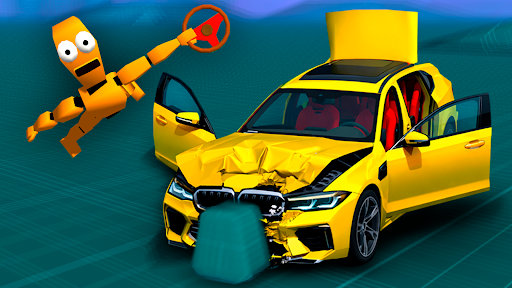
Tune your nitro burst
Choose how much power your car gets from nitro and how long each burst lasts. Keep the familiar feel or give your next boost a different setup.
Requires the Windows app and the Bytonian Mods browser extension for Chrome or Edge. Browser setup guide

Set up your current ride
Choose nitro power from 25% to 300% and a boost duration from 0.25 to 10 seconds. Enable Nitro tuning with the car equipped, then use the game's normal nitro control. Turn tuning off before changing cars.
Available stat modifiers
Nitro tuningPremium
Adjust nitro power and boost duration for your current car.
Choose your settings, enable tuning and use the game's nitro control as usual. Turn tuning off before changing cars.
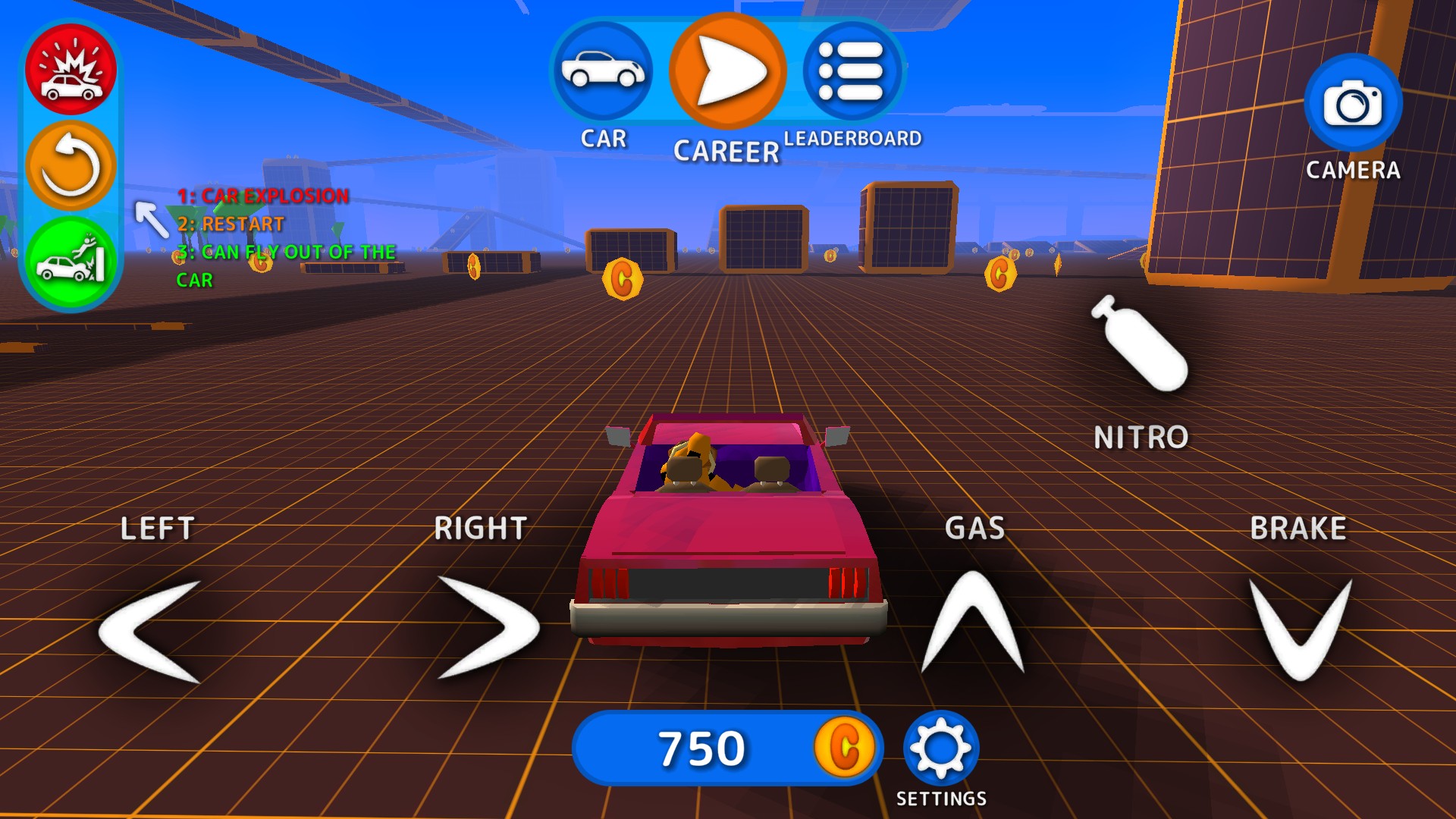
Choose your boost
Adjust nitro power and burst duration for your current car, then use the game's nitro control when you want a boost.
More ways to customise BMG: Ragdoll Car Race
- BMG: Ragdoll Car Race resources
Set your coin balance before your next visit to the garage.
- BMG: Ragdoll Car Race customisation options
Open the vehicle roster and choose a fresh paint color.
Using these features
Choose the feature in the Windows app after connecting your game. Check its requirements before making a change.
Setup for BMG: Ragdoll Car Race →