
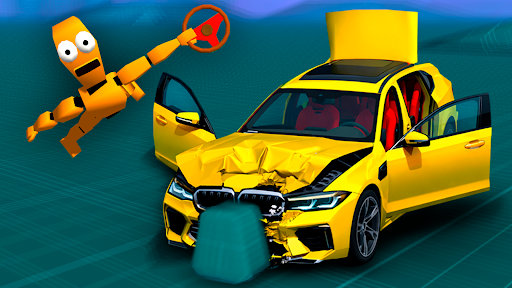
Find your ride and make it yours
Choose from the garage roster, including the Supercar, and give your vehicles a fresh paint color. Go bright or try a mint-green makeover.
Requires the Windows app and the Bytonian Mods browser extension for Chrome or Edge. Browser setup guide
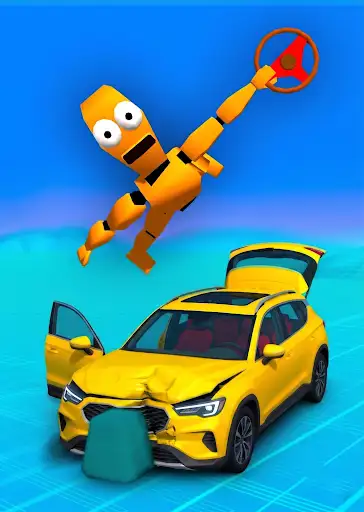
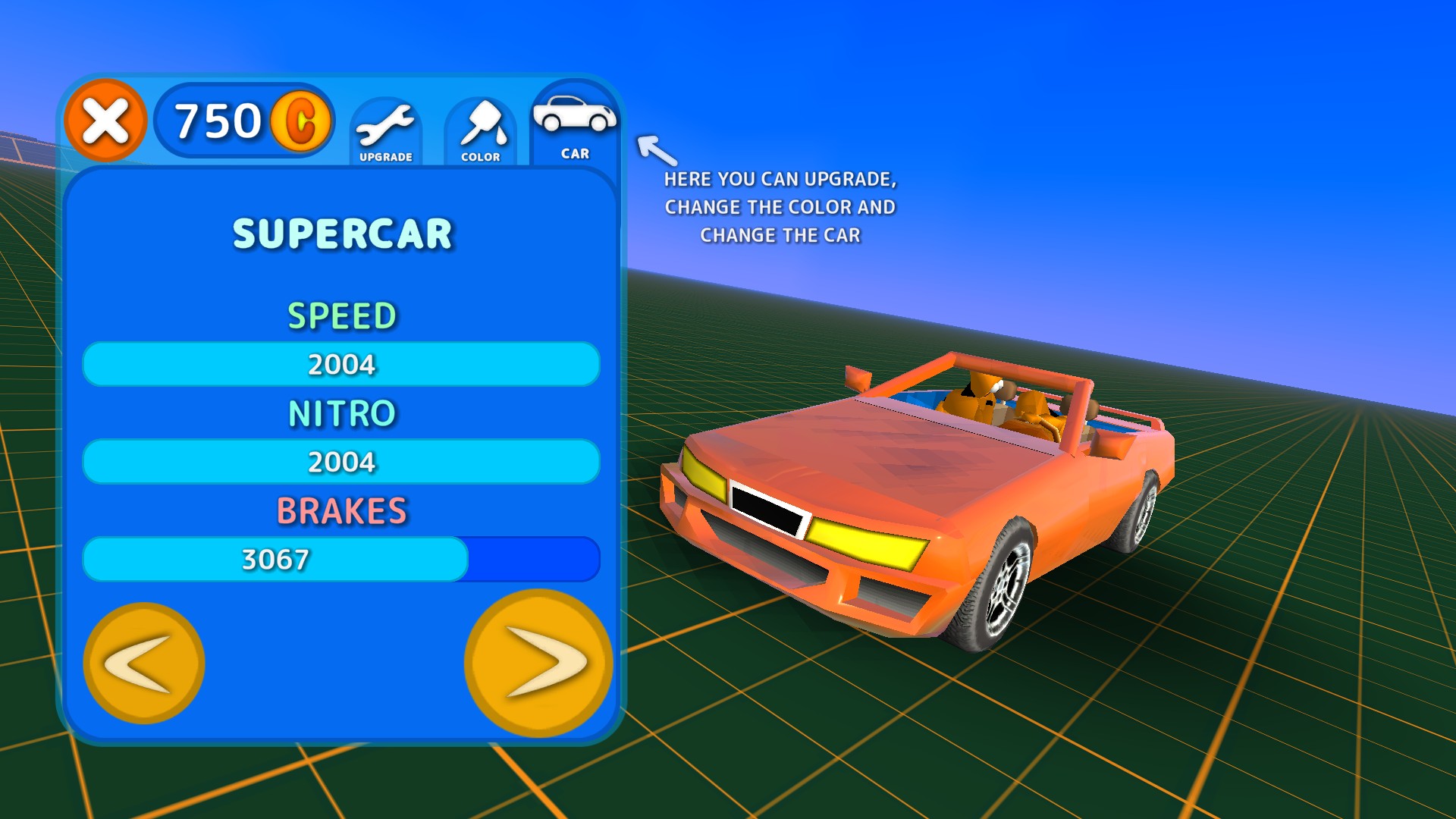
Take the Supercar for a spin
Open the garage roster and choose a new ride, including the Supercar.
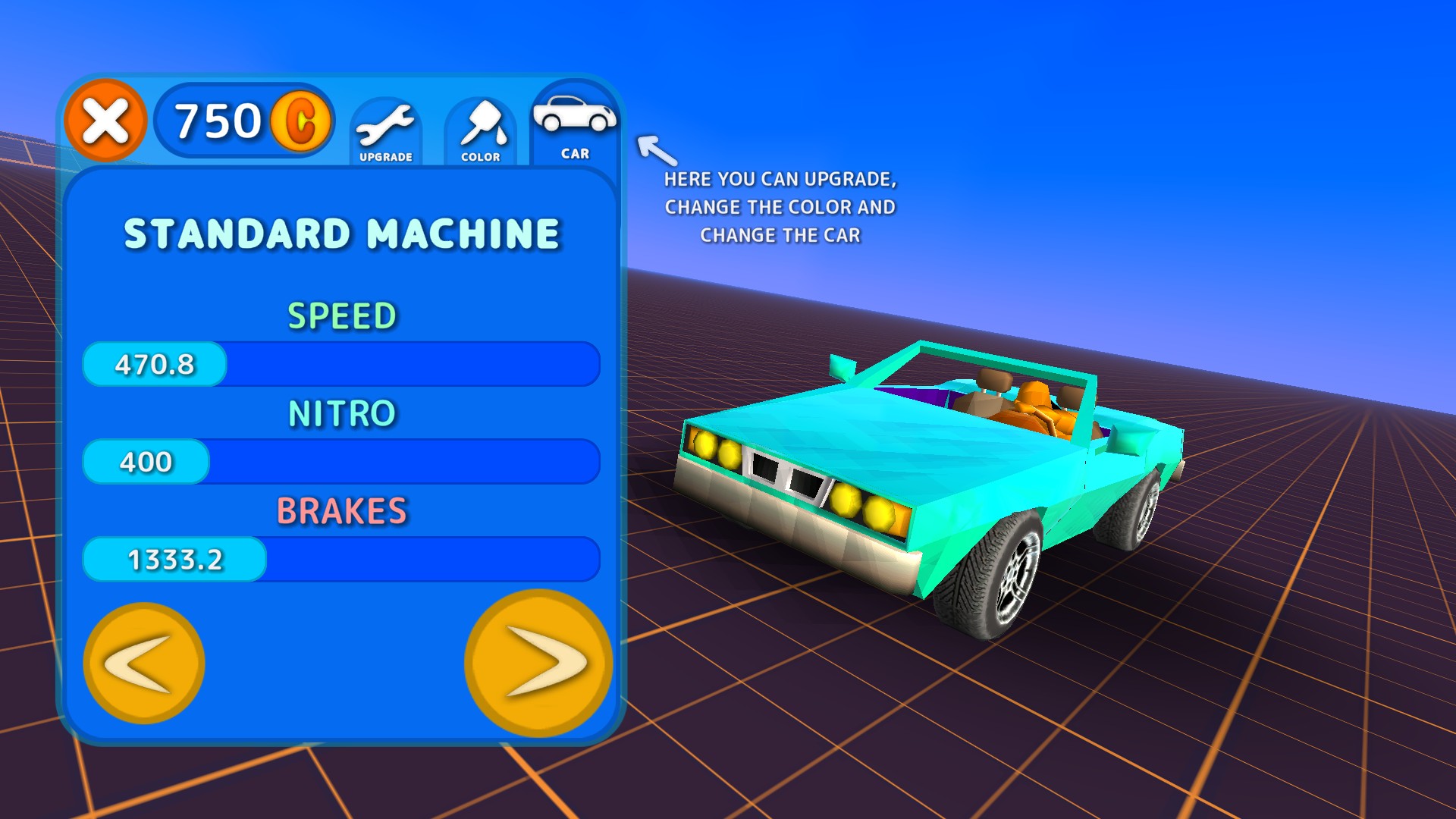
Give your garage a fresh look
Choose a new paint color for your vehicles, from bright shades to a mint-green makeover.
Choose a car from the garage
Apply Unlock vehicles, open the garage and select the ride you want. The Supercar is among the available choices.
Change the paint
Choose a paint color and apply Vehicle paint, then visit the garage to see the new look. Paint is free; vehicle access requires Premium.
Available customisation options
Unlock vehiclesPremium
Open the garage roster and choose a different ride, including the Supercar.
Apply vehicle access, then open the garage and select your car.
Vehicle paintFree
Give your vehicles a fresh look with a paint color of your choice.
Choose a color, apply it and visit the garage to see your new look.
More ways to customise BMG: Ragdoll Car Race
- BMG: Ragdoll Car Race resources
Set your coin balance before your next visit to the garage.
- BMG: Ragdoll Car Race stat modifiers
Adjust nitro power and burst duration for your current car.
Using these features
Connect your game, then open Customise in the Windows app. Choose an option, check its available values and follow its instructions. Each option lists its own requirements and limits.
Setup for BMG: Ragdoll Car Race →