
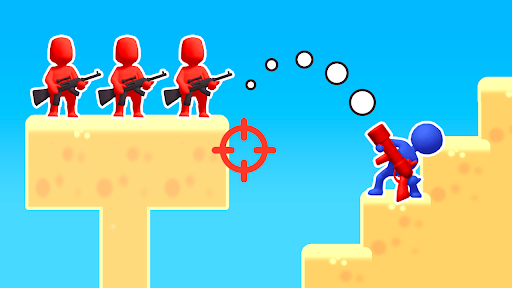
Choose a Bazooka Boy level
Return to the opening terrain puzzle or play the wooden-platform puzzle in level 2. Choose a level with the free Level control, then aim and fire as usual.
Requires the Windows app and the Bytonian Mods browser extension for Chrome or Edge. Browser setup guide
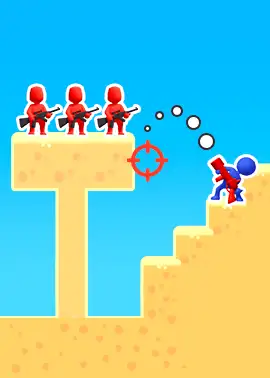
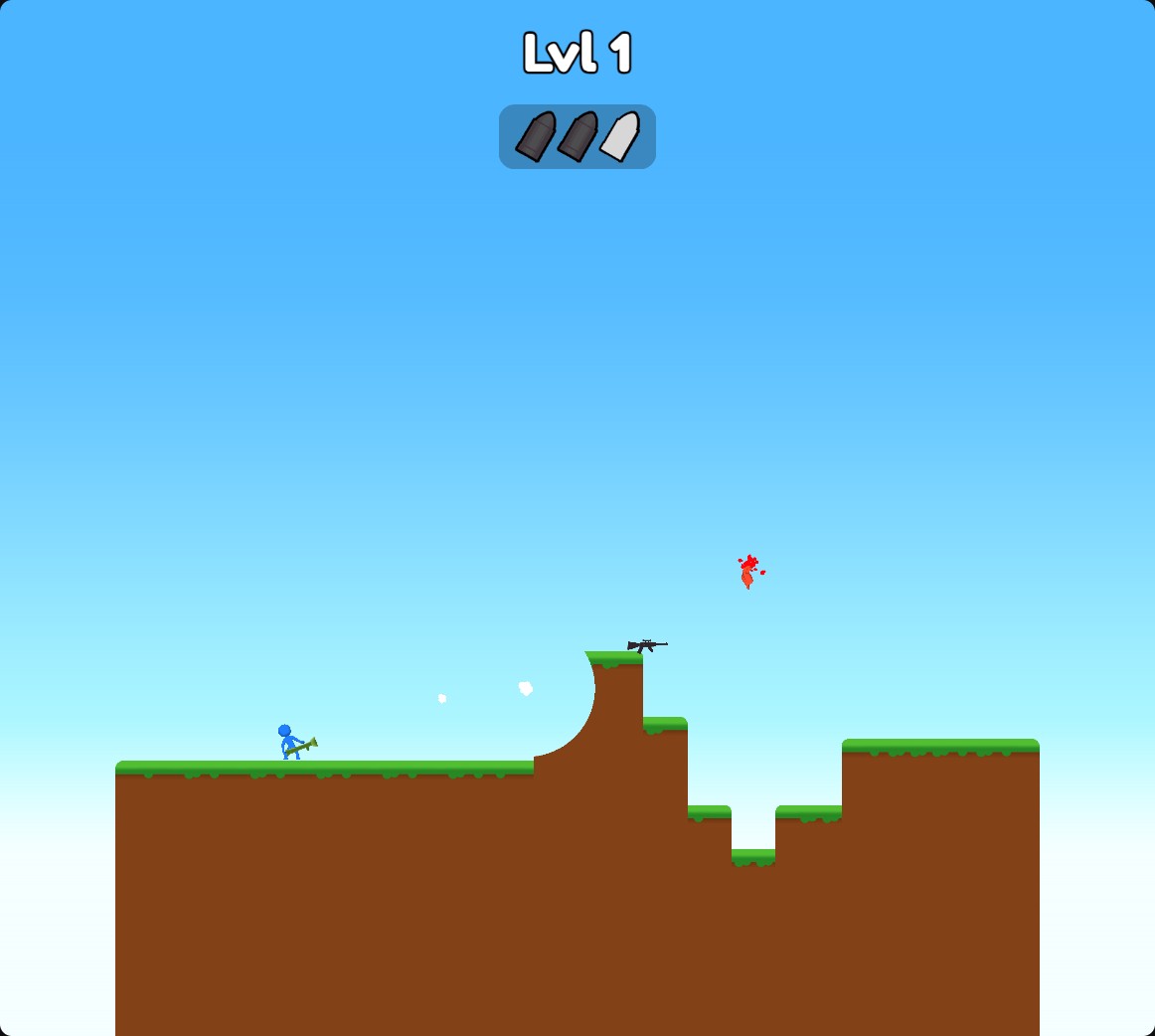
Replay the opening bazooka puzzle
Choose level 1 or 2, then aim and fire through the puzzle's terrain.
Load your chosen puzzle
Set Level to 1 or 2 and apply your changes. If the game stays on its loading screen, reopen the playable to load your choice. You still aim and fire the bazooka yourself.
Available customisation options
LevelFree
Choose level 1 or 2 to replay an opening puzzle.
Set Level to 1 or 2 and apply your changes. If loading stalls, reopen the playable.
Supports levels 1 and 2.
Questions about customisation options
- Does choosing a level complete it?
- No. Your chosen puzzle loads for you to play, with its enemies and normal shot limit.
Using these features
Connect your game, then open Customise in the Windows app. Choose an option, check its available values and follow its instructions. Each option lists its own requirements and limits.
Setup for Bazooka Boy →