
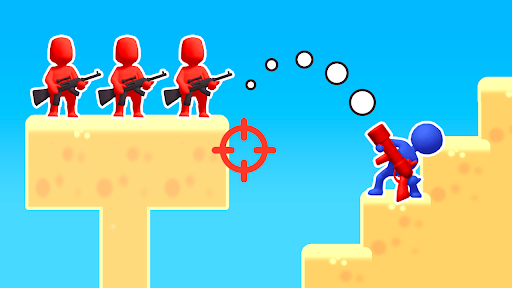
Customise
1 optionChoose between levels 1 and 2 to replay the opening puzzles.
View customisation options →Return to level 1's opening terrain puzzle or level 2's wooden-platform puzzle with the Level control. Choose the board you want, then aim your bazooka and use explosions to bring down enemies yourself.
Requires the Windows app and the Bytonian Mods browser extension for Chrome or Edge. Browser setup guide
Start with free mods
Download Bytonian Mods for Windows and try these free features. Choose one to see how it works and any requirements.
Choose level 1 or 2 to replay an opening puzzle.
Set Level to 1 or 2 and apply your changes. If loading stalls, reopen the playable.
Supports levels 1 and 2.
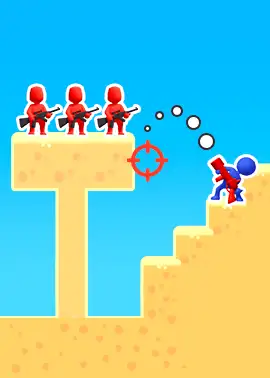
You have a limited supply of shots in each puzzle. Break the ground beneath an enemy or blast through a wooden support to bring them down. The free Level control lets you return to either of the first two puzzles.
Choose between levels 1 and 2 to replay the opening puzzles.
View customisation options →Download the Windows app and follow the setup prompts.
Set up the browser extension in Chrome or Edge, then open the supported YouTube Playable. Follow the connection guide if the game is already running.
Open Customise in Bytonian Mods, choose an option and follow its instructions. Check the available values and any limits before making your change.