

Open All Tour Levels
Apply the free tour access option, then choose a stage from the normal map after the game reloads.
Requires the Windows app and the Bytonian Mods browser extension for Chrome or Edge. Browser setup guide

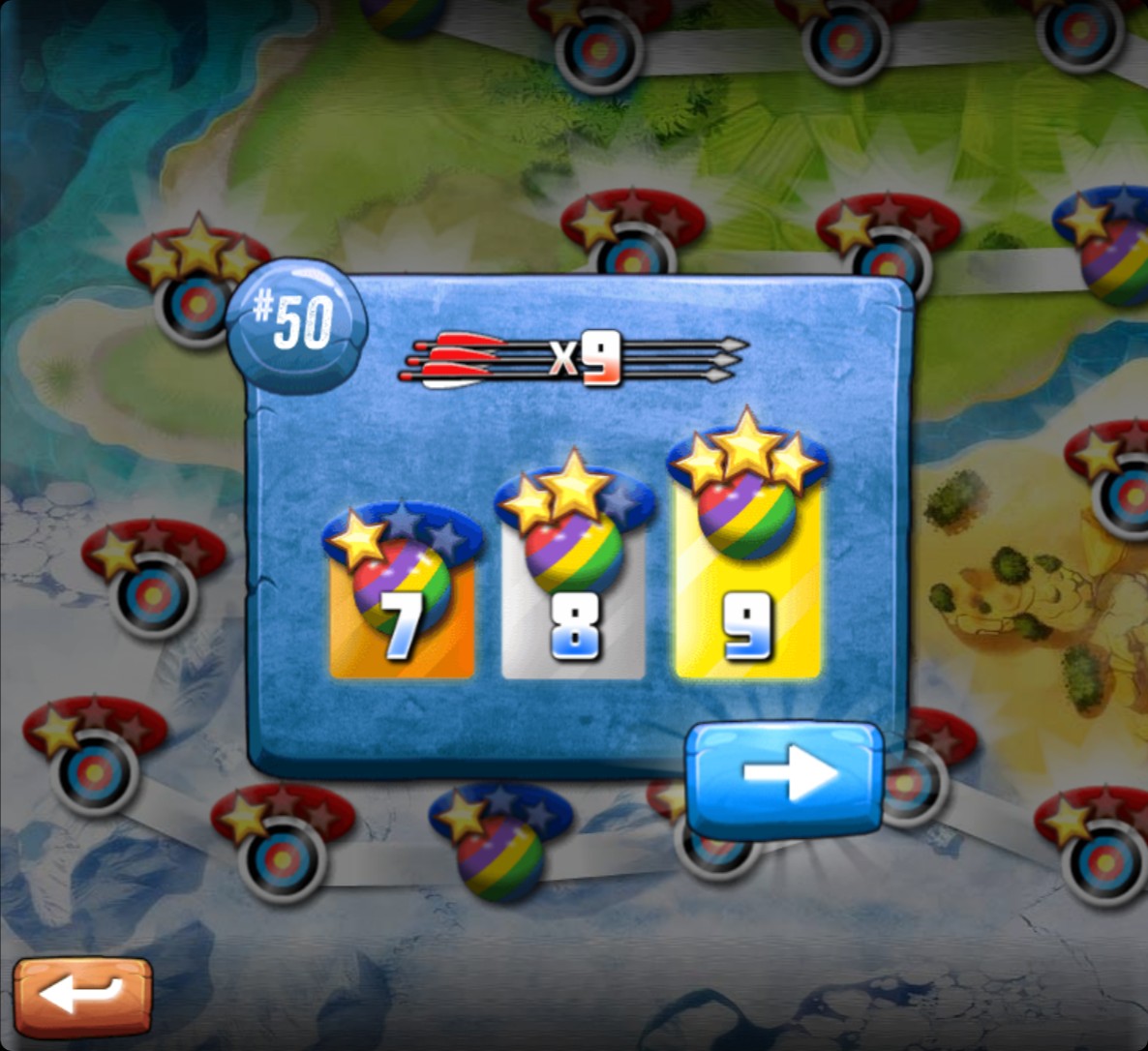
Choose the final tour level
Open all 50 tour levels by marking the first 49 complete with at least bronze. Higher medals and saved scores are preserved.
How to open the tour
Choose Open All Tour Levels and apply it. After the game reloads, enter the tour map and select a stage.
From the map, you can jump to level 50's nine-arrow challenge or return to an earlier target without losing higher medals or saved scores.
Available customisation options
Open All Tour LevelsFree
Open all 50 tour levels. This marks the first 49 complete with at least bronze, preserves higher medals and saved scores, and reloads the game.
Apply the option, wait for the reload, then select a level on the tour map.
Questions about customisation options
- Does this change my saved scores?
- Saved scores stay unchanged. The first 49 level medals rise to at least bronze and level 50 opens.
Using these features
Connect your game, then open Customise in the Windows app. Choose an option, check its available values and follow its instructions. Each option lists its own requirements and limits.
Setup for Archery World Tour →