

Customise
1 optionChoose any tour level after the reload while keeping higher medals and saved scores.
View customisation options →Choose any tour challenge after opening all 50 levels. The first 49 are marked complete with at least bronze, while higher medals and saved scores stay in place.
Requires the Windows app and the Bytonian Mods browser extension for Chrome or Edge. Browser setup guide

Start with free mods
Download Bytonian Mods for Windows and try these free features. Choose one to see how it works and any requirements.
Open all 50 tour levels. This marks the first 49 complete with at least bronze, preserves higher medals and saved scores, and reloads the game.
Apply the option, wait for the reload, then select a level on the tour map.
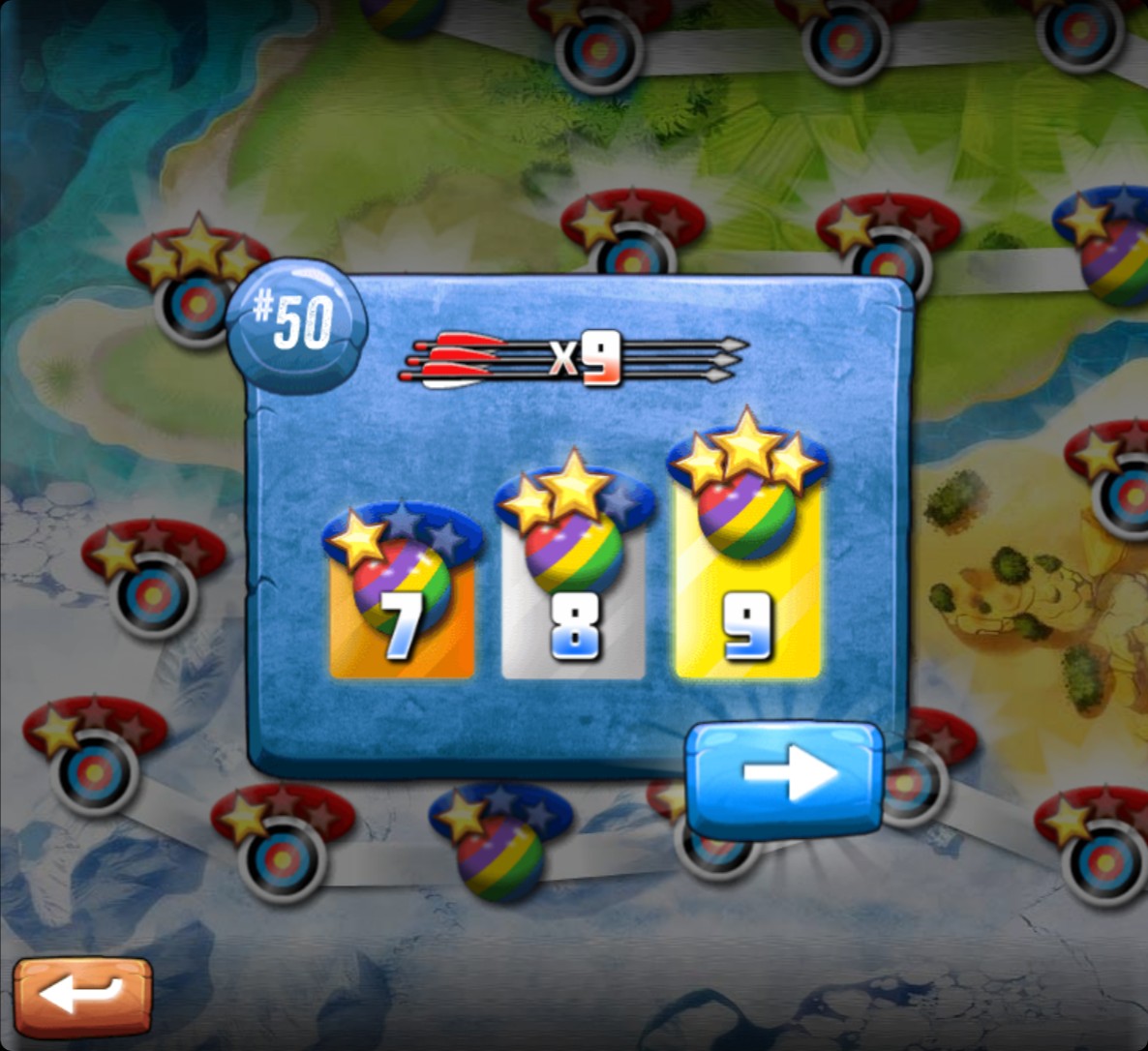
Explore the whole tour
Choose from all 50 tour levels. The first 49 are marked complete with at least bronze, while higher medals and saved scores are preserved.
Jump to a later tour level, including the final nine-arrow challenge, and play with the normal bow and aiming controls.
The first 49 levels receive at least bronze to make the full tour available. Your higher medals and saved scores stay in place.
Choose any tour level after the reload while keeping higher medals and saved scores.
View customisation options →Download the Windows app and follow the setup prompts.
Set up the browser extension in Chrome or Edge, then open the supported YouTube Playable. Follow the connection guide if the game is already running.
Open Customise in Bytonian Mods, choose an option and follow its instructions. Check the available values and any limits before making your change.