
Game Actions
1 optionFinish a crocodile feeding challenge and use the game's Continue button.
View game actions →Finish the current crocodile feeding challenge and open Continue when you are ready for the next zoo task. Zoo - Happy Animals moves between short animal-care challenges, including feeding and sorting.
Requires the Windows app and the Bytonian Mods browser extension for Chrome or Edge. Browser setup guide
Start with free mods
Download Bytonian Mods for Windows and try these free features. Choose one to see how it works and any requirements.
Finish the current crocodile feeding challenge and open Continue.
Press once during a crocodile feeding scene, then select Continue in the game.
Requires an active crocodile feeding challenge.
Open Game Actions to find Finish Crocodile Feeding. It is intended for crocodile feeding scenes and does not complete the zoo's other animal-care challenges.
Open Zoo - Happy Animals on YouTube Playables with the Bytonian Mods browser extension connected. Press Finish Crocodile Feeding while the crocodile feeding scene is active, then select Continue when the game offers it.
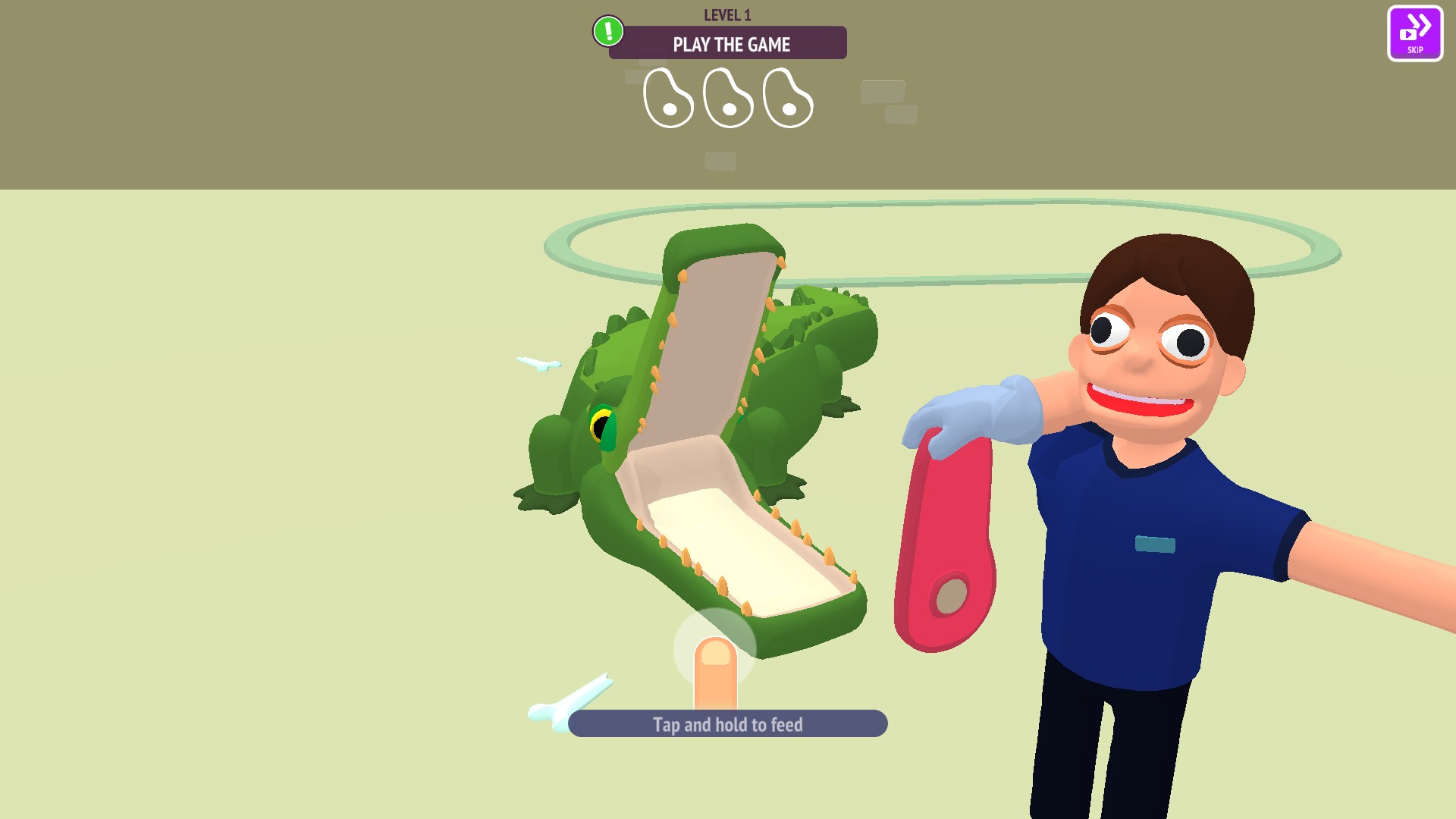
Crocodile feeding in Zoo - Happy Animals
Time each feeding to keep the crocodile happy as you work through the animal-care challenges.
Finish a crocodile feeding challenge and use the game's Continue button.
View game actions →Download the Windows app and follow the setup prompts.
Set up the browser extension in Chrome or Edge, then open the supported YouTube Playable. Follow the connection guide if the game is already running.
Review the available options in the app and choose the ones that suit how you play.