
Resources
1 optionSet cash from 0 to 1,000,000 for random outfit purchases.
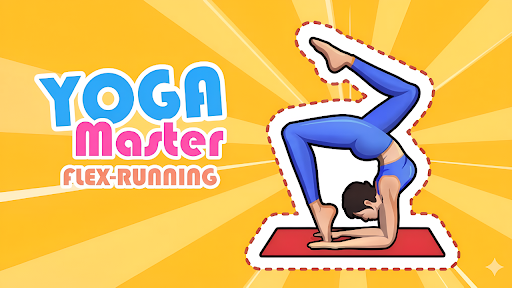
View resources →Set your cash balance to unlock a random outfit from the skin shop. Progress through Yoga Master - Flex Running by changing poses to slip past obstacles.
Requires the Windows app and the Bytonian Mods browser extension for Chrome or Edge. Browser setup guide
Start with free mods
Download Bytonian Mods for Windows and try these free features. Choose one to see how it works and any requirements.
Choose how much cash you have for random outfit purchases.
Apply your amount, then use the cash purchase button in Skins. The wallet display updates after a purchase.
Set the amount you want, then open Skins and use the cash purchase button. Each purchase unlocks a random outfit from the shop.
Set cash from 0 to 1,000,000 for random outfit purchases.
View resources →Download the Windows app and follow the setup prompts.
Set up the browser extension in Chrome or Edge, then open the supported YouTube Playable. Follow the connection guide if the game is already running.
Review the available options in the app and choose the ones that suit how you play.