

Set your bulb and hammer hints or Gems
Choose your bulb hint stock for letter reveals and hammer hints when you want to pick the tile. Set Gems separately for normal hint purchases, then return to your crossword.
Requires the Windows app and the Bytonian Mods browser extension for Chrome or Edge. Browser setup guide

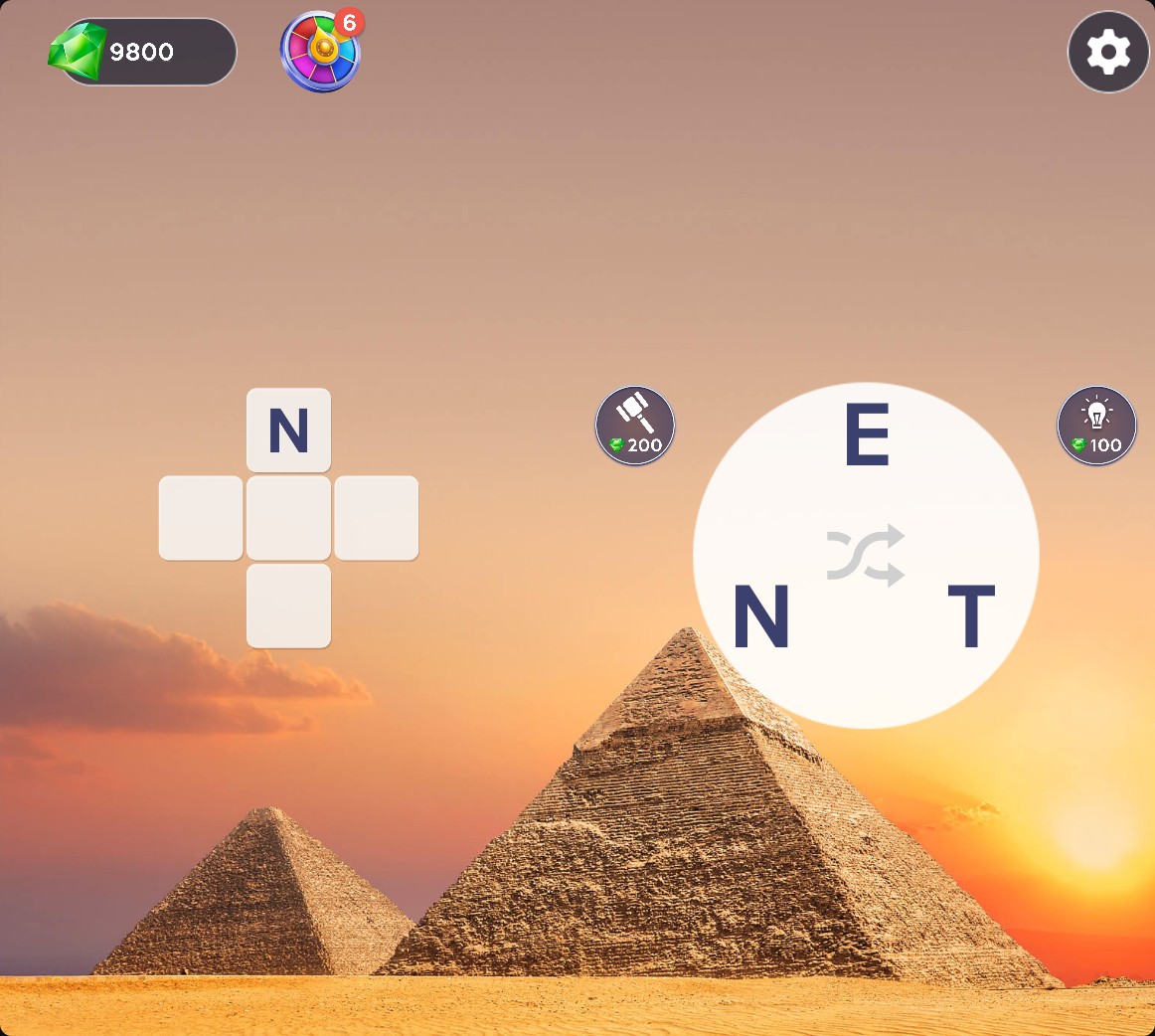
Reveal a chosen letter with Gems
Use Gems for the normal hint controls. A hammer hint reveals the selected puzzle tile.
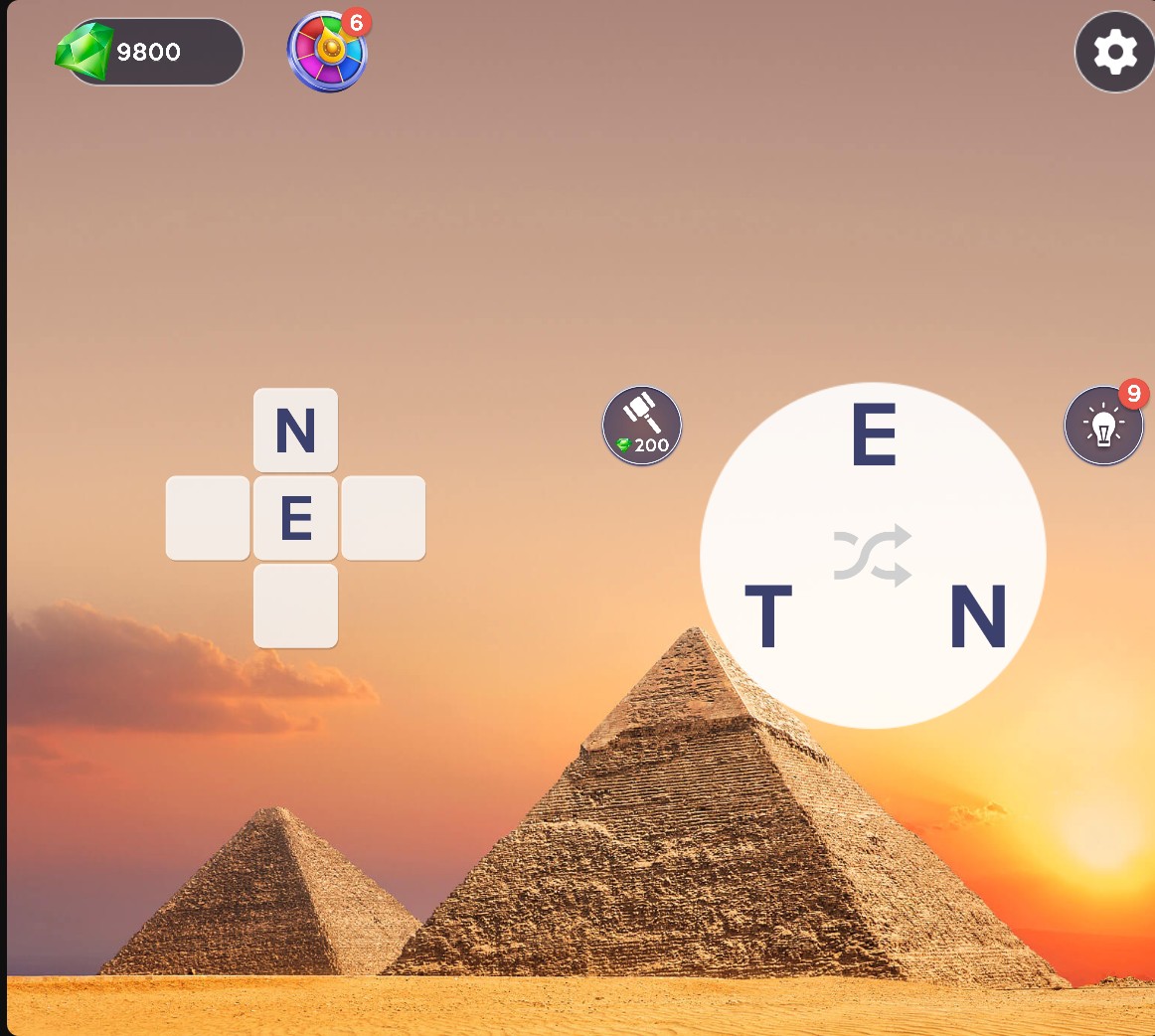
Reveal letters with bulb hints
Use your bulb hints to reveal puzzle letters while keeping your Gems for other hints.
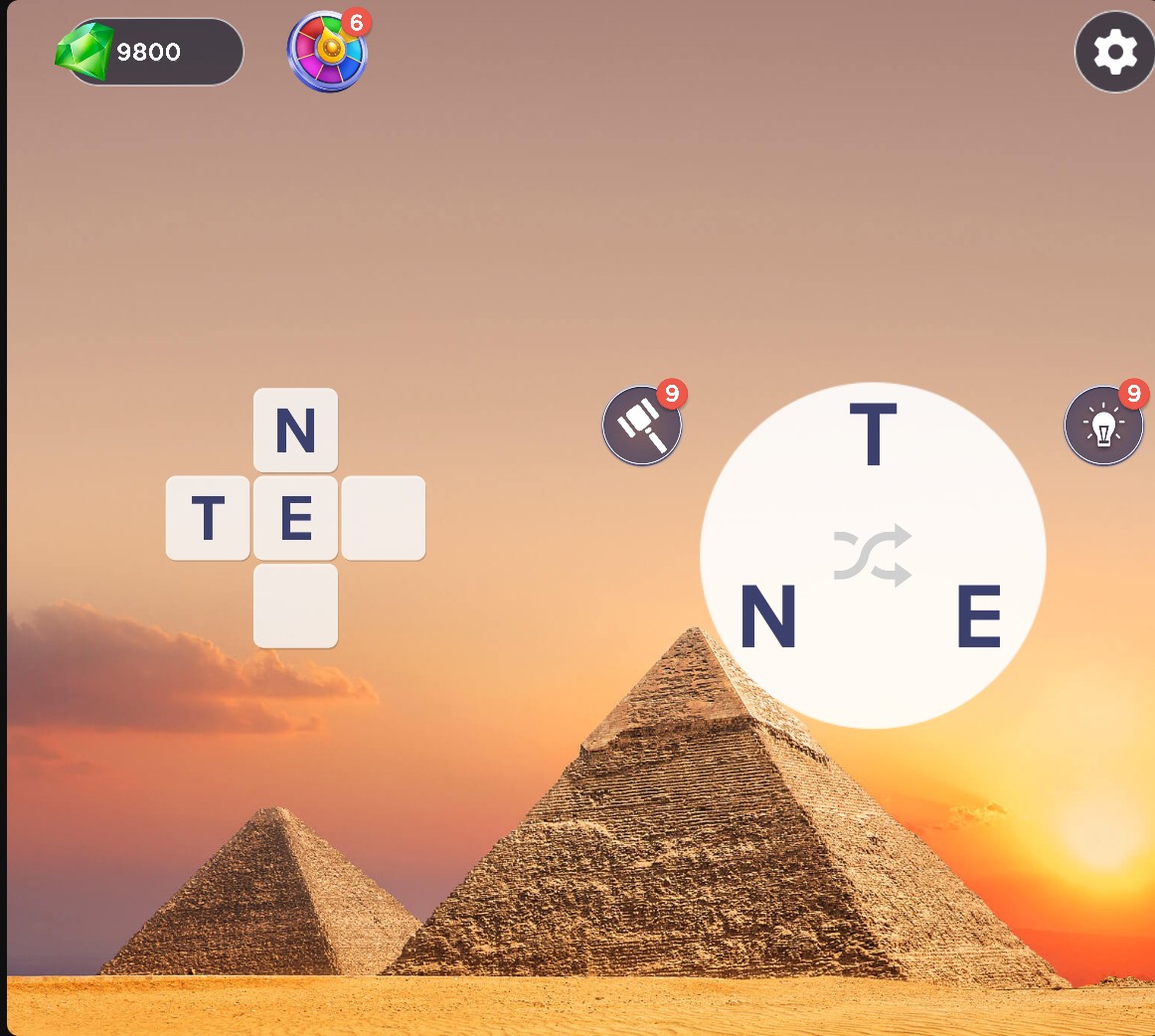
Choose the tile to reveal
Use hammer hints to reveal a letter in the puzzle tile you choose.
Use your hints in the puzzle
Tap the bulb to reveal a letter. Tap the hammer and then an empty tile to reveal the letter at that position. Stocked hints are used before their Gem price.
The bulb-hint option is Free. Gems and hammer-hint stock are Premium options. Each reveal consumes its normal cost or one stocked hint.
Available customisation options
GemsPremium
Set the Gems available for normal hint purchases.
Choose an amount, apply, then use the bulb or hammer hint in a puzzle.
Hint purchases still deduct their normal Gem price.
Bulb hintsFree
Set your bulb hints to reveal puzzle letters without spending Gems.
Choose a stock, apply, then tap the bulb during a puzzle.
Each use consumes one bulb hint.
Hammer hintsPremium
Set hammer hints to uncover letters in tiles you choose.
Choose a stock, apply, then tap the hammer and select an empty puzzle tile.
Each reveal consumes one hammer hint.
Questions about customisation options
- Do stocked hints spend Gems?
- A stocked bulb or hammer hint uses one hint from its matching stock. Gems remain available for other hint purchases.
Using these features
Connect your game, then open Customise in the Windows app. Choose an option, check its available values and follow its instructions. Each option lists its own requirements and limits.
Setup for Words of Wonders →