
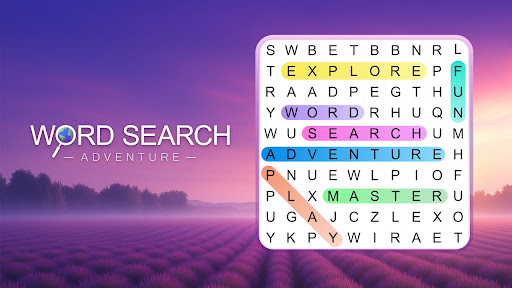
Customise
4 optionsSet Coins and three item quantities with four free controls.
View all customisation options →Stock up on hints for a hard-to-spot word or keep Magic Wands ready to fade unrelated letters. Find words in each themed grid and collect travel photos as you finish levels.
Requires the Windows app and the Bytonian Mods browser extension for Chrome or Edge. Browser setup guide
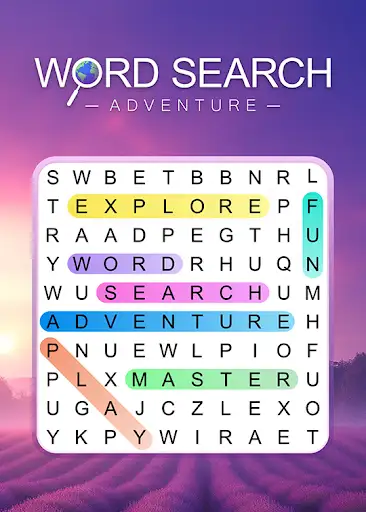
Start with free mods
Download Bytonian Mods for Windows and try these free features. Choose one to see how it works and any requirements.
Choose your Coins balance for normal item purchases.
Set a whole-number balance from 0 to 1,000,000. A normal Hint costs 100 Coins when your stocked Hints run out.
Choose your Hints supply to reveal the first letter of a word.
Set 0 to 10,000 Hints, then use the normal Hint button after its Level 4 unlock.
Choose your Magic Wands supply to fade unrelated letters on the board.
Set 0 to 10,000 Magic Wands, then use the normal wand button after its Level 6 unlock.
Choose your Super Hints supply to reveal the first letters of three words.
Set 0 to 10,000 Super Hints, then use the normal Super Hint button after its Level 5 unlock.
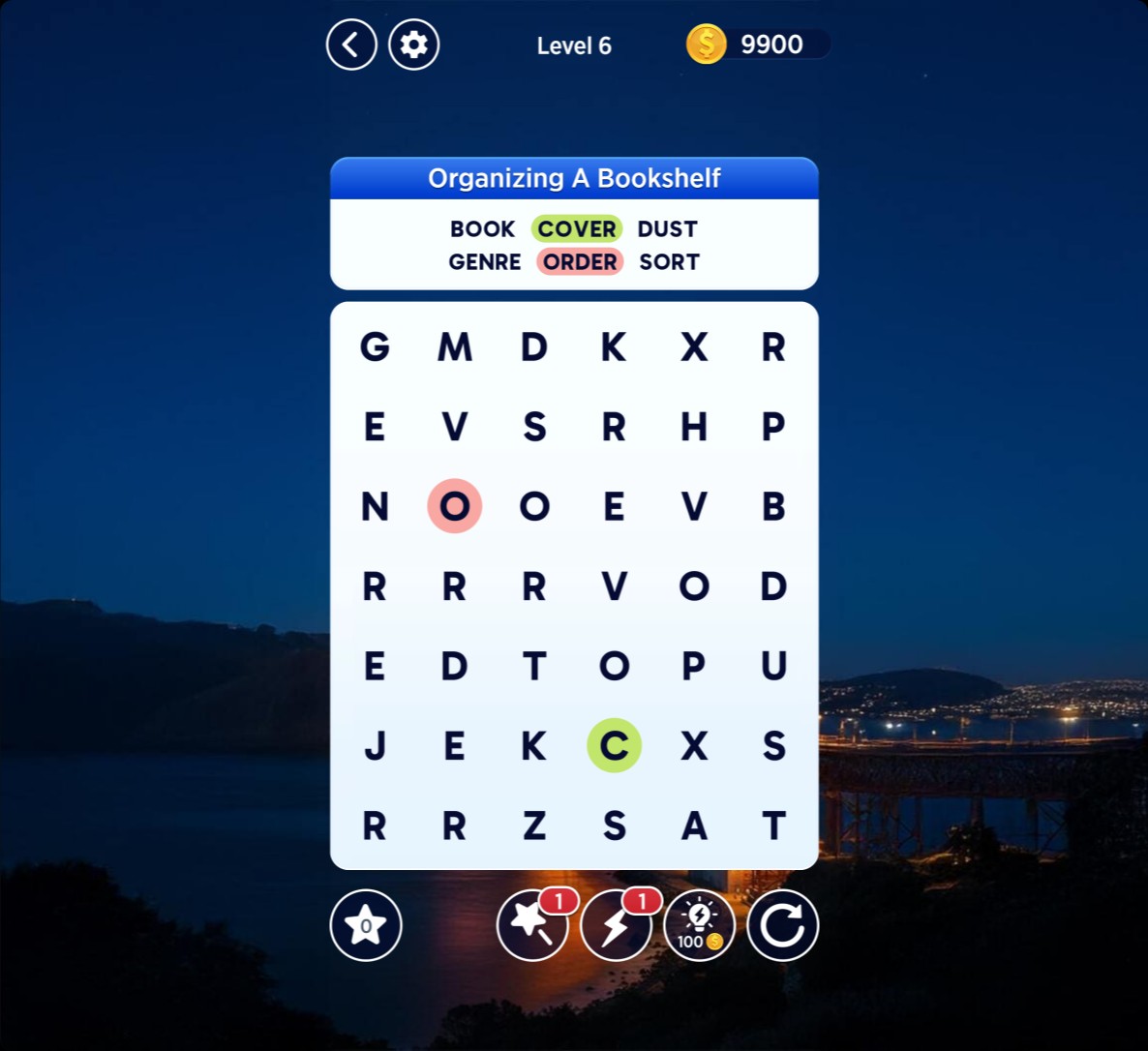
Get another clue on the board
Use Coins for a normal hint purchase and keep searching for the remaining words.
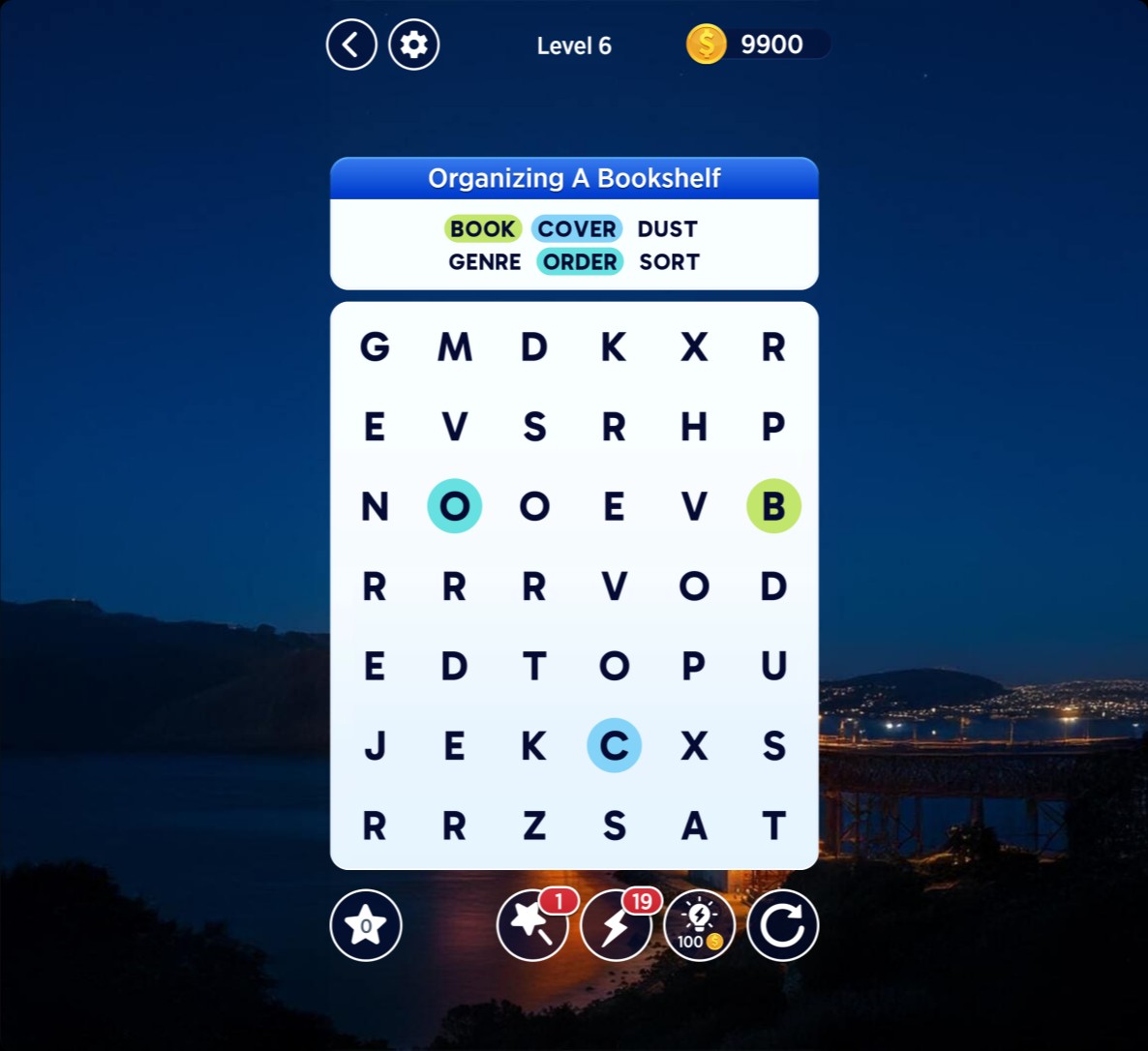
A wider clue for the word search
Set your Super Hints supply and use one to mark the first letters of three words.
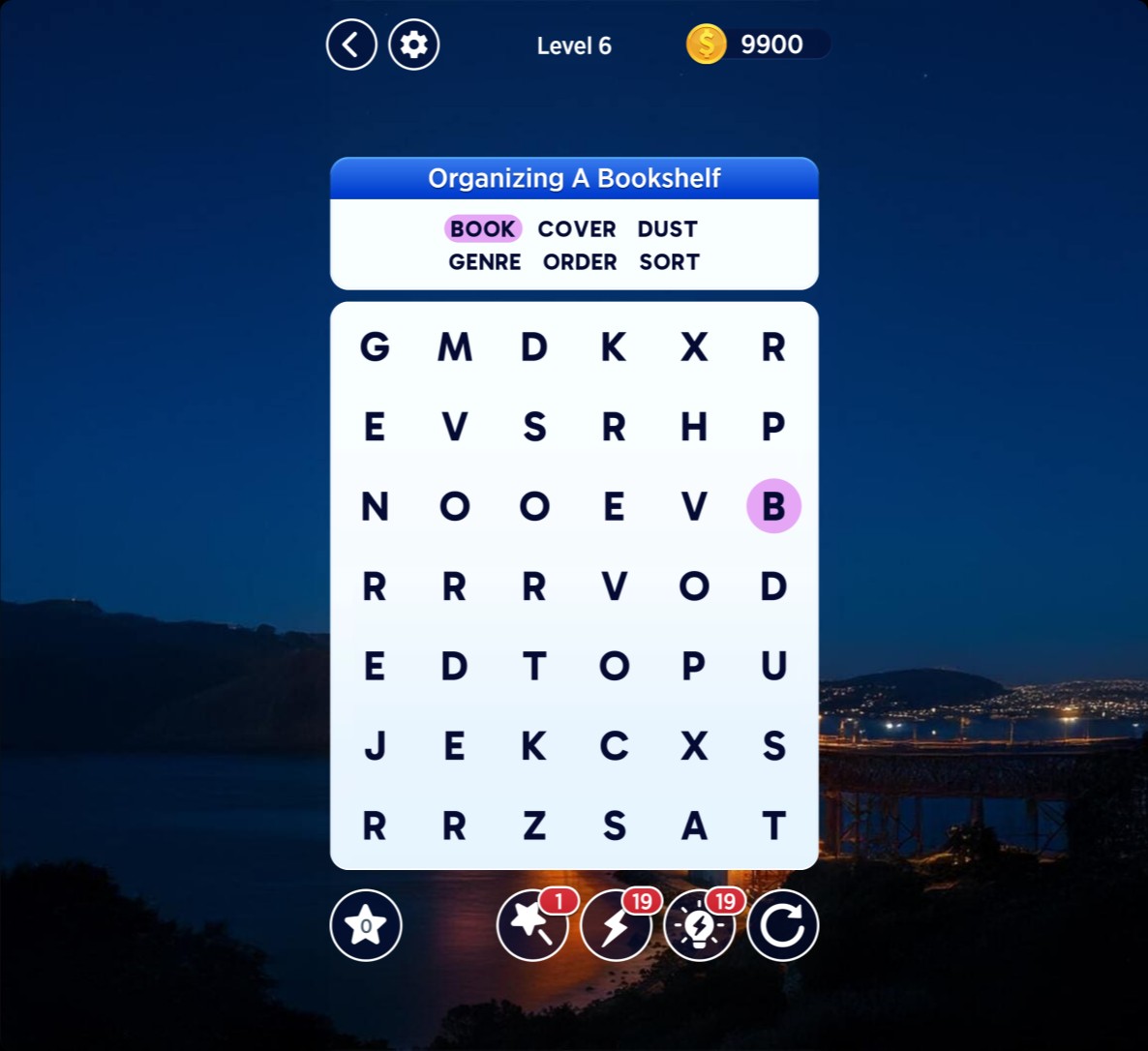
A starting point for the next word
Choose your Hints supply and use one to mark the first letter of a word.
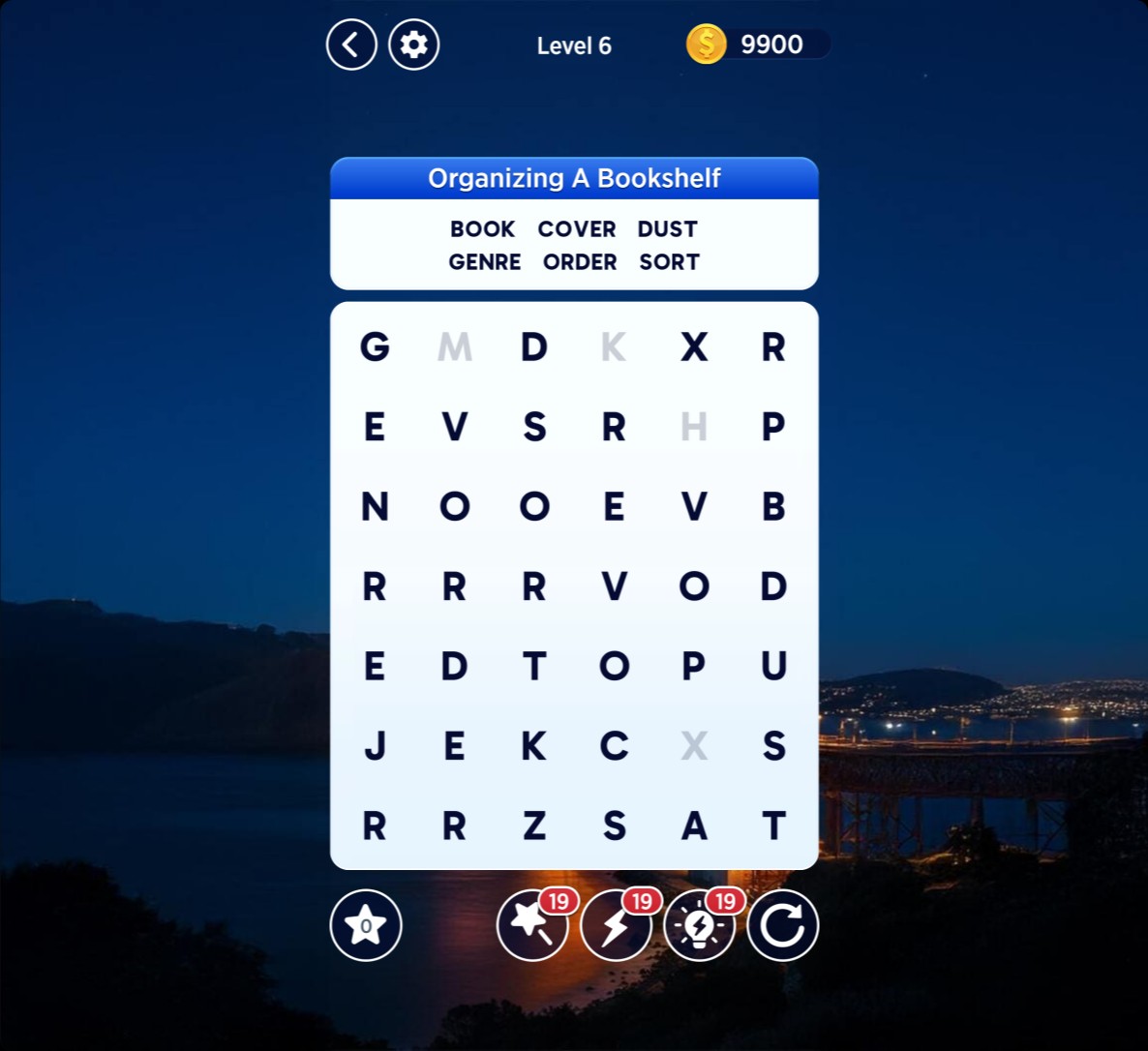
Make the word grid easier to scan
Choose your Magic Wands supply and use one to fade unrelated letters on the board.
A Hint marks the first letter of one word. A Super Hint marks the first letters of three words, giving you several places to start searching.
Magic Wands fade unrelated letters while keeping the letters you need visible. Set your supply and use the normal wand button during a puzzle.
Choose your Coins balance for the game's item purchases. When stocked Hints run out, a normal Hint costs 100 Coins.
Set Coins and three item quantities with four free controls.
View all customisation options →Download the Windows app and follow the setup prompts.
Set up the browser extension in Chrome or Edge, then open the supported YouTube Playable. Follow the connection guide if the game is already running.
Open Customise in Bytonian Mods, choose an option and follow its instructions. Check the available values and any limits before making your change.