
Resources
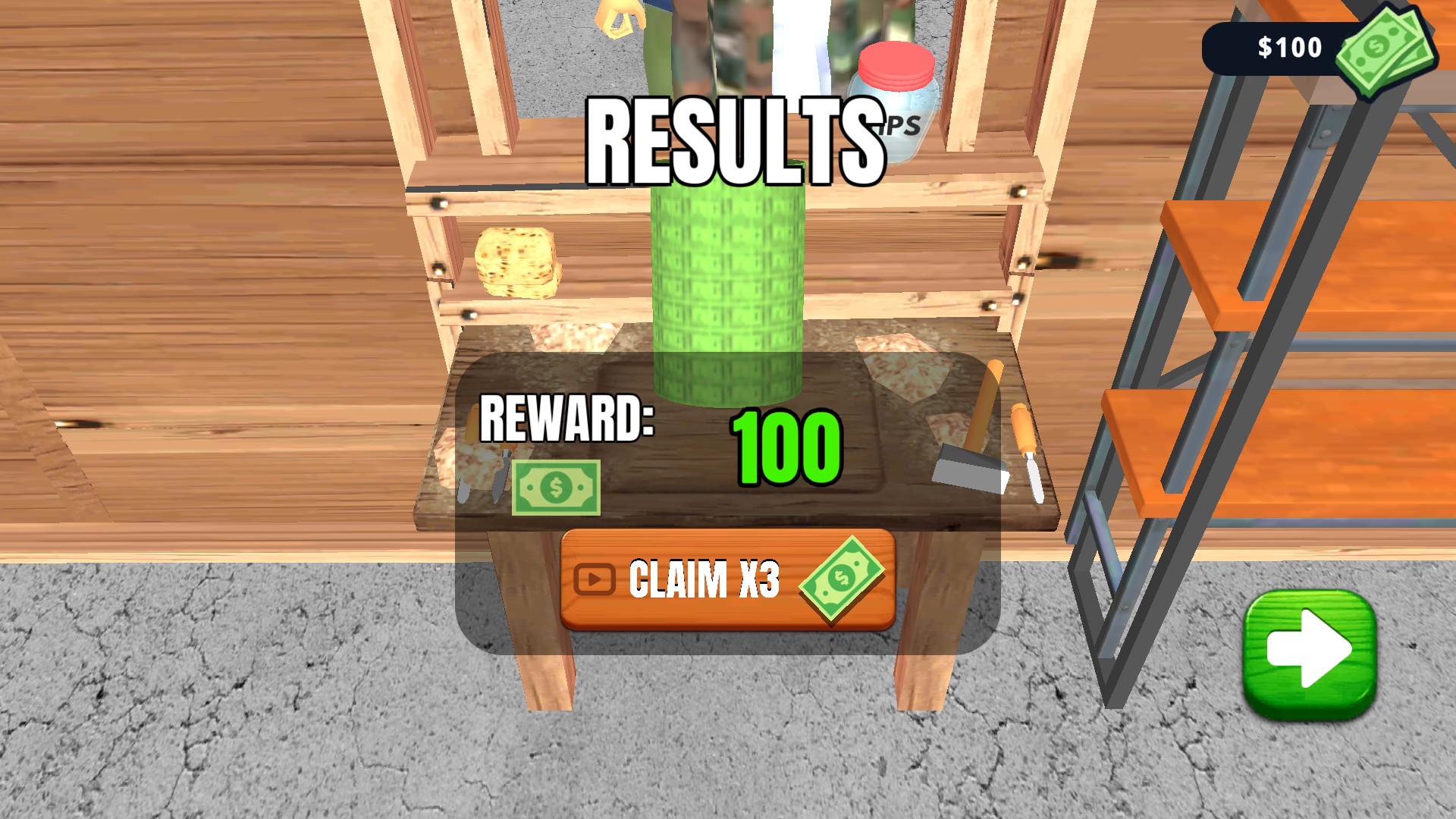
1 optionSet your cash balance and choose where to spend it in the workshop.
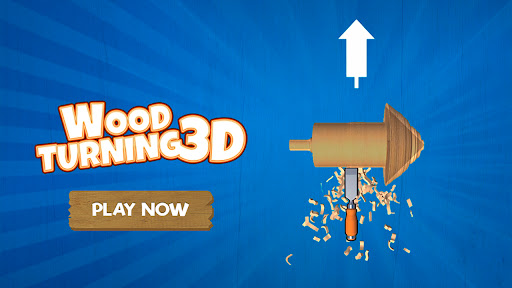
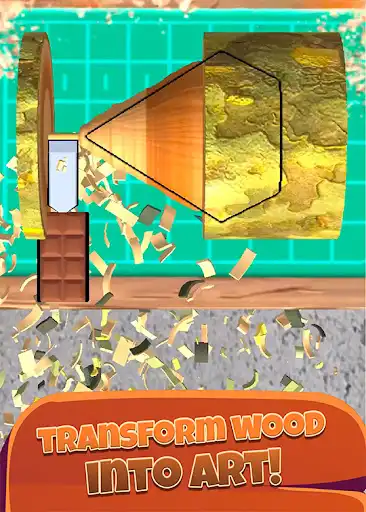
View resources →Clear a coat to try a new color, adjust the spray coverage or set your cash balance for workshop upgrades. Woodturning 3D takes you from shaping a piece of wood to finishing the next customer order.
Requires the Windows app and the Bytonian Mods browser extension for Chrome or Edge. Browser setup guide
Start with free mods
Download Bytonian Mods for Windows and try these free features. Choose one to see how it works and any requirements.
Remove the paint from your current piece and try a new look.
Use while painting to keep your shape and start the color again.
Clear paint gives your current piece a clean start while keeping its shape. Paint opacity lets you choose between lighter coverage and a richer coat before you spray.
Open Woodturning 3D with Bytonian Mods and enable the controls you want. Use cash in the workshop, and use the finishing controls when your piece reaches the matching crafting stage.
Your next woodturning project
Shape wooden pieces, add your finish and show your work to waiting customers.
Set your cash balance and choose where to spend it in the workshop.
View resources →Refresh your paint, choose spray coverage and control when your project moves forward.
View game actions →Download the Windows app and follow the setup prompts.
Set up the browser extension in Chrome or Edge, then open the supported YouTube Playable. Follow the connection guide if the game is already running.
Review the available options in the app and choose the ones that suit how you play.