
Choose your puzzle supplies
Keep a little help ready when the board gets tricky. Set your hints and Add Numbers uses, then choose Continue to pick up your puzzle.
Requires the Windows app and the Bytonian Mods browser extension for Chrome or Edge. Browser setup guide
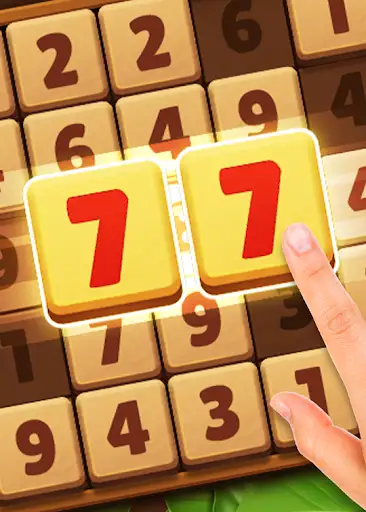
Reveal a matching pair
The lightbulb highlights two numbers that can be cleared together. Each use spends one hint, leaving the next match in your hands.
Bring in fresh numbers
Set your Add Numbers supply for the current Classic puzzle. Each tap of the plus button spends one use and brings more numbers onto the board.
Available customisation options
HintsFree
Keep hints ready to help you find matching number pairs.
Choose your amount, apply it and select Continue. Tap the lightbulb below the board to reveal a pair.
Starting New Game resets the hint supply for the new puzzle.
Add NumbersPremium
Give yourself more chances to bring fresh numbers onto the board.
Choose your amount, apply it and select Continue. Tap the plus button below the board to add numbers.
Available for an existing Classic puzzle.
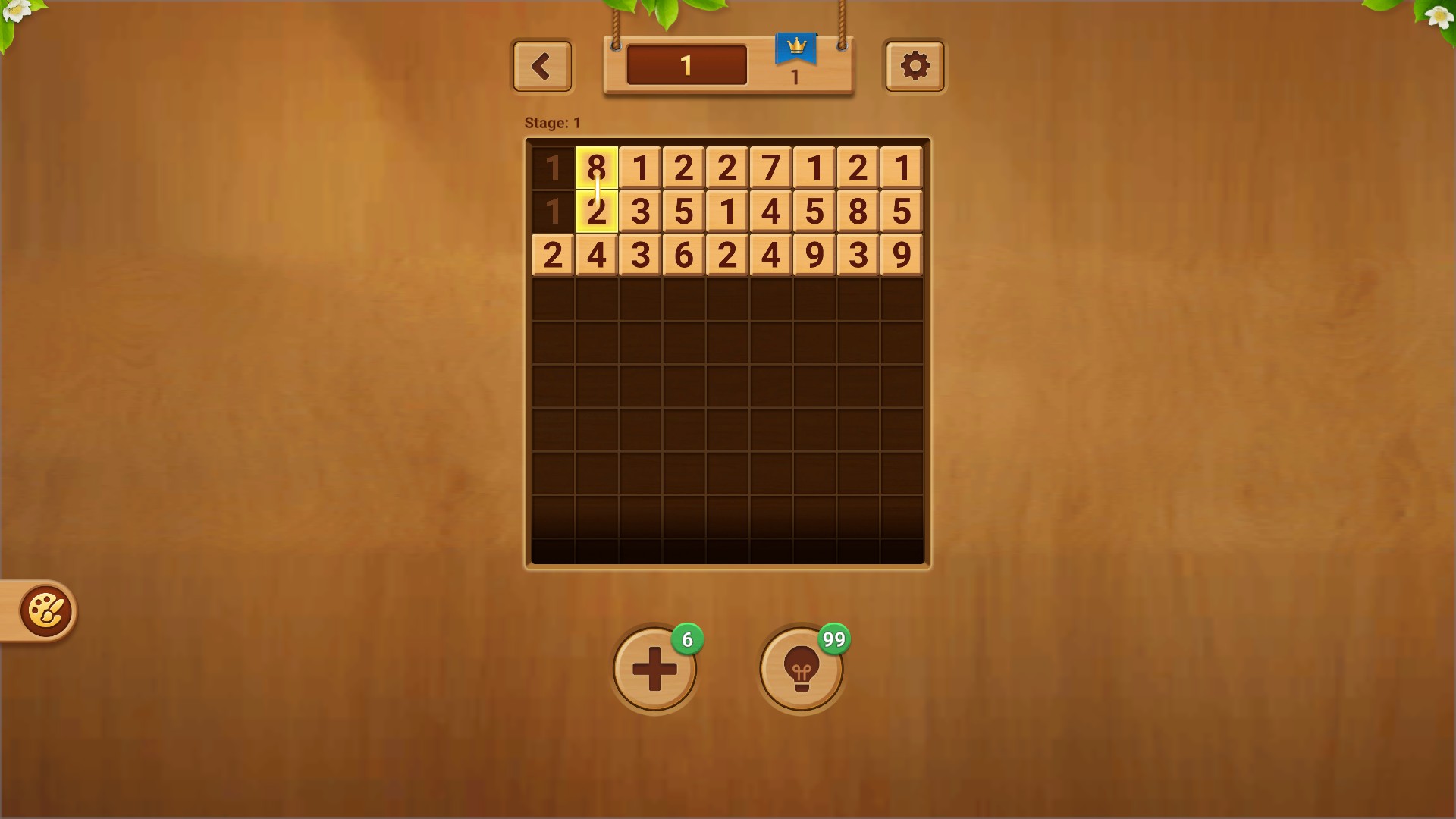
Find your next matching pair
Keep hints ready as you work through the board. Tap the lightbulb to reveal a matching pair when you need a little help.
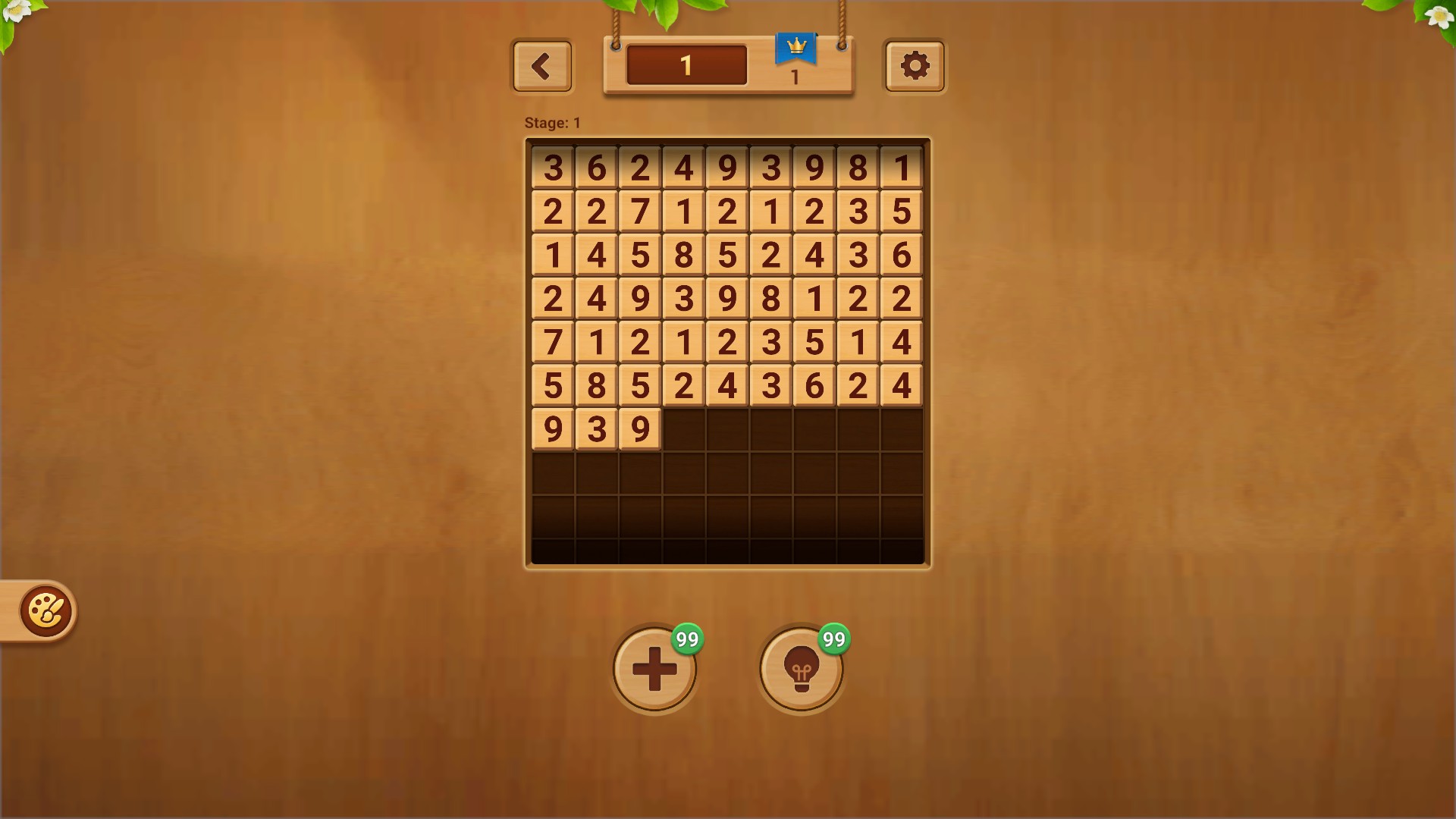
Keep fresh numbers coming
Choose more Add Numbers uses for your current puzzle. Tap the plus button to bring fresh numbers onto the board and look for your next match.
Using these features
Connect your game, then open Customise in the Windows app. Choose an option, check its available values and follow its instructions. Each option lists its own requirements and limits.
Setup for Woodber →